
Prison Journey: Dig & Run

Prison Journey: Dig & Run

Casual

| HIGAME LTD.

Play on PC with BlueStacks or from our cloud

  • Overview
  • Game Features
  • How to Play

Page Modified On: September 18, 2026

Play Prison Journey: Dig & Run on PC or Mac

Step into the World of Prison Journey: Dig & Run, a thrilling Casual game from the house of HIGAME LTD.. Play this Android game on BlueStacks App Player and experience immersive gaming on PC or Mac.

About the Game

Prison Journey: Dig & Run is a sneaky, quick-thinking jailbreak where every choice can save your skin—or blow your cover. It’s Casual at its core: easy to pick up, surprisingly tense, and all about carving paths, grabbing the right tools, and slipping past guards before the timer runs dry. Want a smoother view of the action? It plays nicely on BlueStacks, too.

Game Features

  • Smart escape routes: Navigate branching corridors, vents, and hidden passages, and choose the path that keeps you out of sight and on pace.
  • Digging made simple: Use straightforward controls to tunnel through rooms and walls, linking safe spots into one clean getaway.
  • Tools that matter: Collect keys, shovels, and other helpful gear, then upgrade them to crack tougher locks and bolder routes.
  • Guards with patterns: Study patrols, read their vision cones, and time your moves to slip by without a sound.
  • Risk vs. reward: Go for high-value loot tucked behind dangerous detours—or keep it safe and sprint for the exit.
  • Fresh runs every time: Expect shuffled layouts and surprises that make each attempt feel new and keep you thinking on your feet.
  • Crisp 3D look, smooth feel: Clean visuals and responsive controls keep the action readable and the jailbreak momentum steady.
  • Beat the countdown: You’re racing the clock, so commit to a plan, stay alert, and don’t give the alarms a chance.

Get ready for a buttery smooth, high-performance gaming action only on BlueStacks.
Game Features

Enhancements

  • Macros
  • Multi Instance
  • Script
  • Repeated Tap
  • Enhancements
Macros

Macros

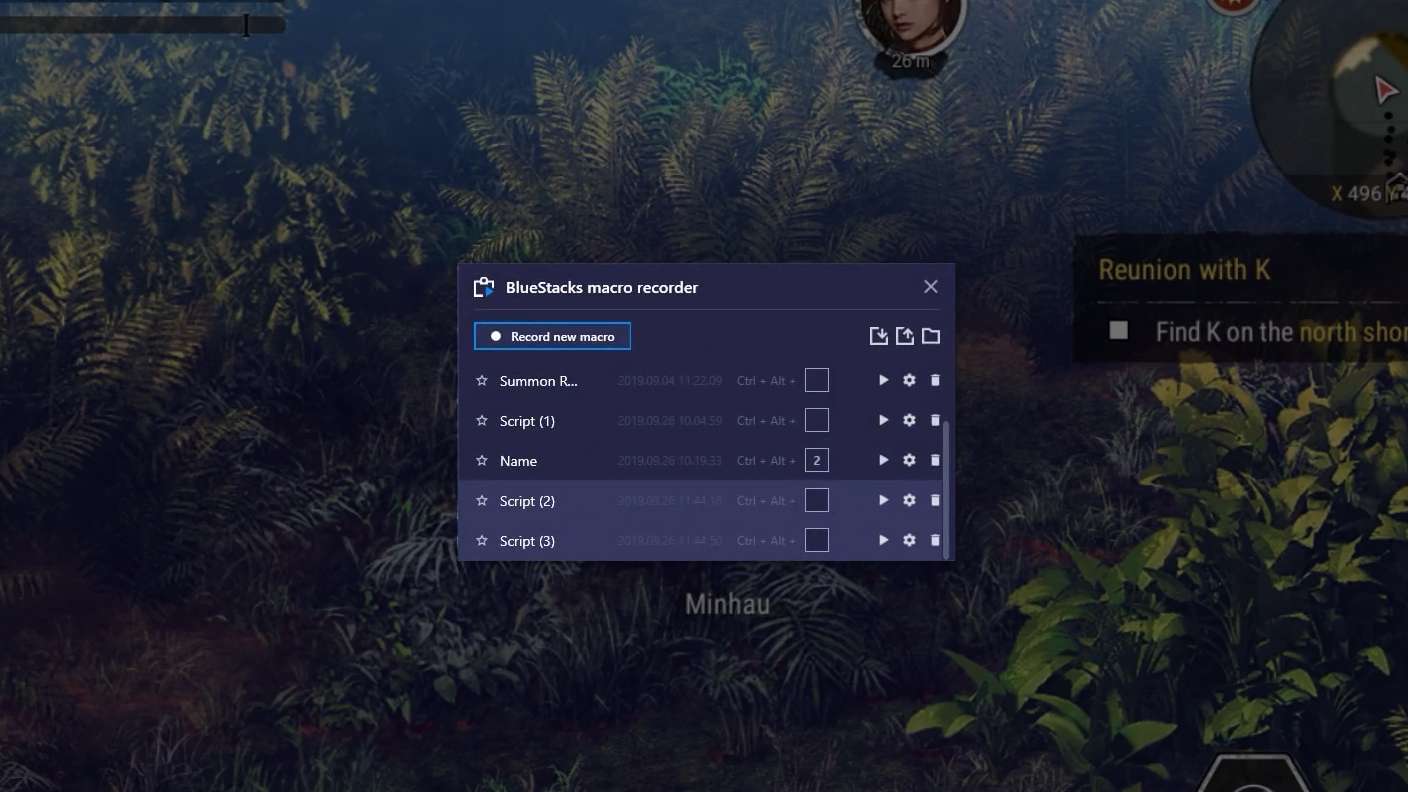
Automate the predictable in Prison Journey: Dig & Run and transform your gameplay with Macros. Get access to inventive Macros in the BlueStacks Macro Community
Multi Instance

Multi Instance

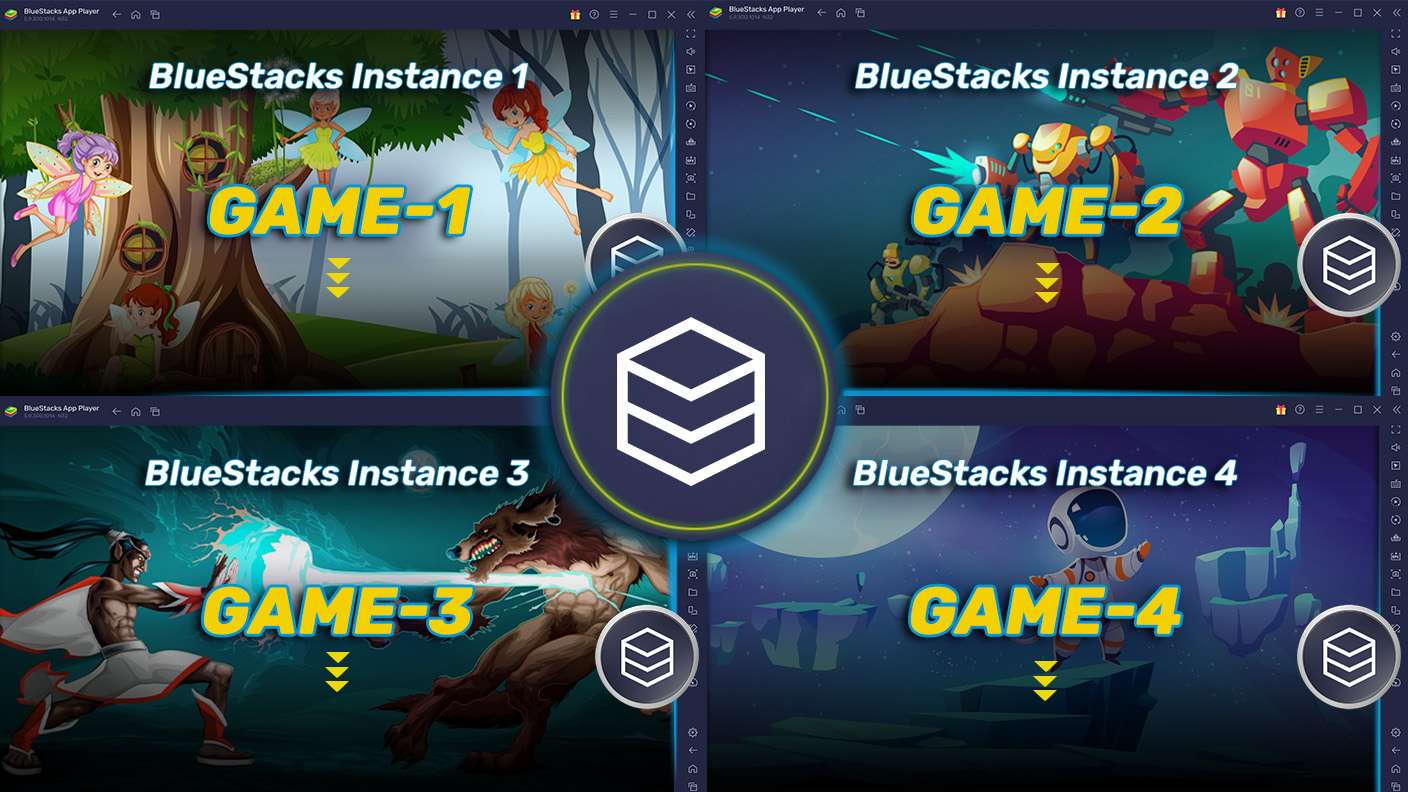
Play Prison Journey: Dig & Run on one window. And chat with your friend on the other. Press CTRL + Shift + 8 to open the Multi-Instance Manager. And start creating fresh instances or clone an existing one.
Script

Script

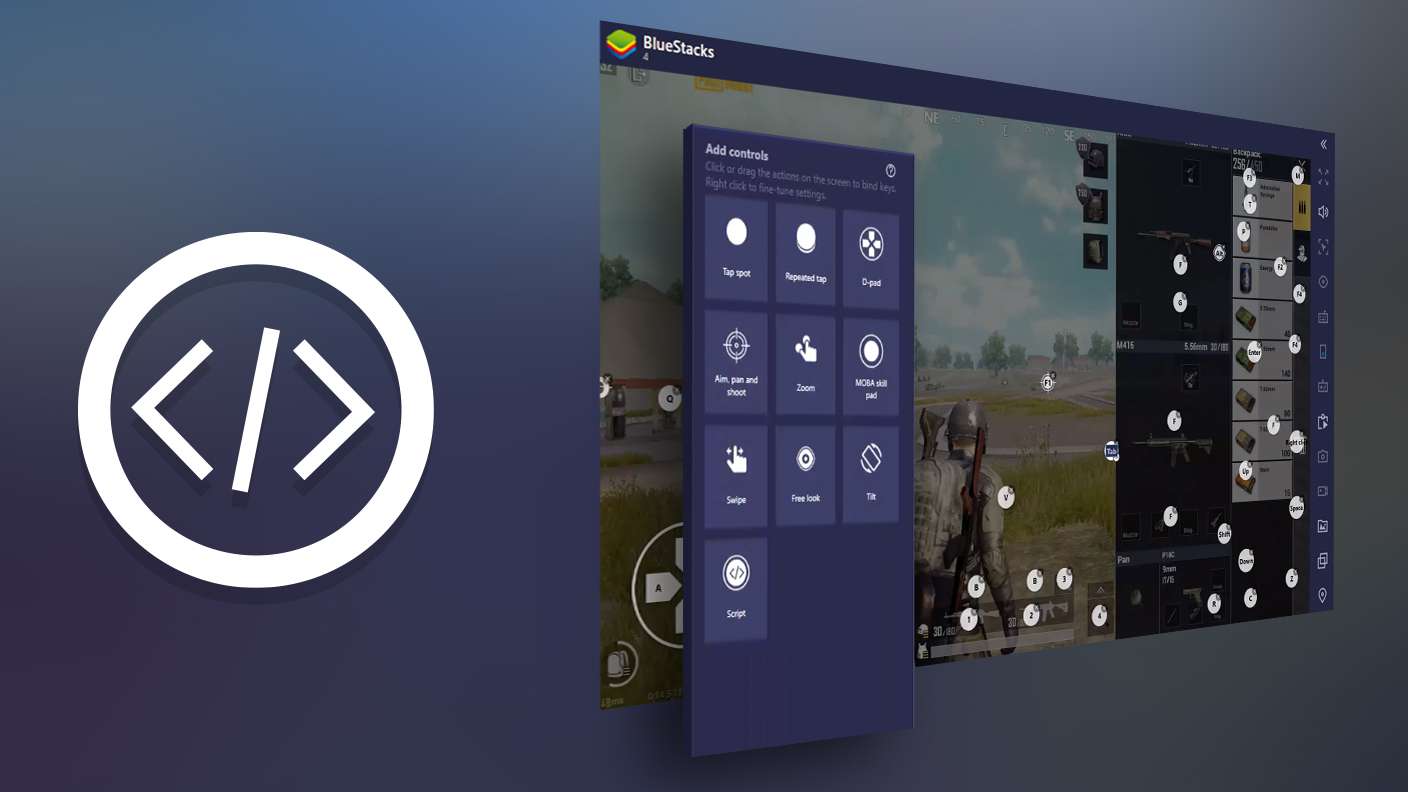
Script your way to gaming glory in Prison Journey: Dig & Run with BlueStacks Script. Write and run a set of commands to automate repeated tasks. Trigger the command by assigning it to any key.
Repeated Tap

Repeated Tap

BlueStacks lets you master Prison Journey: Dig & Run with useful features like the Repeated Tap. Now you do not have to press the same key repeatedly to initiate an action. Just assign it to one key and you are good to go.
Read More

How to Download and Play Prison Journey: Dig & Run on PC or Mac

  • Download and install BlueStacks on your PC or Mac

  • Complete Google sign-in to access the Play Store, or do it later

  • Look for Prison Journey: Dig & Run in the search bar at the top right corner

  • Click to install Prison Journey: Dig & Run from the search results

  • Complete Google sign-in (if you skipped step 2) to install Prison Journey: Dig & Run

  • Click the Prison Journey: Dig & Run icon on the home screen to start playing

video
Watch Video

Minimum System Requirements

With BlueStacks 5, you can get started on a PC that fulfills the following requirements.

  • Operating System

    Microsoft Windows 7 or above, macOS 11 (Big Sur) or above

  • Processor

    Intel, AMD or Apple Silicon Processor

  • RAM

    at least 4GB

  • HDD

    10GB Free Disk Space

Note:

* You must be an Administrator on your PC. Up to date graphics drivers from Microsoft or the chipset vendor.

Prison Journey: Dig & Run - FAQs

  • How to play Prison Journey: Dig & Run on Windows PC & Mac?

    Play Prison Journey: Dig & Run on your PC or Mac by following these simple steps.

    • Click on 'Play Prison Journey: Dig & Run on PC’ to download BlueStacks
    • Install it and log-in to Google Play Store
    • Launch and play the game.
  • Why is BlueStacks the fastest and safest platform to play games on PC?

    BlueStacks respects your privacy and is always safe and secure to use. It does not carry any malware, spyware, or any sort of additional software that could harm your PC.

    It is engineered to optimize speed and performance for a seamless gaming experience.

  • What are Prison Journey: Dig & Run PC requirements?

    Minimum requirement to run Prison Journey: Dig & Run on your PC

    • OS: Microsoft Windows 7 or above MacOS 11 (Big Sur) or above
    • Processor: Intel, AMD or Apple Silicon Processor
    • RAM: Your PC must have at least 4GB of RAM. (Note that having 4GB or more disk space is not a substitute for RAM)
    • HDD: 10GB Free Disk Space.
    • You must be an Administrator on your PC.