Gleamosaic Gem Sort Puzzle

Gleamosaic Gem Sort Puzzle

Casual

| HOTPLAY STUDIO

Play on PC with BlueStacks or from our cloud

  • Overview
  • Game Features
  • How to Play

Page Modified On: October 30, 2026

Play Gleamosaic Gem Sort Puzzle on PC or Mac

Explore a whole new adventure with Gleamosaic Gem Sort Puzzle, a Casual game created by HOTPLAY STUDIO. Experience great gameplay with BlueStacks, the most popular gaming platform to play Android games on your PC or Mac.

About the Game

Gleamosaic Gem Sort Puzzle is a Casual brain-soother where you place shiny gems on a grid to complete picture templates. It starts simple and quickly becomes a satisfying rhythm: study the pattern, pick the right color, and watch a blank board turn into charming pixel-style art. Prefer a bigger view? It plays nicely on BlueStacks, too.

Game Features

  • Picture-first puzzling: Follow a clear template and fill each tile with the correct color to reveal the final artwork.
  • One palette per level: You’re given a fixed set of gem colors, so planning your moves matters more than rushing.
  • Clean, easy controls: Tap to place, hold to adjust, and undo if you slip—friendly for quick sessions or long chill-outs.
  • Timed modes when you want them: Some stages add a clock for a brisk challenge that tests focus and accuracy.
  • Art that comes to life: See empty grids blossom into bright scenes—playful critters, quirky characters, and neat little designs.
  • Hundreds of patterns: Work through a big library, from simple bite-sized boards to intricate mosaics that feel handcrafted.
  • Gentle difficulty curve: Start with breezy layouts and gradually take on trickier patterns that reward careful observation.
  • Relaxing feedback: Crisp pops, tidy placements, and a smooth finish animation make each completed board extra satisfying.
  • Great for short breaks: Hop in for a few minutes or get lost matching colors square by square—it’s calming either way.
  • Handy progress flow: Return to unfinished boards anytime, pick up where you left off, and keep your streak going without pressure.

Start playing Gleamosaic Gem Sort Puzzle on BlueStacks and get a smoother, more comfortable PC or Mac setup.


Game Features

Enhancements

  • Macros
  • Multi Instance
  • Script
  • Repeated Tap
  • Enhancements
Macros

Macros

Automate the predictable in Gleamosaic Gem Sort Puzzle and transform your gameplay with Macros. Get access to inventive Macros in the BlueStacks Macro Community
Multi Instance

Multi Instance

Play Gleamosaic Gem Sort Puzzle on one window. And chat with your friend on the other. Press CTRL + Shift + 8 to open the Multi-Instance Manager. And start creating fresh instances or clone an existing one.
Script

Script

Script your way to gaming glory in Gleamosaic Gem Sort Puzzle with BlueStacks Script. Write and run a set of commands to automate repeated tasks. Trigger the command by assigning it to any key.
Repeated Tap

Repeated Tap

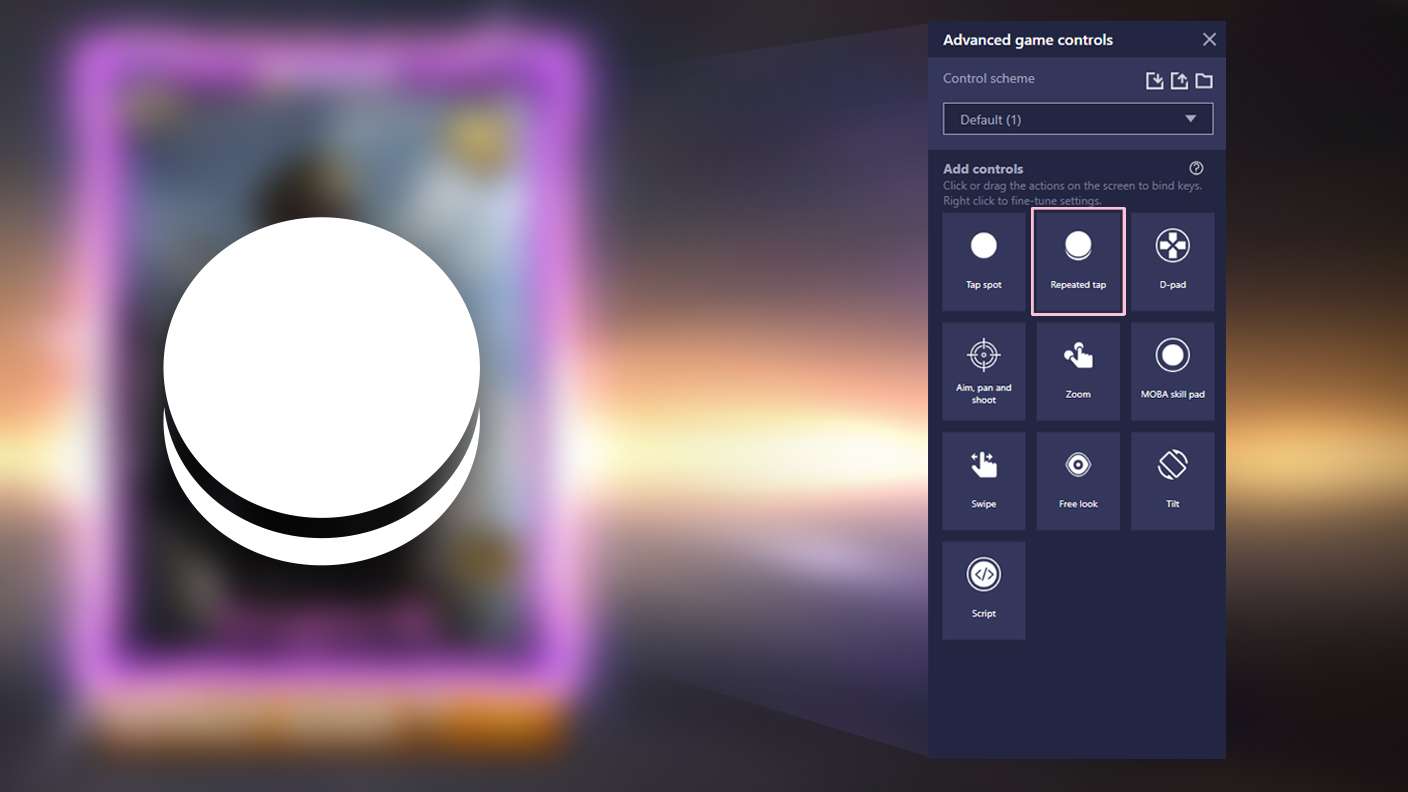
BlueStacks lets you master Gleamosaic Gem Sort Puzzle with useful features like the Repeated Tap. Now you do not have to press the same key repeatedly to initiate an action. Just assign it to one key and you are good to go.
Read More

How to Download and Play Gleamosaic Gem Sort Puzzle on PC or Mac

  • Download and install BlueStacks on your PC or Mac

  • Complete Google sign-in to access the Play Store, or do it later

  • Look for Gleamosaic Gem Sort Puzzle in the search bar at the top right corner

  • Click to install Gleamosaic Gem Sort Puzzle from the search results

  • Complete Google sign-in (if you skipped step 2) to install Gleamosaic Gem Sort Puzzle

  • Click the Gleamosaic Gem Sort Puzzle icon on the home screen to start playing

video
Watch Video

Minimum System Requirements

With BlueStacks 5, you can get started on a PC that fulfills the following requirements.

  • Operating System

    Microsoft Windows 7 or above, macOS 11 (Big Sur) or above

  • Processor

    Intel, AMD or Apple Silicon Processor

  • RAM

    at least 4GB

  • HDD

    10GB Free Disk Space

Note:

* You must be an Administrator on your PC. Up to date graphics drivers from Microsoft or the chipset vendor.

Gleamosaic Gem Sort Puzzle - FAQs

  • How to play Gleamosaic Gem Sort Puzzle on Windows PC & Mac?

    Play Gleamosaic Gem Sort Puzzle on your PC or Mac by following these simple steps.

    • Click on 'Play Gleamosaic Gem Sort Puzzle on PC’ to download BlueStacks
    • Install it and log-in to Google Play Store
    • Launch and play the game.
  • Why is BlueStacks the fastest and safest platform to play games on PC?

    BlueStacks respects your privacy and is always safe and secure to use. It does not carry any malware, spyware, or any sort of additional software that could harm your PC.

    It is engineered to optimize speed and performance for a seamless gaming experience.

  • What are Gleamosaic Gem Sort Puzzle PC requirements?

    Minimum requirement to run Gleamosaic Gem Sort Puzzle on your PC

    • OS: Microsoft Windows 7 or above MacOS 11 (Big Sur) or above
    • Processor: Intel, AMD or Apple Silicon Processor
    • RAM: Your PC must have at least 4GB of RAM. (Note that having 4GB or more disk space is not a substitute for RAM)
    • HDD: 10GB Free Disk Space.
    • You must be an Administrator on your PC.