Survivor Escape Hide N Seek

Survivor Escape Hide N Seek

Casual

| HOTPLAY STUDIO

Play on PC with BlueStacks or from our cloud

  • Overview
  • Game Features
  • How to Play

Page Modified On: August 10, 2026

Play Survivor Escape Hide N Seek on PC or Mac

Explore a whole new adventure with Survivor Escape Hide N Seek, a Casual game created by HOTPLAY STUDIO. Experience great gameplay with BlueStacks, the most popular gaming platform to play Android games on your PC or Mac.

About the Game

Survivor Escape Hide N Seek is a playful twist on hide-and-seek with a sneaky, party-game vibe. Each match lets you pick a side: melt into the scenery as a disguised survivor or sniff out tricksters as the hunter. It’s quick, light, and solidly Casual—great when you want a few minutes of chaotic fun that still rewards smart moves. Prefer a bigger screen? It runs smoothly on BlueStacks, too.

Game Features

  • Two Roles, Two Mindsets: Slip into the match as a survivor who blends in and outsmarts the chase, or become the hunter and sweep every corner before the clock runs dry.
  • Hide as Anything: Turn into a quirky prop or an adorable animal to confuse your pursuer—think coffee cups, watermelons, and plenty of oddball disguises.
  • Hunt with Pressure: As the hunter, scan themed maps, track suspicious movement, and tag every last hider before time’s up.
  • Gem-Grabbing Sneakiness: Survivors collect gems while undercover, balancing bold moves with careful timing to avoid getting caught.
  • Fast, Snackable Rounds: Matches are short and punchy, perfect for quick breaks or a few back-to-back sessions.
  • Modes for Every Mood: Multiple game modes keep the action from feeling samey, switching up objectives and pace.
  • Play Solo or With Friends: Queue up alone or jump in with buddies for laugh-out-loud chases and clutch escapes.
  • Big Closet of Skins: Unlock tons of silly, stylish looks to personalize your survivors and hunters without taking things too seriously.

Start your journey now. Download the game on BlueStacks, invite your friends, and march on a new adventure.


Game Features

Enhancements

  • Macros
  • Multi Instance
  • Script
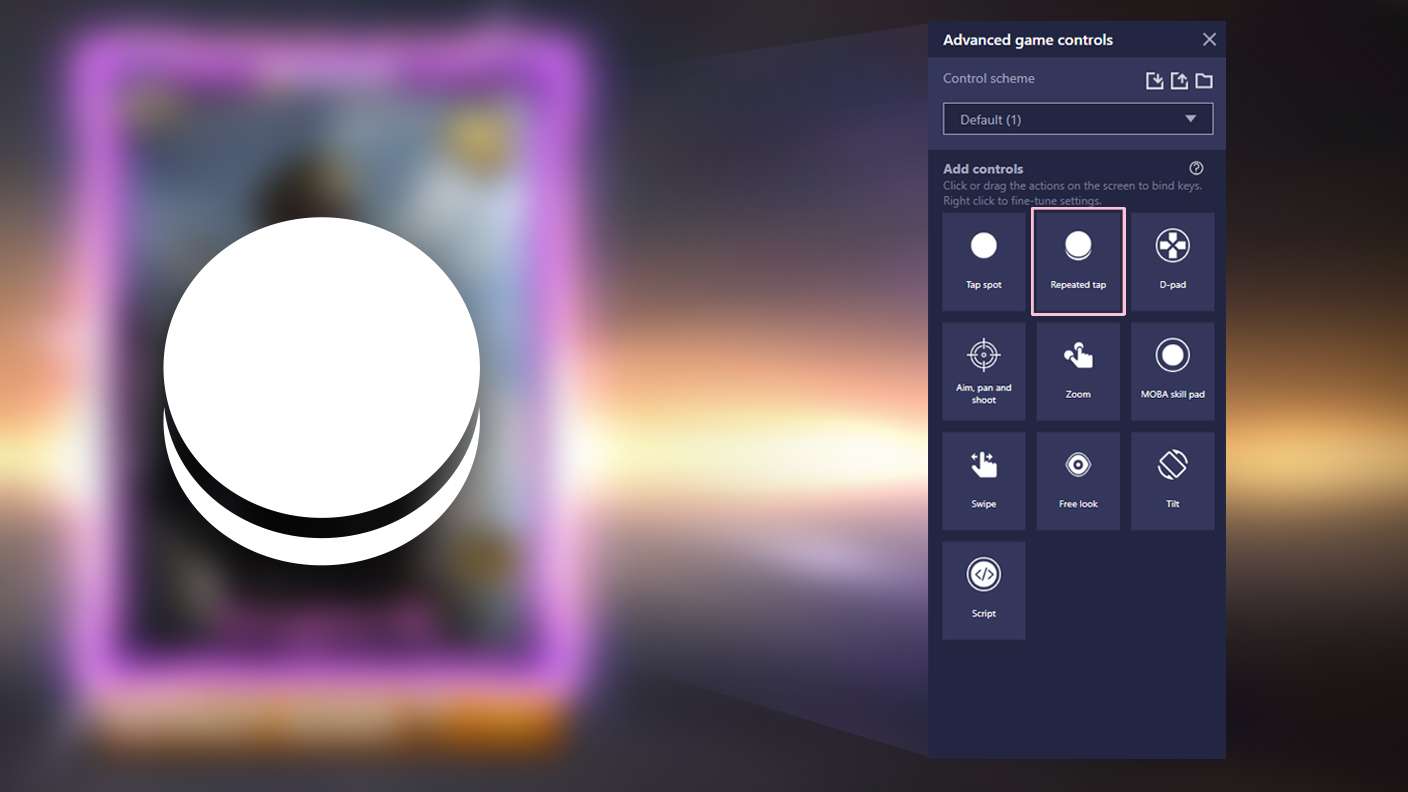
  • Repeated Tap
  • Enhancements
Macros

Macros

Automate the predictable in Survivor Escape Hide N Seek and transform your gameplay with Macros. Get access to inventive Macros in the BlueStacks Macro Community
Multi Instance

Multi Instance

Play Survivor Escape Hide N Seek on one window. And chat with your friend on the other. Press CTRL + Shift + 8 to open the Multi-Instance Manager. And start creating fresh instances or clone an existing one.
Script

Script

Script your way to gaming glory in Survivor Escape Hide N Seek with BlueStacks Script. Write and run a set of commands to automate repeated tasks. Trigger the command by assigning it to any key.
Repeated Tap

Repeated Tap

BlueStacks lets you master Survivor Escape Hide N Seek with useful features like the Repeated Tap. Now you do not have to press the same key repeatedly to initiate an action. Just assign it to one key and you are good to go.
Read More

How to Download and Play Survivor Escape Hide N Seek on PC or Mac

  • Download and install BlueStacks on your PC or Mac

  • Complete Google sign-in to access the Play Store, or do it later

  • Look for Survivor Escape Hide N Seek in the search bar at the top right corner

  • Click to install Survivor Escape Hide N Seek from the search results

  • Complete Google sign-in (if you skipped step 2) to install Survivor Escape Hide N Seek

  • Click the Survivor Escape Hide N Seek icon on the home screen to start playing

video
Watch Video

Minimum System Requirements

With BlueStacks 5, you can get started on a PC that fulfills the following requirements.

  • Operating System

    Microsoft Windows 7 or above, macOS 11 (Big Sur) or above

  • Processor

    Intel, AMD or Apple Silicon Processor

  • RAM

    at least 4GB

  • HDD

    10GB Free Disk Space

Note:

* You must be an Administrator on your PC. Up to date graphics drivers from Microsoft or the chipset vendor.

Survivor Escape Hide N Seek - FAQs

  • How to play Survivor Escape Hide N Seek on Windows PC & Mac?

    Play Survivor Escape Hide N Seek on your PC or Mac by following these simple steps.

    • Click on 'Play Survivor Escape Hide N Seek on PC’ to download BlueStacks
    • Install it and log-in to Google Play Store
    • Launch and play the game.
  • Why is BlueStacks the fastest and safest platform to play games on PC?

    BlueStacks respects your privacy and is always safe and secure to use. It does not carry any malware, spyware, or any sort of additional software that could harm your PC.

    It is engineered to optimize speed and performance for a seamless gaming experience.

  • What are Survivor Escape Hide N Seek PC requirements?

    Minimum requirement to run Survivor Escape Hide N Seek on your PC

    • OS: Microsoft Windows 7 or above MacOS 11 (Big Sur) or above
    • Processor: Intel, AMD or Apple Silicon Processor
    • RAM: Your PC must have at least 4GB of RAM. (Note that having 4GB or more disk space is not a substitute for RAM)
    • HDD: 10GB Free Disk Space.
    • You must be an Administrator on your PC.