Gunbound Legend: Vua Toạ Độ

Gunbound Legend: Vua Toạ Độ

Casual

| VTC Mobile - Mobile Game Center

Play on PC with BlueStacks or from our cloud

  • Overview
  • Game Features
  • How to Play

Page Modified On: December 22, 2025

Play Gunbound Legend: Vua Toạ Độ on PC or Mac

Step into the World of Gunbound Legend: Vua Toạ Độ, a thrilling Casual game from the house of VTC Mobile – Mobile Game Center. Play this Android game on BlueStacks App Player and experience immersive gaming on PC or Mac.

About the Game

Gunbound Legend: Vua Toạ Độ brings back the timeless thrill of lining up the perfect shot, reading the wind, and landing that satisfying hit. It’s a fresh, mobile-ready return of a classic, now smoother and lighter on your device but still all about brainy aim-and-fire battles. This Casual title from VTC Mobile – Mobile Game Center mixes nostalgia with modern polish, whether you’re chasing ranks or just messing around with friends.

Game Features

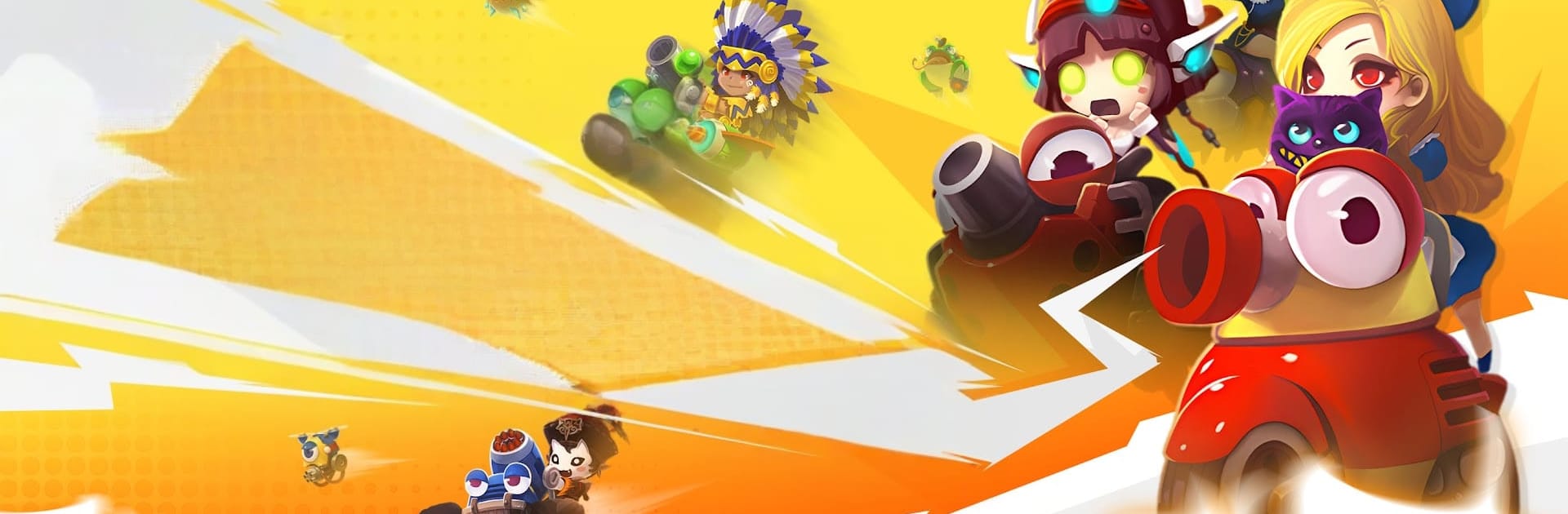
  • Classic trajectory duels, reborn: Turn-based matches where the angle, power, and wind matter as much as your nerves. Miss by a hair, or nail the shot of the match—it’s all on you.
  • 50+ tanks, real variety: Build your squad from more than fifty unique vehicles, from chunky defenders to precision strikers. Each one brings distinct weapons and special shots that shake up your game plan.
  • Seven counter-type systems: Pick smart and counter smarter. The layered attribute systems keep team comps interesting and let you outthink lineups that look stronger on paper.
  • 199+ maps to master: Learn tricky terrain, wind patterns, and clever angles across a massive map pool. There’s even a special Ho Guom battlefield that nods to local legends.
  • PvP that gets heated: Jump into quickfire 1v1s, team skirmishes, or push for the Super Star leaderboard. Skill, timing, and a bit of guts decide who walks away with the win.
  • PvE for a change of pace: Tackle World Boss challenges and PvE stages when you want rewards without the trash talk. It’s also a great place to test new tanks.
  • Smooth on almost any device: Upgraded visuals with a lightweight install mean fast loads and steady performance, even on older phones.
  • Lucky spins, big payoffs: The gacha can drop S-grade tanks that flip a match on its head. Land one and build around it to surprise your opponents.
  • Play your way: Prefer a bigger screen and tighter control? You can play on PC with BlueStacks and keep your progress synced for those marathon sessions.

Slay your opponents with your epic moves. Play it your way on BlueStacks and dominate the battlefield.


Game Features

Enhancements

  • Macros
  • Multi Instance
  • Script
  • Repeated Tap
  • Enhancements
Macros

Macros

Automate the predictable in Gunbound Legend: Vua Toạ Độ and transform your gameplay with Macros. Get access to inventive Macros in the BlueStacks Macro Community
Multi Instance

Multi Instance

Play Gunbound Legend: Vua Toạ Độ on one window. And chat with your friend on the other. Press CTRL + Shift + 8 to open the Multi-Instance Manager. And start creating fresh instances or clone an existing one.
Script

Script

Script your way to gaming glory in Gunbound Legend: Vua Toạ Độ with BlueStacks Script. Write and run a set of commands to automate repeated tasks. Trigger the command by assigning it to any key.
Repeated Tap

Repeated Tap

BlueStacks lets you master Gunbound Legend: Vua Toạ Độ with useful features like the Repeated Tap. Now you do not have to press the same key repeatedly to initiate an action. Just assign it to one key and you are good to go.
Read More

How to Download and Play Gunbound Legend: Vua Toạ Độ on PC or Mac

  • Download and install BlueStacks on your PC or Mac

  • Complete Google sign-in to access the Play Store, or do it later

  • Look for Gunbound Legend: Vua Toạ Độ in the search bar at the top right corner

  • Click to install Gunbound Legend: Vua Toạ Độ from the search results

  • Complete Google sign-in (if you skipped step 2) to install Gunbound Legend: Vua Toạ Độ

  • Click the Gunbound Legend: Vua Toạ Độ icon on the home screen to start playing

video
Watch Video

Minimum System Requirements

With BlueStacks 5, you can get started on a PC that fulfills the following requirements.

  • Operating System

    Microsoft Windows 7 or above, macOS 11 (Big Sur) or above

  • Processor

    Intel, AMD or Apple Silicon Processor

  • RAM

    at least 4GB

  • HDD

    10GB Free Disk Space

Note:

* You must be an Administrator on your PC. Up to date graphics drivers from Microsoft or the chipset vendor.

Gunbound Legend: Vua Toạ Độ - FAQs

  • How to play Gunbound Legend: Vua Toạ Độ on Windows PC & Mac?

    Play Gunbound Legend: Vua Toạ Độ on your PC or Mac by following these simple steps.

    • Click on 'Play Gunbound Legend: Vua Toạ Độ on PC’ to download BlueStacks
    • Install it and log-in to Google Play Store
    • Launch and play the game.
  • Why is BlueStacks the fastest and safest platform to play games on PC?

    BlueStacks respects your privacy and is always safe and secure to use. It does not carry any malware, spyware, or any sort of additional software that could harm your PC.

    It is engineered to optimize speed and performance for a seamless gaming experience.

  • What are Gunbound Legend: Vua Toạ Độ PC requirements?

    Minimum requirement to run Gunbound Legend: Vua Toạ Độ on your PC

    • OS: Microsoft Windows 7 or above MacOS 11 (Big Sur) or above
    • Processor: Intel, AMD or Apple Silicon Processor
    • RAM: Your PC must have at least 4GB of RAM. (Note that having 4GB or more disk space is not a substitute for RAM)
    • HDD: 10GB Free Disk Space.
    • You must be an Administrator on your PC.