Hepsi Oyna
Hepsi Oyna

Hepsi Oyna

Casual

| Yalla Technology FZ-LLC

Play on PC with BlueStacks or from our cloud

  • Overview
  • Game Features
  • How to Play

Page Modified On: October 21, 2026

Play Hepsi Oyna on PC or Mac

Explore a whole new adventure with Hepsi Oyna, a Casual game created by Yalla Technology FZ-LLC. Experience great gameplay with BlueStacks, the most popular gaming platform to play Android games on your PC or Mac.

About the Game

Hepsi Oyna pulls a bunch of quick, pick-up-and-play experiences into one lively hub. This Casual title is all about fast matchmaking, real people, and real-time voice chat—so every session feels social and a little unpredictable in the best way. Prefer a bigger screen and comfy controls? You can jump in on your computer with BlueStacks, too.

Game Features

  • Many games, one lobby: Bounce between timeless favorites and fresh spins without backing out—short rounds keep the pace snappy.
  • Play with real people, fast: Quick matchmaking pairs you with actual players in seconds, so you’re never stuck waiting around.
  • Live voice chat built in: Talk strategy, cheer a win, or just hang out—smooth, real-time voice makes matches feel like a group table.
  • Show what you’re made of: Climb rankings, collect medals, and deck out your profile with standout avatar frames that reflect your style.
  • Smooth, simple controls: Clear layouts and straightforward rules let you learn a new game and get going right away.
  • Fair fun, no cash stakes: There’s no real-money gambling—everything stays virtual and strictly for entertainment.
  • For adults only: Built for players 18+, with social features that make it easy to meet people and keep the vibe friendly.
  • Quick breaks or long sessions: Squeeze in a round between tasks or settle in for a streak—match lengths fit whatever time you’ve got.

Start playing Hepsi Oyna on BlueStacks and get a smoother, more comfortable PC or Mac setup.

Game Features

Enhancements

  • Macros
  • Multi Instance
  • Script
  • Repeated Tap
  • Enhancements
Macros

Macros

Automate the predictable in Hepsi Oyna and transform your gameplay with Macros. Get access to inventive Macros in the BlueStacks Macro Community
Multi Instance

Multi Instance

Play Hepsi Oyna on one window. And chat with your friend on the other. Press CTRL + Shift + 8 to open the Multi-Instance Manager. And start creating fresh instances or clone an existing one.
Script

Script

Script your way to gaming glory in Hepsi Oyna with BlueStacks Script. Write and run a set of commands to automate repeated tasks. Trigger the command by assigning it to any key.
Repeated Tap

Repeated Tap

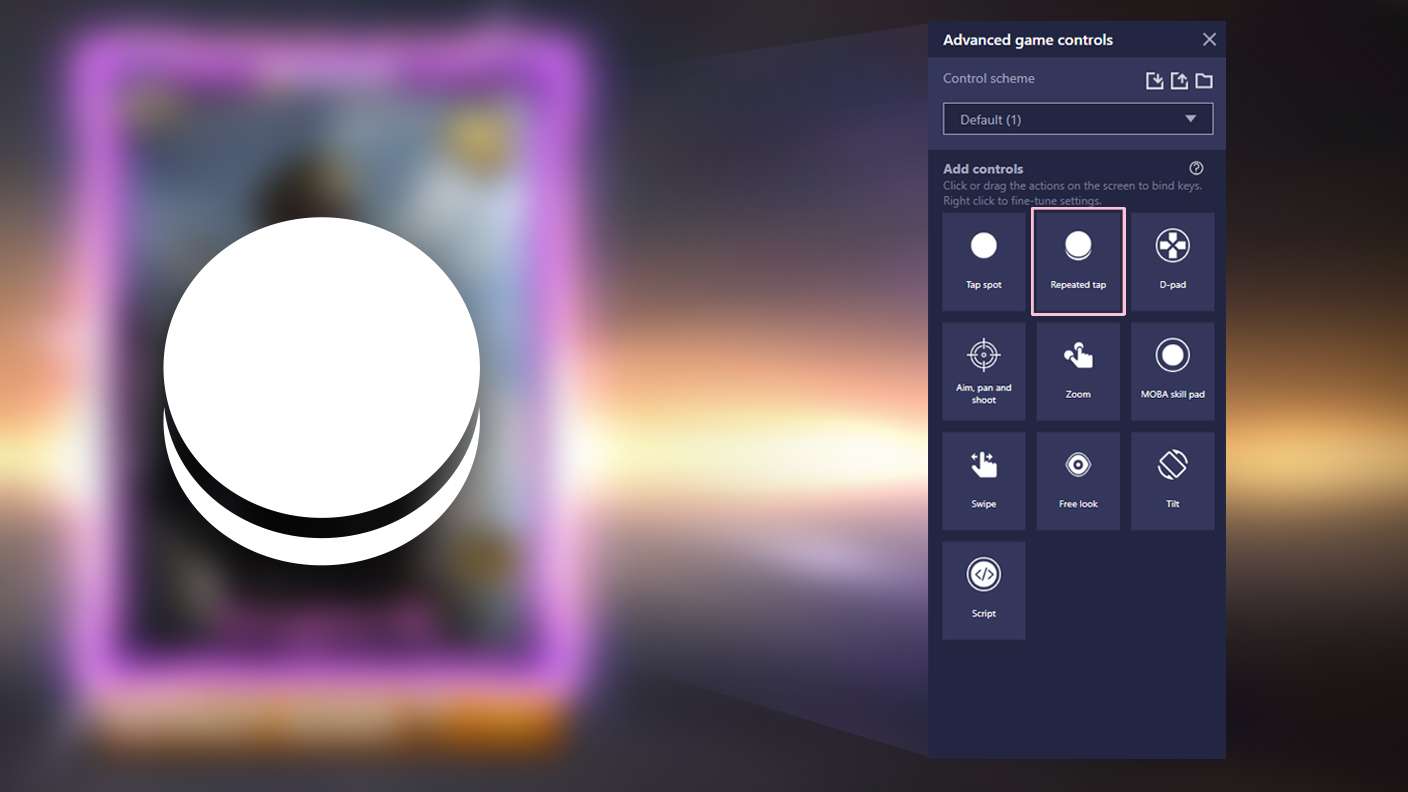
BlueStacks lets you master Hepsi Oyna with useful features like the Repeated Tap. Now you do not have to press the same key repeatedly to initiate an action. Just assign it to one key and you are good to go.
Read More

How to Download and Play Hepsi Oyna on PC or Mac

  • Download and install BlueStacks on your PC or Mac

  • Complete Google sign-in to access the Play Store, or do it later

  • Look for Hepsi Oyna in the search bar at the top right corner

  • Click to install Hepsi Oyna from the search results

  • Complete Google sign-in (if you skipped step 2) to install Hepsi Oyna

  • Click the Hepsi Oyna icon on the home screen to start playing

video
Watch Video

Minimum System Requirements

With BlueStacks 5, you can get started on a PC that fulfills the following requirements.

  • Operating System

    Microsoft Windows 7 or above, macOS 11 (Big Sur) or above

  • Processor

    Intel, AMD or Apple Silicon Processor

  • RAM

    at least 4GB

  • HDD

    10GB Free Disk Space

Note:

* You must be an Administrator on your PC. Up to date graphics drivers from Microsoft or the chipset vendor.

Hepsi Oyna - FAQs

  • How to play Hepsi Oyna on Windows PC & Mac?

    Play Hepsi Oyna on your PC or Mac by following these simple steps.

    • Click on 'Play Hepsi Oyna on PC’ to download BlueStacks
    • Install it and log-in to Google Play Store
    • Launch and play the game.
  • Why is BlueStacks the fastest and safest platform to play games on PC?

    BlueStacks respects your privacy and is always safe and secure to use. It does not carry any malware, spyware, or any sort of additional software that could harm your PC.

    It is engineered to optimize speed and performance for a seamless gaming experience.

  • What are Hepsi Oyna PC requirements?

    Minimum requirement to run Hepsi Oyna on your PC

    • OS: Microsoft Windows 7 or above MacOS 11 (Big Sur) or above
    • Processor: Intel, AMD or Apple Silicon Processor
    • RAM: Your PC must have at least 4GB of RAM. (Note that having 4GB or more disk space is not a substitute for RAM)
    • HDD: 10GB Free Disk Space.
    • You must be an Administrator on your PC.