¼ learn sight read music notes - piano sheet tutor

¼ learn sight read music notes - piano sheet tutor

Casual

| ngfSoft

Play on PC with BlueStacks or from our cloud

  • Overview
  • Game Features
  • How to Play

Page Modified On: September 12, 2025

Play ¼ learn sight read music notes - piano sheet tutor on PC or Mac

Step into the World of ¼ learn sight read music notes – piano sheet tutor, a thrilling Casual game from the house of ngfSoft. Play this Android game on BlueStacks App Player and experience immersive gaming on PC or Mac.

This one is basically a sight reading trainer dressed up like a simple game. It flashes notes on a staff and asks the player to name them fast, with both G and F clefs on deck. Notes are not stuck to the staff either, they go above and below with ledger lines and span six octaves, so the brain has to stay awake. Everything is randomly generated, so there is no easy pattern to memorize, and the pace ramps with how quickly the notes get identified. Beginners can flip on an answer key, switch clefs at will, or limit the octave range to a small slice to keep it manageable. Major and minor scales are in play, with sharps and flats included, so it is useful no matter what instrument someone prefers.

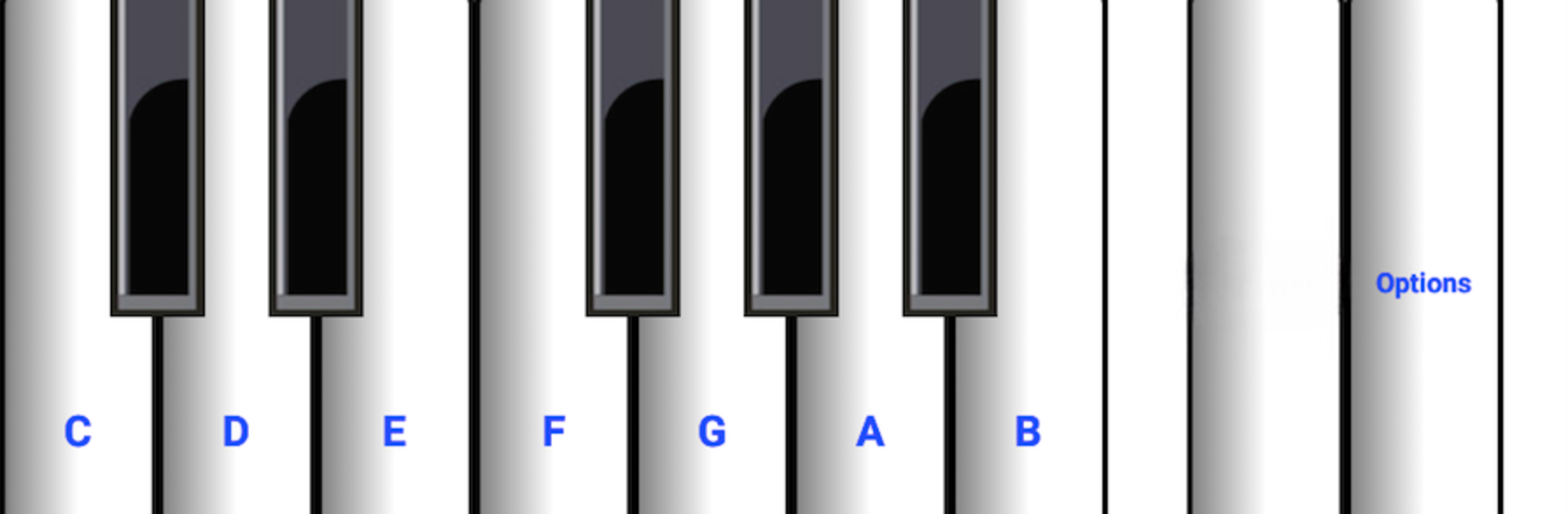
There is sound, but it is optional and flexible. Piano is the default, but guitar, organ, trumpet, vibraphone, and even a telephone tone are there, or mute entirely. Notation can be set to letters C D E F G A B, the German style with H, fixed Do or Do Ré Mi with accents, ハ ニ ホ ヘ ト イ ロ for Japanese, Sa Re Ga Ma Pa Dha Ni, and even Ni Pa Vu Ga Di Ke Zo if that system is familiar. It works for phones, sure, but on PC with BlueStacks the bigger staff and clean clicks make drills feel smoother. Ads do show up because this is the limited version, but for short practice bursts it does the job without fuss.

Make your gaming sessions memorable with precise controls that give you an edge in close combats and visuals that pop up, bringing every character to life.


Game Features

Enhancements

  • Macros
  • Multi Instance
  • Script
  • Repeated Tap
  • Enhancements
Macros

Macros

Automate the predictable in ¼ learn sight read music notes - piano sheet tutor and transform your gameplay with Macros. Get access to inventive Macros in the BlueStacks Macro Community
Multi Instance

Multi Instance

Play ¼ learn sight read music notes - piano sheet tutor on one window. And chat with your friend on the other. Press CTRL + Shift + 8 to open the Multi-Instance Manager. And start creating fresh instances or clone an existing one.
Script

Script

Script your way to gaming glory in ¼ learn sight read music notes - piano sheet tutor with BlueStacks Script. Write and run a set of commands to automate repeated tasks. Trigger the command by assigning it to any key.
Repeated Tap

Repeated Tap

BlueStacks lets you master ¼ learn sight read music notes - piano sheet tutor with useful features like the Repeated Tap. Now you do not have to press the same key repeatedly to initiate an action. Just assign it to one key and you are good to go.
Read More

How to Download and Play ¼ learn sight read music notes - piano sheet tutor on PC or Mac

  • Download and install BlueStacks on your PC or Mac

  • Complete Google sign-in to access the Play Store, or do it later

  • Look for ¼ learn sight read music notes - piano sheet tutor in the search bar at the top right corner

  • Click to install ¼ learn sight read music notes - piano sheet tutor from the search results

  • Complete Google sign-in (if you skipped step 2) to install ¼ learn sight read music notes - piano sheet tutor

  • Click the ¼ learn sight read music notes - piano sheet tutor icon on the home screen to start playing

video
Watch Video

Minimum System Requirements

With BlueStacks 5, you can get started on a PC that fulfills the following requirements.

  • Operating System

    Microsoft Windows 7 or above, macOS 11 (Big Sur) or above

  • Processor

    Intel, AMD or Apple Silicon Processor

  • RAM

    at least 4GB

  • HDD

    10GB Free Disk Space

Note:

* You must be an Administrator on your PC. Up to date graphics drivers from Microsoft or the chipset vendor.

¼ learn sight read music notes - piano sheet tutor - FAQs

  • How to play ¼ learn sight read music notes - piano sheet tutor on Windows PC & Mac?

    Play ¼ learn sight read music notes - piano sheet tutor on your PC or Mac by following these simple steps.

    • Click on 'Play ¼ learn sight read music notes - piano sheet tutor on PC’ to download BlueStacks
    • Install it and log-in to Google Play Store
    • Launch and play the game.
  • Why is BlueStacks the fastest and safest platform to play games on PC?

    BlueStacks respects your privacy and is always safe and secure to use. It does not carry any malware, spyware, or any sort of additional software that could harm your PC.

    It is engineered to optimize speed and performance for a seamless gaming experience.

  • What are ¼ learn sight read music notes - piano sheet tutor PC requirements?

    Minimum requirement to run ¼ learn sight read music notes - piano sheet tutor on your PC

    • OS: Microsoft Windows 7 or above MacOS 11 (Big Sur) or above
    • Processor: Intel, AMD or Apple Silicon Processor
    • RAM: Your PC must have at least 4GB of RAM. (Note that having 4GB or more disk space is not a substitute for RAM)
    • HDD: 10GB Free Disk Space.
    • You must be an Administrator on your PC.