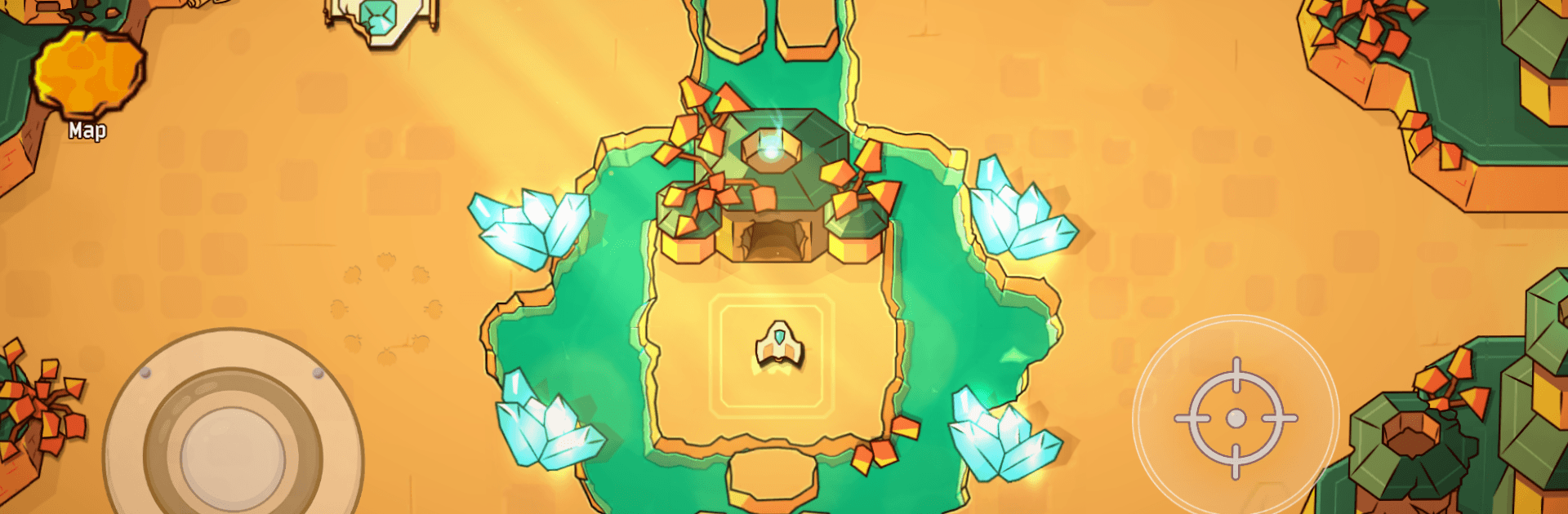


Bring your A-game to Minishoot’ Adventures, the Casual game sensation from IndieArk. Give your gameplay the much-needed boost with precise game controls, high FPS graphics, and top-tier features on your PC or Mac with BlueStacks.
About the Game
Minishoot’ Adventures from IndieArk is a punchy Casual shooter where you pilot a tiny ship through a big, mysterious world. It’s all about movement, timing, and curiosity—no fluff, just tight action and smart exploration. Expect fast bursts of combat, a sense of discovery around every corner, and that “one more run” feeling.
Game Features
- Old-school shooter, modern freedom: Glide through a connected map, pick your path, and tackle challenges in the order you’re brave enough to try.
- A ship that’s a joy to fly: Snappy controls, slick dodges, and satisfying shots make every encounter feel skill-first and responsive.
- Hand-crafted places to get lost in: From glowing caverns to tricky ruins, each area is built with secrets, shortcuts, and little “oh wow” moments.
- Metroidvania progression: Find upgrades that change how you explore—new abilities open fresh routes and hidden rooms you couldn’t reach before.
- Boss fights that hit hard: Distinct, pattern-heavy battles deliver that bullet-hell rush. Learn the tells, weave through the chaos, and enjoy the payoff.
- Puzzles that play nice with action: Environmental tricks and light brainteasers break up the firefights without slowing the pace.
- Minimal chatter, maximum play: You learn by doing. The game teaches through encounters, not long tutorials or walls of text.
- Smooth on PC with BlueStacks: Prefer keyboard or gamepad on a bigger screen? It plays great there, too, with sharp performance and precise inputs.
Start your journey now. Download the game on BlueStacks, invite your friends, and march on a new adventure.