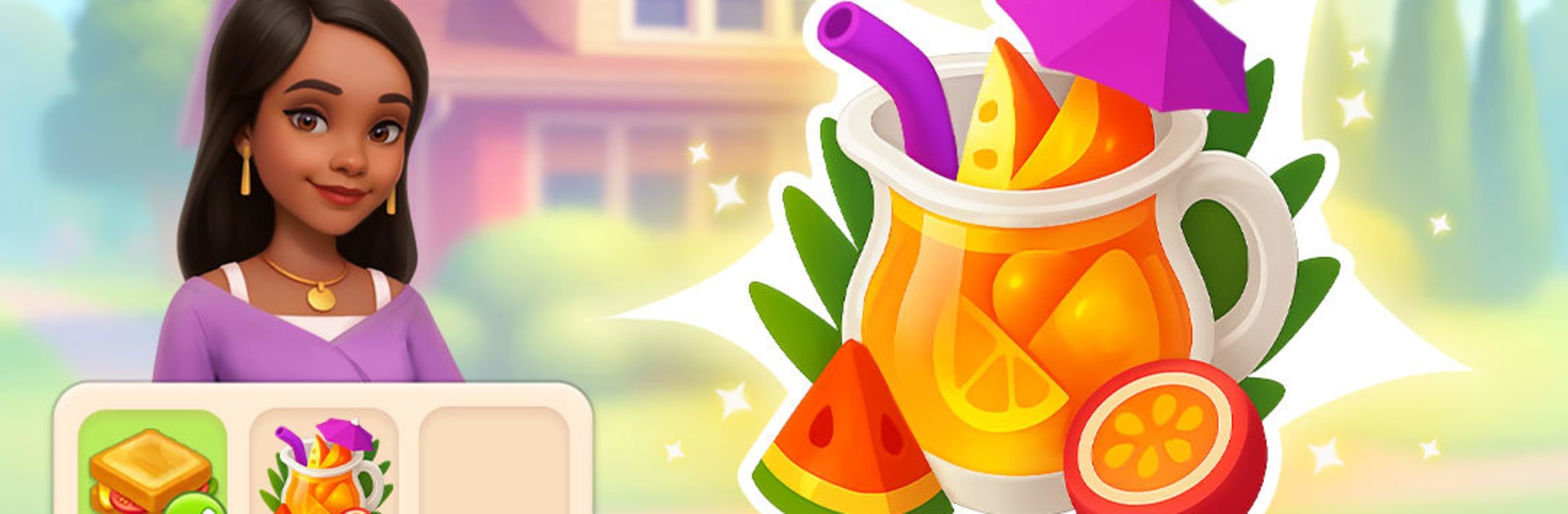
MyDecor Merge - Merging Game

MyDecor Merge - Merging Game

Casual

| VIZOR APPS LTD.

Play on PC with BlueStacks or from our cloud

  • Overview
  • Game Features
  • How to Play

Page Modified On: May 05, 2026

Play MyDecor Merge - Merging Game on PC or Mac

MyDecor Merge – Merging Game brings the Casual genre to life, and throws up exciting challenges for gamers. Developed by VIZOR APPS LTD., this Android game is best experienced on BlueStacks, the World’s #1 app player for PC and Mac users.

About the Game

Forgotten porches, dusty attics, and a town that could really use a glow-up—MyDecor Merge – Merging Game turns all that into your next creative project. Team up with Phoebe, a talented designer invited to Moonlakes, and use smart merges to clear the mess, fulfill requests, and shape warm, livable spaces. It’s a Casual game from VIZOR APPS LTD. with a cozy story, steady progress, and plenty of satisfying reveals.

Game Features

  • Merge-to-Makeover: Combine handy items to complete tasks, earn Coins, and unlock room upgrades that take spaces from fixer-upper to fabulous.
  • A Town with History: Restore Moonlakes one plot at a time—from the Lighthouse and the Port to local spots like cafes and the old gas station—each location bringing its own style and challenges.
  • Clean, Unpack, Discover: Sweep out debris, organize clutter, and pop open boxes for surprise finds, including extra Banknotes you can put toward decor and furniture.
  • Your Style, Your Call: Pick finishes, furniture, and accents to match your vibe, whether you’re dressing a snug cottage or planning a bold, modern villa.
  • Buy, Boost, Decide: Purchase properties, improve their value through thoughtful design, then choose: keep your showpiece or sell it for a tidy profit.
  • Story-Driven Progress: Follow Phoebe’s projects and the town’s comeback with clear goals, bite-size tasks, and visible improvements after every session.
  • Events and Treasures: Snag special goodies around the docks, check out lively happenings downtown, and use those extras to polish your next room refresh.
  • Smooth on PC Too: Prefer a bigger screen and easy clicks? It plays comfortably with BlueStacks without changing the chill vibe.

Start your journey now. Download the game on BlueStacks, invite your friends, and march on a new adventure.


Game Features

Enhancements

  • Macros
  • Multi Instance
  • Script
  • Repeated Tap
  • Enhancements
Macros

Macros

Automate the predictable in MyDecor Merge - Merging Game and transform your gameplay with Macros. Get access to inventive Macros in the BlueStacks Macro Community
Multi Instance

Multi Instance

Play MyDecor Merge - Merging Game on one window. And chat with your friend on the other. Press CTRL + Shift + 8 to open the Multi-Instance Manager. And start creating fresh instances or clone an existing one.
Script

Script

Script your way to gaming glory in MyDecor Merge - Merging Game with BlueStacks Script. Write and run a set of commands to automate repeated tasks. Trigger the command by assigning it to any key.
Repeated Tap

Repeated Tap

BlueStacks lets you master MyDecor Merge - Merging Game with useful features like the Repeated Tap. Now you do not have to press the same key repeatedly to initiate an action. Just assign it to one key and you are good to go.
Read More

How to Download and Play MyDecor Merge - Merging Game on PC or Mac

  • Download and install BlueStacks on your PC or Mac

  • Complete Google sign-in to access the Play Store, or do it later

  • Look for MyDecor Merge - Merging Game in the search bar at the top right corner

  • Click to install MyDecor Merge - Merging Game from the search results

  • Complete Google sign-in (if you skipped step 2) to install MyDecor Merge - Merging Game

  • Click the MyDecor Merge - Merging Game icon on the home screen to start playing

video
Watch Video

Minimum System Requirements

With BlueStacks 5, you can get started on a PC that fulfills the following requirements.

  • Operating System

    Microsoft Windows 7 or above, macOS 11 (Big Sur) or above

  • Processor

    Intel, AMD or Apple Silicon Processor

  • RAM

    at least 4GB

  • HDD

    10GB Free Disk Space

Note:

* You must be an Administrator on your PC. Up to date graphics drivers from Microsoft or the chipset vendor.

MyDecor Merge - Merging Game - FAQs

  • How to play MyDecor Merge - Merging Game on Windows PC & Mac?

    Play MyDecor Merge - Merging Game on your PC or Mac by following these simple steps.

    • Click on 'Play MyDecor Merge - Merging Game on PC’ to download BlueStacks
    • Install it and log-in to Google Play Store
    • Launch and play the game.
  • Why is BlueStacks the fastest and safest platform to play games on PC?

    BlueStacks respects your privacy and is always safe and secure to use. It does not carry any malware, spyware, or any sort of additional software that could harm your PC.

    It is engineered to optimize speed and performance for a seamless gaming experience.

  • What are MyDecor Merge - Merging Game PC requirements?

    Minimum requirement to run MyDecor Merge - Merging Game on your PC

    • OS: Microsoft Windows 7 or above MacOS 11 (Big Sur) or above
    • Processor: Intel, AMD or Apple Silicon Processor
    • RAM: Your PC must have at least 4GB of RAM. (Note that having 4GB or more disk space is not a substitute for RAM)
    • HDD: 10GB Free Disk Space.
    • You must be an Administrator on your PC.