Needle in Haystack
Needle in Haystack

Needle in Haystack

Casual

| nilPlay

Play on PC with BlueStacks or from our cloud

  • Overview
  • Game Features
  • How to Play

Page Modified On: October 16, 2026

Play Needle in Haystack on PC or Mac

Step into the World of Needle in Haystack, a thrilling Casual game from the house of nilPlay. Play this Android game on BlueStacks App Player and experience immersive gaming on PC or Mac.

About the Game

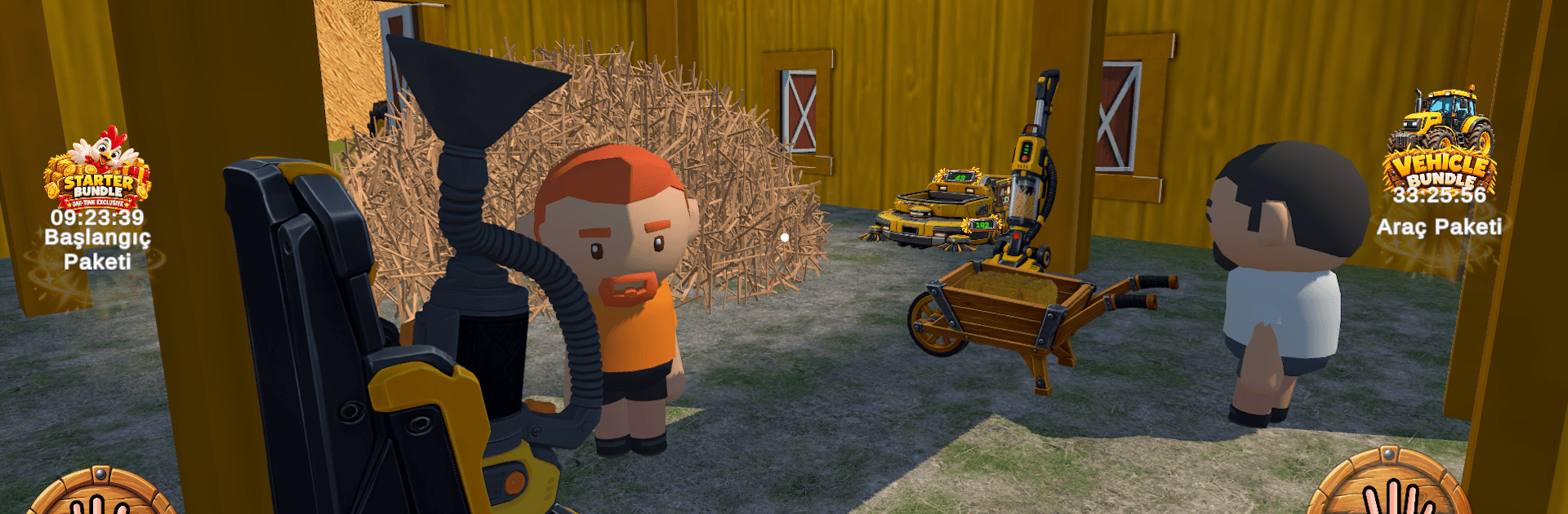
Needle in Haystack is a Casual hunt-and-build experience where one tiny needle is lost in a sea of hay—and you’re stubborn enough to go looking. While you search, you’ll grow a hardworking farm, upgrade tools into serious machines, and turn piles of straw into steady progress. It’s strangely calming, a bit obsessive in the best way, and comfortable to play on a bigger screen with BlueStacks when you’re in the mood to settle in.

Game Features

  • The Hunt: Sweep through a massive hayfield—think 150 million pieces—while chasing one elusive needle hiding somewhere in the mess.
  • Hay Economy: Collect, stack, and sell hay to fund upgrades, unlock new gear, and keep the search rolling.
  • Tool Progression: Start with simple tools and move up to heavy-duty equipment that clears huge swaths in seconds.
  • Big Machines: Unlock the Hay Baler and other specialized rigs to crunch through mountains of straw faster.
  • Automation Crew: Set up auto-feeders, sweepers, and handy robots so the farm keeps working while you focus on the hunt.
  • Farm Life: Feed animals, tidy the barn, and shape your scrappy homestead into a bustling operation.
  • Delivery Runs: Hop in the Delivery Truck to complete orders, earn cash, and snag parts for better machines.
  • Massive Map: Explore barns, pens, and wide-open fields with fresh pockets of hay hiding new surprises.
  • Community Challenges: Team up with other players on shared goals and pick up community rewards for pitching in.
  • Luck vs. Grit: Find the needle early with a lucky break—or methodically clear the field until there’s nowhere left to hide.

BlueStacks gives you more room to focus on the game and less time adjusting around mobile limitations.


Game Features

Enhancements

  • Macros
  • Multi Instance
  • Script
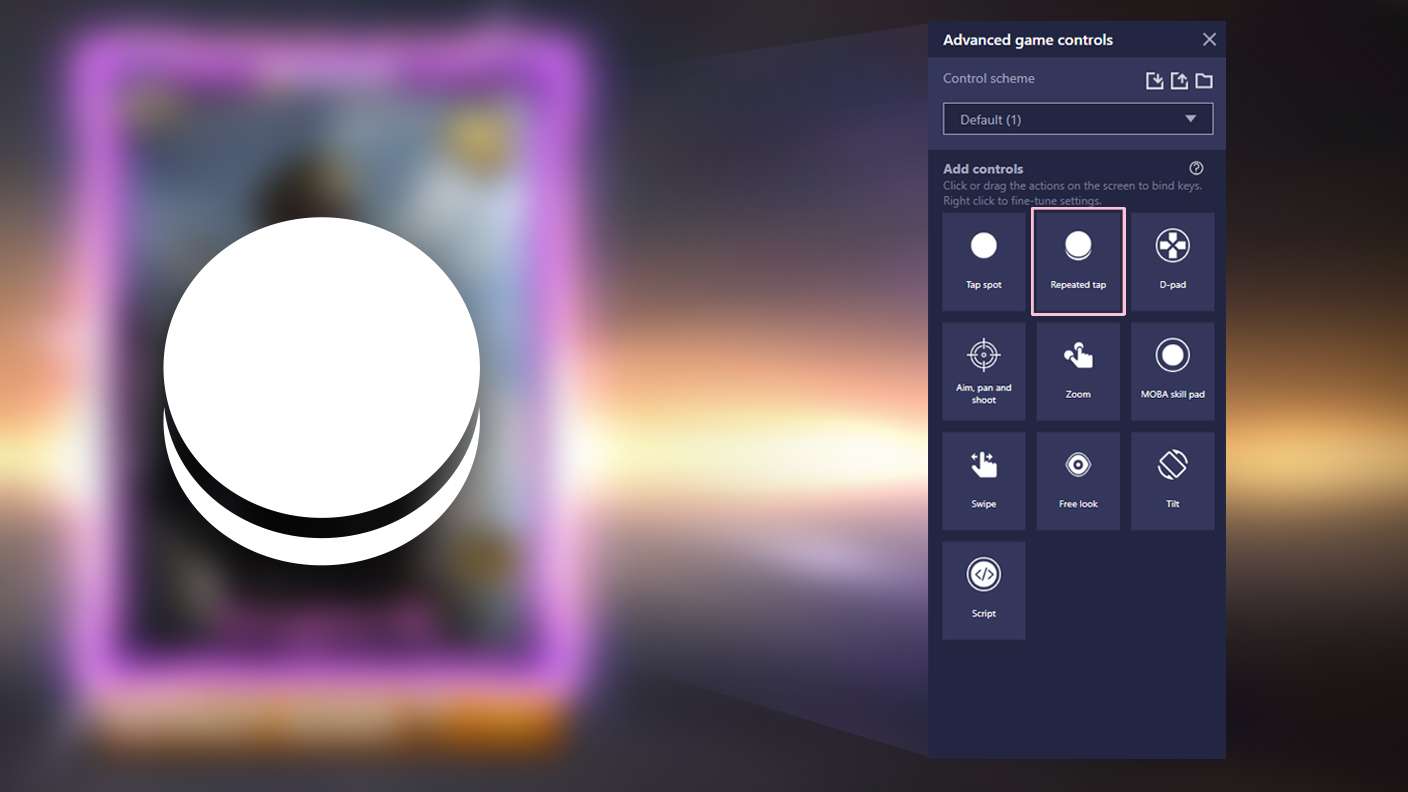
  • Repeated Tap
  • Enhancements
Macros

Macros

Automate the predictable in Needle in Haystack and transform your gameplay with Macros. Get access to inventive Macros in the BlueStacks Macro Community
Multi Instance

Multi Instance

Play Needle in Haystack on one window. And chat with your friend on the other. Press CTRL + Shift + 8 to open the Multi-Instance Manager. And start creating fresh instances or clone an existing one.
Script

Script

Script your way to gaming glory in Needle in Haystack with BlueStacks Script. Write and run a set of commands to automate repeated tasks. Trigger the command by assigning it to any key.
Repeated Tap

Repeated Tap

BlueStacks lets you master Needle in Haystack with useful features like the Repeated Tap. Now you do not have to press the same key repeatedly to initiate an action. Just assign it to one key and you are good to go.
Read More

How to Download and Play Needle in Haystack on PC or Mac

  • Download and install BlueStacks on your PC or Mac

  • Complete Google sign-in to access the Play Store, or do it later

  • Look for Needle in Haystack in the search bar at the top right corner

  • Click to install Needle in Haystack from the search results

  • Complete Google sign-in (if you skipped step 2) to install Needle in Haystack

  • Click the Needle in Haystack icon on the home screen to start playing

video
Watch Video

Minimum System Requirements

With BlueStacks 5, you can get started on a PC that fulfills the following requirements.

  • Operating System

    Microsoft Windows 7 or above, macOS 11 (Big Sur) or above

  • Processor

    Intel, AMD or Apple Silicon Processor

  • RAM

    at least 4GB

  • HDD

    10GB Free Disk Space

Note:

* You must be an Administrator on your PC. Up to date graphics drivers from Microsoft or the chipset vendor.

Needle in Haystack - FAQs

  • How to play Needle in Haystack on Windows PC & Mac?

    Play Needle in Haystack on your PC or Mac by following these simple steps.

    • Click on 'Play Needle in Haystack on PC’ to download BlueStacks
    • Install it and log-in to Google Play Store
    • Launch and play the game.
  • Why is BlueStacks the fastest and safest platform to play games on PC?

    BlueStacks respects your privacy and is always safe and secure to use. It does not carry any malware, spyware, or any sort of additional software that could harm your PC.

    It is engineered to optimize speed and performance for a seamless gaming experience.

  • What are Needle in Haystack PC requirements?

    Minimum requirement to run Needle in Haystack on your PC

    • OS: Microsoft Windows 7 or above MacOS 11 (Big Sur) or above
    • Processor: Intel, AMD or Apple Silicon Processor
    • RAM: Your PC must have at least 4GB of RAM. (Note that having 4GB or more disk space is not a substitute for RAM)
    • HDD: 10GB Free Disk Space.
    • You must be an Administrator on your PC.