Sasuke Craft: Ninja Hero

Sasuke Craft: Ninja Hero

Casual

| SimulationCraft Studios

Play on PC with BlueStacks or from our cloud

  • Overview
  • Game Features
  • How to Play

Page Modified On: June 09, 2026

Play Sasuke Craft: Ninja Hero on PC or Mac

Explore a whole new adventure with Sasuke Craft: Ninja Hero, a Casual game created by SimulationCraft Studios. Experience great gameplay with BlueStacks, the most popular gaming platform to play Android games on your PC or Mac.

About the Game

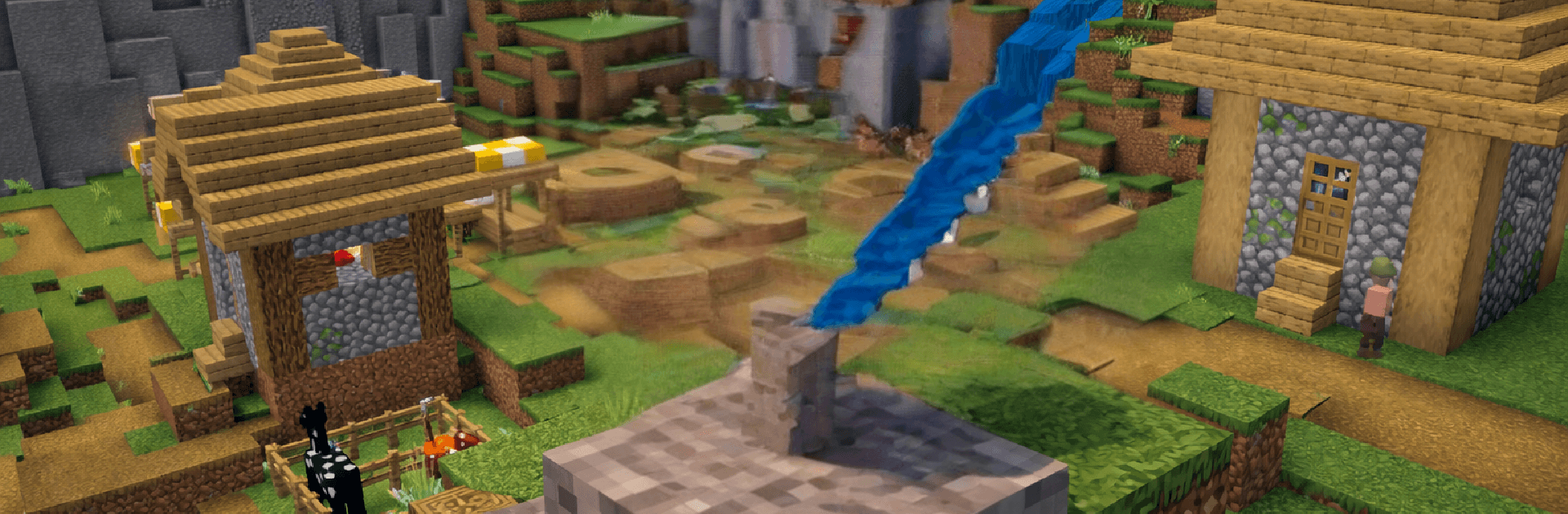
Sasuke Craft: Ninja Hero is a Casual sandbox that blends chill building with scrappy ninja action. Explore blocky landscapes, grab the materials you need, and piece together a base that actually feels like yours—then head out and take on whatever’s lurking nearby. Want to craft in peace or pick fights and push your skills? You get to choose the pace.

Game Features

  • Open-world freedom: Wander sprawling block environments, poke into new areas, and gather what you need without a set path holding you back.
  • Mining and crafting: Collect stone, wood, and more, then turn your haul into tools, weapons, and gear that make the next outing easier.
  • Build your base: Set up shelters and workspaces, expand room by room, and shape a safe spot before venturing into tougher zones.
  • Ninja combat: Face off against enemies using quick strikes and smart movement; bring the gear you’ve crafted and make every hit count.
  • Hero growth: Train your ninja over time and feel the steady climb—better equipment and practice open up new challenges.
  • Play your way: Spend a session building, go exploring, or hunt threats when you’re ready. Swap plans on the fly with no pressure.
  • Smooth controls: Easy-to-grasp controls keep things accessible on mobile—and if you like keyboard and mouse, playing through BlueStacks feels natural.
  • Survive challenges: Tackle enemy-packed areas and harsher regions that test your preparation, base design, and combat choices.

BlueStacks gives you more room to focus on the game and less time adjusting around mobile limitations.


Game Features

Enhancements

  • Macros
  • Multi Instance
  • Script
  • Repeated Tap
  • Enhancements
Macros

Macros

Automate the predictable in Sasuke Craft: Ninja Hero and transform your gameplay with Macros. Get access to inventive Macros in the BlueStacks Macro Community
Multi Instance

Multi Instance

Play Sasuke Craft: Ninja Hero on one window. And chat with your friend on the other. Press CTRL + Shift + 8 to open the Multi-Instance Manager. And start creating fresh instances or clone an existing one.
Script

Script

Script your way to gaming glory in Sasuke Craft: Ninja Hero with BlueStacks Script. Write and run a set of commands to automate repeated tasks. Trigger the command by assigning it to any key.
Repeated Tap

Repeated Tap

BlueStacks lets you master Sasuke Craft: Ninja Hero with useful features like the Repeated Tap. Now you do not have to press the same key repeatedly to initiate an action. Just assign it to one key and you are good to go.
Read More

How to Download and Play Sasuke Craft: Ninja Hero on PC or Mac

  • Download and install BlueStacks on your PC or Mac

  • Complete Google sign-in to access the Play Store, or do it later

  • Look for Sasuke Craft: Ninja Hero in the search bar at the top right corner

  • Click to install Sasuke Craft: Ninja Hero from the search results

  • Complete Google sign-in (if you skipped step 2) to install Sasuke Craft: Ninja Hero

  • Click the Sasuke Craft: Ninja Hero icon on the home screen to start playing

video
Watch Video

Minimum System Requirements

With BlueStacks 5, you can get started on a PC that fulfills the following requirements.

  • Operating System

    Microsoft Windows 7 or above, macOS 11 (Big Sur) or above

  • Processor

    Intel, AMD or Apple Silicon Processor

  • RAM

    at least 4GB

  • HDD

    10GB Free Disk Space

Note:

* You must be an Administrator on your PC. Up to date graphics drivers from Microsoft or the chipset vendor.

Sasuke Craft: Ninja Hero - FAQs

  • How to play Sasuke Craft: Ninja Hero on Windows PC & Mac?

    Play Sasuke Craft: Ninja Hero on your PC or Mac by following these simple steps.

    • Click on 'Play Sasuke Craft: Ninja Hero on PC’ to download BlueStacks
    • Install it and log-in to Google Play Store
    • Launch and play the game.
  • Why is BlueStacks the fastest and safest platform to play games on PC?

    BlueStacks respects your privacy and is always safe and secure to use. It does not carry any malware, spyware, or any sort of additional software that could harm your PC.

    It is engineered to optimize speed and performance for a seamless gaming experience.

  • What are Sasuke Craft: Ninja Hero PC requirements?

    Minimum requirement to run Sasuke Craft: Ninja Hero on your PC

    • OS: Microsoft Windows 7 or above MacOS 11 (Big Sur) or above
    • Processor: Intel, AMD or Apple Silicon Processor
    • RAM: Your PC must have at least 4GB of RAM. (Note that having 4GB or more disk space is not a substitute for RAM)
    • HDD: 10GB Free Disk Space.
    • You must be an Administrator on your PC.