رحلة الحروف
رحلة الحروف

رحلة الحروف

Educational

| The Queen Rania Foundation

Play on PC with BlueStacks or from our cloud

  • Overview
  • Game Features
  • How to Play

Page Modified On: August 08, 2025

Play رحلة الحروف on PC or Mac

Explore a whole new adventure with رحلة الحروف, a Educational game created by The Queen Rania Foundation. Experience great gameplay with BlueStacks, the most popular gaming platform to play Android games on your PC or Mac.

About the Game

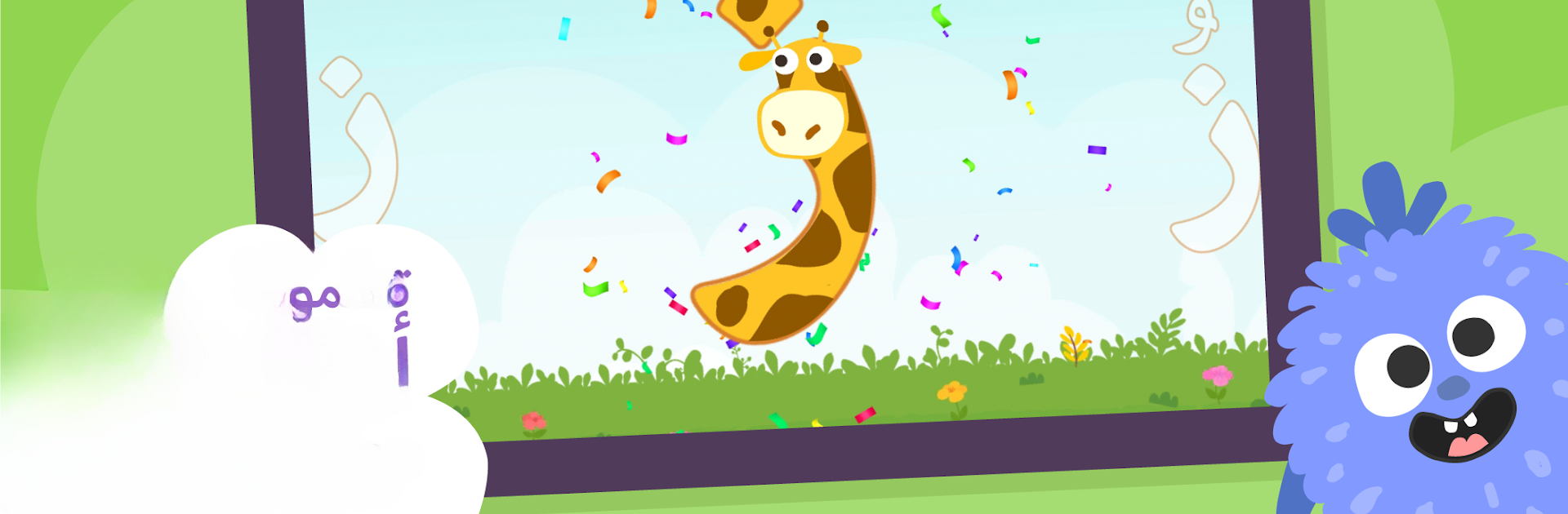
رحلة الحروف from The Queen Rania Foundation is a playful Educational game that helps little ones discover the Arabic alphabet in a way that actually sticks. Kids meet friendly guides like Kanfoush, Karim, and Jana and set off on a colorful adventure filled with music, stories, and hands-on games. Whether your kiddo is just starting out or needs a bit of practice, they’ll find plenty to get excited about while exploring the world of Arabic letters.

Game Features

  • Interactive Alphabet Games
    Kids don’t just see the letters—they get to recognize, trace, and play with them through a bunch of mini-games that make learning feel like playtime.

  • Lively Songs
    Catchy Arabic tunes pop up throughout the game, helping children remember letter names and sounds—let’s be real, you might be humming along too.

  • Engaging Stories
    Short stories get sprinkled in, turning lessons into imaginative tales that bring the alphabet to life alongside Kanfoush, Karim, and Jana.

  • No Distractions
    No ads, no subscriptions, and no internet required—just pure learning. That way, kids stay focused and parents don’t worry.

  • Suitable for Early Learners
    Whether it’s toddlers having their first crack at Arabic or kindergartners brushing up, the content is tailored for ages 3-6, with just the right pace.

  • Regular Content Updates
    The game keeps things fresh by adding new activities, so boredom doesn’t stand a chance.

  • Self-guided Experience
    Kids can explore and learn on their own schedule, at their own pace—no rush and no pressure.

  • BlueStacks Compatible
    If you prefer giving your child a bigger screen, you can run رحلة الحروف on your PC using BlueStacks for a smooth, comfortable play session.

Slay your opponents with your epic moves. Play it your way on BlueStacks and dominate the battlefield.


Game Features

Enhancements

  • Macros
  • Multi Instance
  • Multi Instance Sync
  • Script
  • Enhancements
Macros

Macros

Automate the predictable in رحلة الحروف and transform your gameplay with Macros. Get access to inventive Macros in the BlueStacks Macro Community
Multi Instance

Multi Instance

Play رحلة الحروف on one window. And chat with your friend on the other. Press CTRL + Shift + 8 to open the Multi-Instance Manager. And start creating fresh instances or clone an existing one.
Multi Instance Sync

Multi Instance Sync

Play رحلة الحروف with the power of Multi-Instance Sync. Replicate what you are doing on the main instance on all other instances. Level up faster, play more.
Script

Script

Script your way to gaming glory in رحلة الحروف with BlueStacks Script. Write and run a set of commands to automate repeated tasks. Trigger the command by assigning it to any key.
Read More

How to Download and Play رحلة الحروف on PC or Mac

  • Download and install BlueStacks on your PC or Mac

  • Complete Google sign-in to access the Play Store, or do it later

  • Look for رحلة الحروف in the search bar at the top right corner

  • Click to install رحلة الحروف from the search results

  • Complete Google sign-in (if you skipped step 2) to install رحلة الحروف

  • Click the رحلة الحروف icon on the home screen to start playing

video
Watch Video

Minimum System Requirements

With BlueStacks 5, you can get started on a PC that fulfills the following requirements.

  • Operating System

    Microsoft Windows 7 or above, macOS 11 (Big Sur) or above

  • Processor

    Intel, AMD or Apple Silicon Processor

  • RAM

    at least 4GB

  • HDD

    10GB Free Disk Space

Note:

* You must be an Administrator on your PC. Up to date graphics drivers from Microsoft or the chipset vendor.

رحلة الحروف - FAQs

  • How to play رحلة الحروف on Windows PC & Mac?

    Play رحلة الحروف on your PC or Mac by following these simple steps.

    • Click on 'Play رحلة الحروف on PC’ to download BlueStacks
    • Install it and log-in to Google Play Store
    • Launch and play the game.
  • Why is BlueStacks the fastest and safest platform to play games on PC?

    BlueStacks respects your privacy and is always safe and secure to use. It does not carry any malware, spyware, or any sort of additional software that could harm your PC.

    It is engineered to optimize speed and performance for a seamless gaming experience.

  • What are رحلة الحروف PC requirements?

    Minimum requirement to run رحلة الحروف on your PC

    • OS: Microsoft Windows 7 or above MacOS 11 (Big Sur) or above
    • Processor: Intel, AMD or Apple Silicon Processor
    • RAM: Your PC must have at least 4GB of RAM. (Note that having 4GB or more disk space is not a substitute for RAM)
    • HDD: 10GB Free Disk Space.
    • You must be an Administrator on your PC.