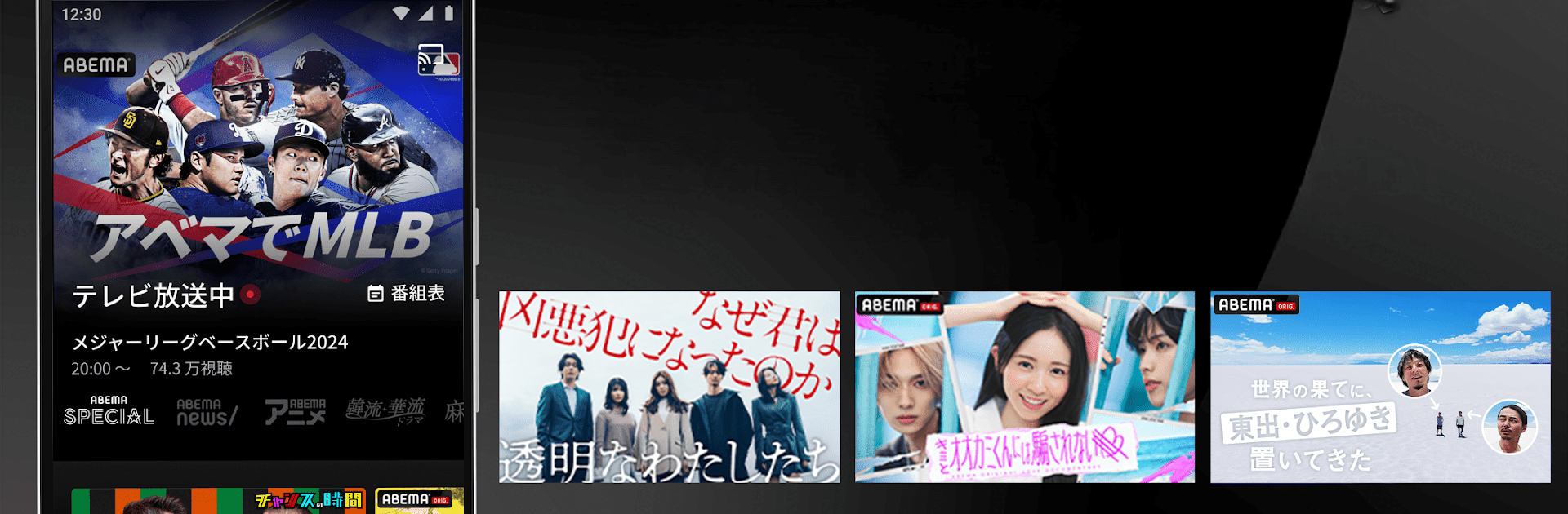


Why limit yourself to your small screen on the phone? Run ABEMA(アベマ)テレビやアニメ等の動画配信アプリ, an app by AbemaTV, Inc., best experienced on your PC or Mac with BlueStacks, the world’s #1 Android emulator.
ABEMA plays like a big, always-on TV packed into an app, with lots of channels running around the clock. It is easy to jump straight into shows without signing up, and on a PC using BlueStacks the whole thing feels less cramped than on a phone — bigger screen, mouse control, and quicker switching between channels. There is a clear 24 hour news channel, original dramas and variety shows you do not see on regular TV, plenty of anime, sports and live concerts. The catalog is huge and often leans toward original Japanese content, so people into current anime, niche dramas, or exclusive programs will find a lot to scroll through. Video loading is generally quick on Wi Fi, though quality depends on connection, and switching channels usually stays smooth.
There are small but useful features like a My List to save things to watch later, comments that appear on the player so viewers can react during live shows, and easy sharing to social. A paid Premium option adds downloads and access to some limited content for about 960 yen a month, which might matter to anyone who wants offline viewing or early access. Overall it feels casual and TV-like more than a curated streaming catalogue, good for someone who likes flipping between live channels, catching news updates, or keeping up with popular anime and original series.
Switch to BlueStacks and make the most of your apps on your PC or Mac.