



Get freedom from your phone’s obvious limitations. Use Лайм HD TV онлайн: приставки, made by Лайм Эйч Ди, a Entertainment app on your PC or Mac with BlueStacks, and level up your experience.
About the App
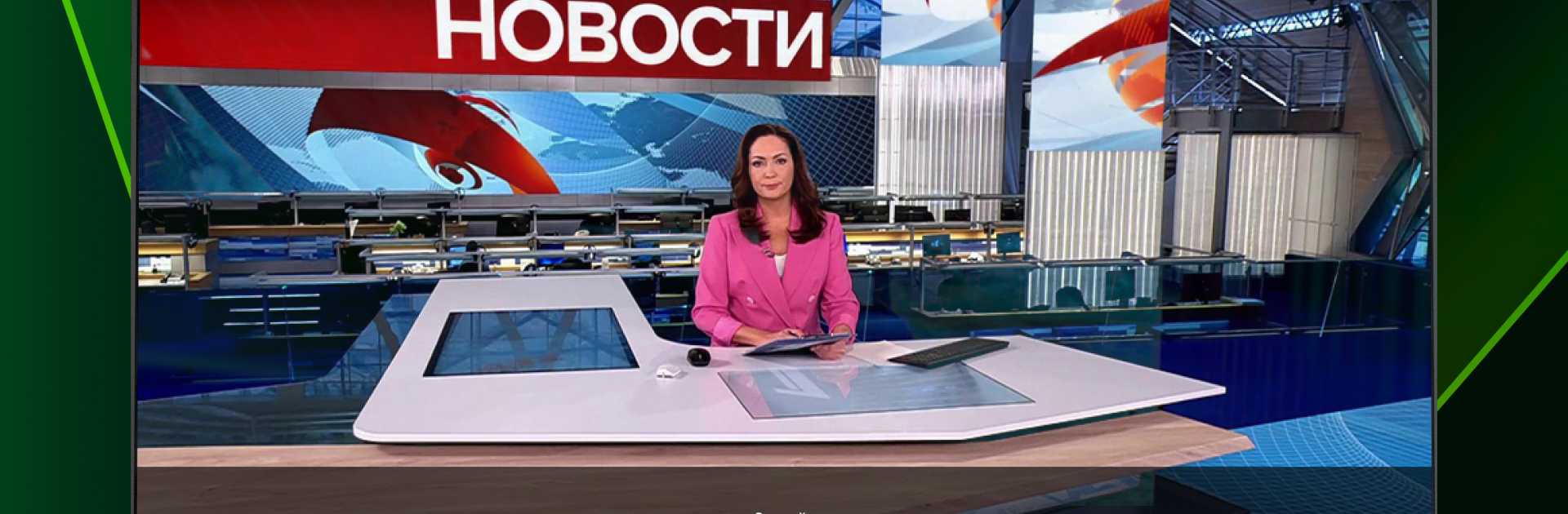
If you’re always hunting for something to watch, Лайм HD TV онлайн: приставки could be the answer for your living room. Made by Лайм Эйч Ди for Entertainment fans, this app brings hundreds of Russian TV channels, movies, series, cartoons, and live sports right to your TV with just a tap on your remote. Expect a straightforward, family-friendly TV experience with tons of choices—whether you’re in the mood for news, football, or old-school comedy, you’ll find it here.
App Features
-
330+ Channels, Always On
Flip through over 330 channels, from big Russian networks to local favorites, spanning everything from music and sports to news and kids’ cartoons—all streaming live in HD. -
Record, Pause, and Rewind
Don’t worry about missing a goal or a punchline. You can record, pause, or rewind programs, so your favorite moments are never out of reach. -
Handy Favorites List
Save your top channels with the Favorites feature, making it much quicker to find that one show you can’t miss—even if you live halfway across the world. -
Family-Friendly Variety
Switch between drama, comedy, science fiction, sports, and more without breaking a sweat. The lineup has options for everyone in the house, including little kids. -
Simple Remote Control Navigation
Browse channels, manage your watchlist, and adjust video quality—all from your set-top box remote. Easy enough for anyone to use. -
Smarter Search & Filters
Find what you want to watch fast thanks to a powerful search tool and filters by genre, channel, or program. No need to scroll endlessly. -
Continue Watching Across Devices
With a unified user profile, you can keep watching your shows just where you left off—even if you switch from one TV or set-top box to another. -
Sleep Timer
There’s a sleep timer too, handy for those nights when you nod off mid-episode. -
Channel Archive Access
Some channels keep an archive, so if you missed a show, just go back and catch up. -
BlueStacks Compatibility
If you’d like, you can also run Лайм HD TV онлайн: приставки on your PC with BlueStacks and keep the big-screen experience going wherever you are.
Everyday TV just got easier—and a whole lot more fun—with Лайм HD TV онлайн: приставки.
BlueStacks gives you the much-needed freedom to experience your favorite apps on a bigger screen. Get it now.





