Loud Police Siren Police Light

Loud Police Siren Police Light

Entertainment

| DOSA Apps

Play on PC with BlueStacks or from our cloud

  • Overview
  • How to Download

Page Modified On: November 03, 2025

Run Loud Police Siren Police Light on PC or Mac

Multitask effortlessly on your PC or Mac as you try out Loud Police Siren Police Light, a Entertainment app by DOSA Apps on BlueStacks.

About the App

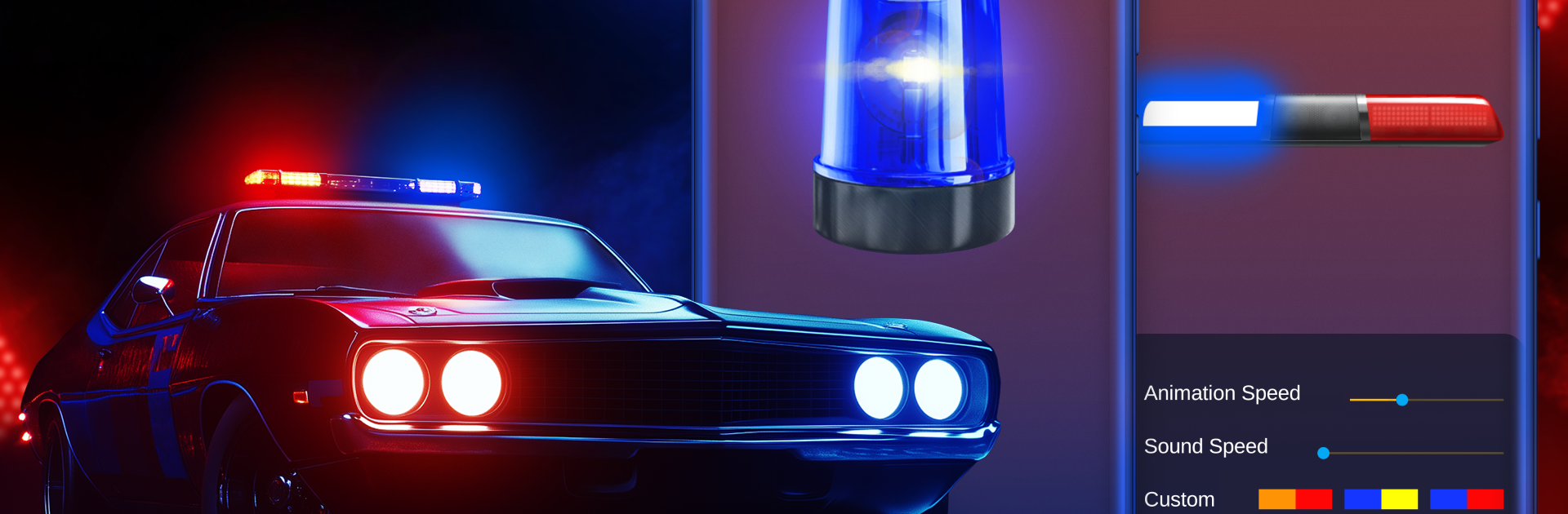
Loud Police Siren Police Light turns your phone into a pocket-sized light-and-sound rig that feels surprisingly real. This Entertainment app by DOSA Apps packs crisp siren audio and bold flashing lights for those moments when you want a little drama, a quick prank, or a party effect that actually gets noticed. It’s easy to use, loud when you want it, and looks slick on screen.

App Features

  • Realistic flashing lights and audio: Rotating strobes and powerful siren sounds combine to mimic a patrol car vibe without any complicated setup.
  • Multiple siren styles: Pick from classic wail and yelp tones, hi-lo variations, air horn hits, hazard beeps, and alarm effects to match the mood.
  • Light pattern options: Switch between different flashing patterns and rotating effects to nail the look you’re going for.
  • Speed and volume sliders: Fine-tune the strobe speed and siren volume—from subtle background ambiance to all-out attention-grabber.
  • One-tap control: Big, straightforward buttons make it simple to start, stop, or swap sounds and lights in an instant.
  • Crisp visuals: Clean graphics with smooth rotations and vivid strobes keep the whole thing feeling polished on any screen.
  • Party and prank friendly: Great for cosplay, skits, Halloween, or just cracking up your friends—use responsibly and never to imitate real emergency vehicles.
  • Ready when you are: Quick on/off settings let you jump into action fast, whether you’re recreating a dispatch scene or adding flair to a playlist.
  • Works great on bigger screens too: If you prefer using a computer, it plays nicely on BlueStacks for a room-filling light show.

BlueStacks brings your apps to life on a bigger screen—seamless and straightforward.

How to Download and Run Loud Police Siren Police Light on PC or Mac

  • Download and install BlueStacks on your PC or Mac

  • Complete Google sign-in to access the Play Store, or do it later

  • Look for Loud Police Siren Police Light in the search bar at the top right corner

  • Click to install Loud Police Siren Police Light from the search results

  • Complete Google sign-in (if you skipped step 2) to install Loud Police Siren Police Light

  • Click the Loud Police Siren Police Light icon on the home screen to start playing

video
Watch Video

Minimum System Requirements

With BlueStacks 5, you can get started on a PC that fulfills the following requirements.

  • Operating System

    Microsoft Windows 7 or above, macOS 11 (Big Sur) or above

  • Processor

    Intel, AMD or Apple Silicon Processor

  • RAM

    at least 4GB

  • HDD

    10GB Free Disk Space

Note:

* You must be an Administrator on your PC. Up to date graphics drivers from Microsoft or the chipset vendor.

Loud Police Siren Police Light - FAQs

  • How to Run Loud Police Siren Police Light on Windows PC & Mac?

    Run Loud Police Siren Police Light on your PC or Mac by following these simple steps.

    • Click on ‘Download Loud Police Siren Police Light on PC’ to download BlueStacks
    • Install it and log-in to Google Play Store
    • Launch and run the app.
  • Why is BlueStacks the fastest and safest platform to play games on PC?

    BlueStacks respects your privacy and is always safe and secure to use. It does not carry any malware, spyware, or any sort of additional software that could harm your PC.

    It is engineered to optimize speed and performance for a seamless gaming experience.

  • What are Loud Police Siren Police Light PC requirements?

    Minimum requirement to run Loud Police Siren Police Light on your PC

    • OS: Microsoft Windows 7 and above:
    • Processor: Intel or AMD Processor:
    • RAM: Your PC must have at least 2GB of RAM. (Note that having 2GB or more disk space is not a substitute for RAM):
    • HDD: 5GB Free Disk Space.
    • You must be an Administrator on your PC.