
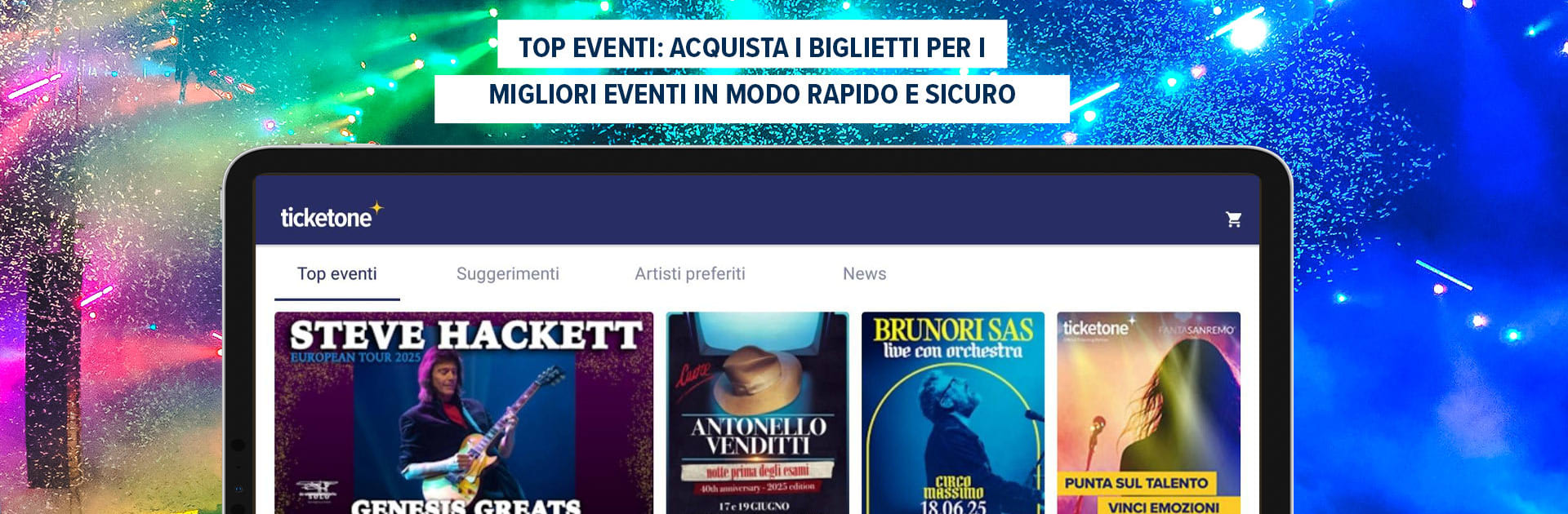
TicketOne.it
TicketOne.it

TicketOne.it

Entertainment

| TicketOne S.p.A.

Play on PC with BlueStacks or from our cloud

  • Overview
  • How to Download

Page Modified On: October 13, 2025

Run TicketOne.it on PC or Mac

What’s better than using TicketOne.it by TicketOne S.p.A.? Well, try it on a big screen, on your PC or Mac, with BlueStacks to see the difference.

TicketOne.it feels like a tidy hub for concerts, theater, and sports, with a feed that actually shows useful stuff instead of noise. Pick a city, set a date range, add a few interests, and it lines up what is happening without making someone dig through a maze. Mark artists and venues as favorites, and the app nudges when new shows drop or when tickets move. It can even look at the music library if permission is given, then suggest artists to follow, which is handy for keeping track of tours that slip past. Artist and venue pages are packed with the basics people need, like dates, times, and where the seats are, so there is no guessing.

Buying inside the app is straightforward. The seat map is built in, so choosing a specific spot is not a fight, and the checkout is quick once the profile is set. There is support for print at home tickets saved on the device, and those glossy FanTicket previews are here if someone likes collecting stubs that look nice. Notifications are targeted to what is marked as favorite, and they can be tuned down if they ping too much. Sharing to friends is simple through social apps, which helps when a group is trying to pick a night. Running it on a PC with BlueStacks feels nice when scanning long lists or zooming a seating chart, since a big screen and keyboard make search and filters less fussy. The menus are clear enough, and the app lets users customize interests so the feed keeps focusing on the right shows.

BlueStacks brings your apps to life on a bigger screen—seamless and straightforward.

How to Download and Run TicketOne.it on PC or Mac

  • Download and install BlueStacks on your PC or Mac

  • Complete Google sign-in to access the Play Store, or do it later

  • Look for TicketOne.it in the search bar at the top right corner

  • Click to install TicketOne.it from the search results

  • Complete Google sign-in (if you skipped step 2) to install TicketOne.it

  • Click the TicketOne.it icon on the home screen to start playing

video
Watch Video

Minimum System Requirements

With BlueStacks 5, you can get started on a PC that fulfills the following requirements.

  • Operating System

    Microsoft Windows 7 or above, macOS 11 (Big Sur) or above

  • Processor

    Intel, AMD or Apple Silicon Processor

  • RAM

    at least 4GB

  • HDD

    10GB Free Disk Space

Note:

* You must be an Administrator on your PC. Up to date graphics drivers from Microsoft or the chipset vendor.

TicketOne.it - FAQs

  • How to Run TicketOne.it on Windows PC & Mac?

    Run TicketOne.it on your PC or Mac by following these simple steps.

    • Click on ‘Download TicketOne.it on PC’ to download BlueStacks
    • Install it and log-in to Google Play Store
    • Launch and run the app.
  • Why is BlueStacks the fastest and safest platform to play games on PC?

    BlueStacks respects your privacy and is always safe and secure to use. It does not carry any malware, spyware, or any sort of additional software that could harm your PC.

    It is engineered to optimize speed and performance for a seamless gaming experience.

  • What are TicketOne.it PC requirements?

    Minimum requirement to run TicketOne.it on your PC

    • OS: Microsoft Windows 7 and above:
    • Processor: Intel or AMD Processor:
    • RAM: Your PC must have at least 2GB of RAM. (Note that having 2GB or more disk space is not a substitute for RAM):
    • HDD: 5GB Free Disk Space.
    • You must be an Administrator on your PC.




