
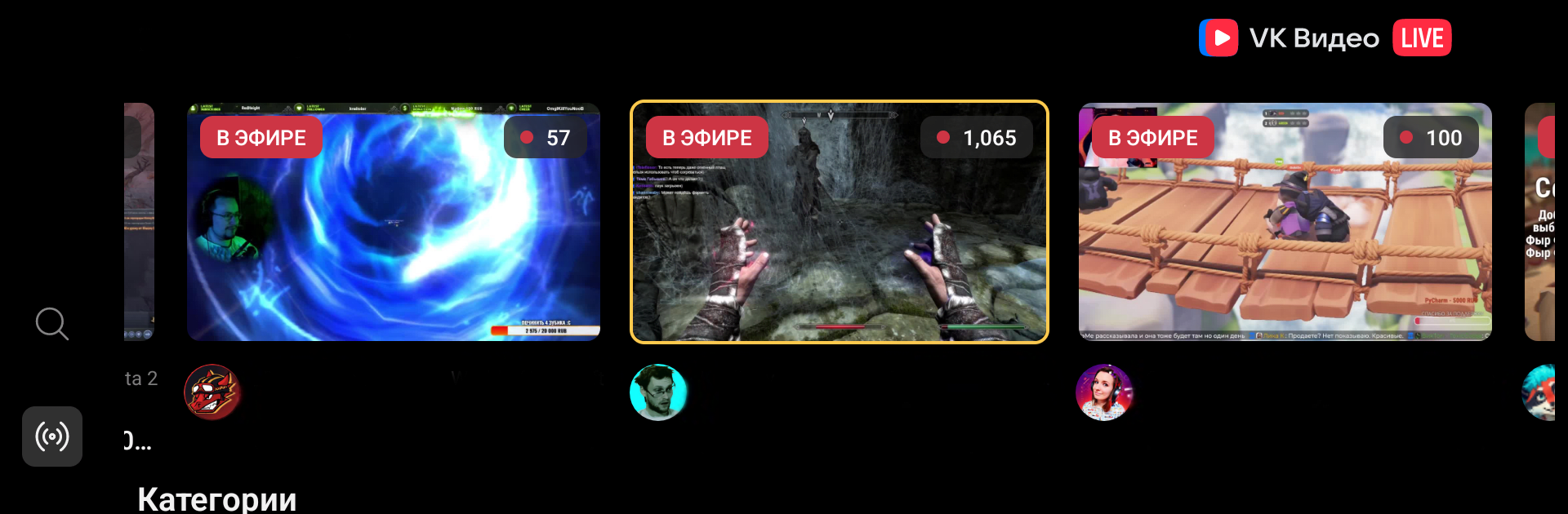
VK Видео Live: стримы, общение

VK Видео Live: стримы, общение

Entertainment

| VK.com

Play on PC with BlueStacks or from our cloud

  • Overview
  • How to Download

Page Modified On: December 22, 2025

Run VK Видео Live: стримы, общение on PC or Mac

Get freedom from your phone’s obvious limitations. Use VK Видео Live: стримы, общение, made by VK.com, a Entertainment app on your PC or Mac with BlueStacks, and level up your experience.

VK Video Live comes across as a straight to the point place to watch live streams and actually hang out in chat. It loads quick, logging in with VK ID is easy, and the picture looks clean. While it is clearly made for phones, running it on a PC with BlueStacks works well for longer watching. The video gets the whole screen, chat sits comfortably to the side, and typing messages with a keyboard just feels nicer.

There is more going on than just watching. Viewers can join polls and other interactive bits, throw in the platform’s global emotes, and collect channel points and boxes during broadcasts. Notifications nudge when a favorite channel starts a new stream, so missing a match or a show happens less. The lineup leans on games people actually follow: Counter-Strike 2, Dota 2, Valorant, Fortnite, Apex Legends, Call of Duty Warzone 2.0, Minecraft, League of Legends, Grand Theft Auto V, plus plenty of others. Beyond games, there are sports, esports events, music streams, and bloggers doing live shows, so it does not feel one-note.

If someone follows tournaments, subscribing to channels keeps the big moments front and center in real time, with chat flying when things get tense. The interface stays simple and learnable, though the feed can look busy on days with lots of shows. For anyone who likes watching streams, chatting along, and picking up small rewards while watching, it lands in a comfortable spot.

Ready to experience VK Видео Live: стримы, общение on a bigger screen, in all its glory? Download BlueStacks now.


How to Download and Run VK Видео Live: стримы, общение on PC or Mac

  • Download and install BlueStacks on your PC or Mac

  • Complete Google sign-in to access the Play Store, or do it later

  • Look for VK Видео Live: стримы, общение in the search bar at the top right corner

  • Click to install VK Видео Live: стримы, общение from the search results

  • Complete Google sign-in (if you skipped step 2) to install VK Видео Live: стримы, общение

  • Click the VK Видео Live: стримы, общение icon on the home screen to start playing

video
Watch Video

Minimum System Requirements

With BlueStacks 5, you can get started on a PC that fulfills the following requirements.

  • Operating System

    Microsoft Windows 7 or above, macOS 11 (Big Sur) or above

  • Processor

    Intel, AMD or Apple Silicon Processor

  • RAM

    at least 4GB

  • HDD

    10GB Free Disk Space

Note:

* You must be an Administrator on your PC. Up to date graphics drivers from Microsoft or the chipset vendor.

VK Видео Live: стримы, общение - FAQs

  • How to Run VK Видео Live: стримы, общение on Windows PC & Mac?

    Run VK Видео Live: стримы, общение on your PC or Mac by following these simple steps.

    • Click on ‘Download VK Видео Live: стримы, общение on PC’ to download BlueStacks
    • Install it and log-in to Google Play Store
    • Launch and run the app.
  • Why is BlueStacks the fastest and safest platform to play games on PC?

    BlueStacks respects your privacy and is always safe and secure to use. It does not carry any malware, spyware, or any sort of additional software that could harm your PC.

    It is engineered to optimize speed and performance for a seamless gaming experience.

  • What are VK Видео Live: стримы, общение PC requirements?

    Minimum requirement to run VK Видео Live: стримы, общение on your PC

    • OS: Microsoft Windows 7 and above:
    • Processor: Intel or AMD Processor:
    • RAM: Your PC must have at least 2GB of RAM. (Note that having 2GB or more disk space is not a substitute for RAM):
    • HDD: 5GB Free Disk Space.
    • You must be an Administrator on your PC.



