
LITT Live
LITT Live

LITT Live

Music & Audio

| LITT Live

Play on PC with BlueStacks or from our cloud

  • Overview
  • How to Download

Page Modified On: October 13, 2025

Run LITT Live on PC or Mac

Get freedom from your phone’s obvious limitations. Use LITT Live, made by LITT Live, a Music & Audio app on your PC or Mac with BlueStacks, and level up your experience.

About the App

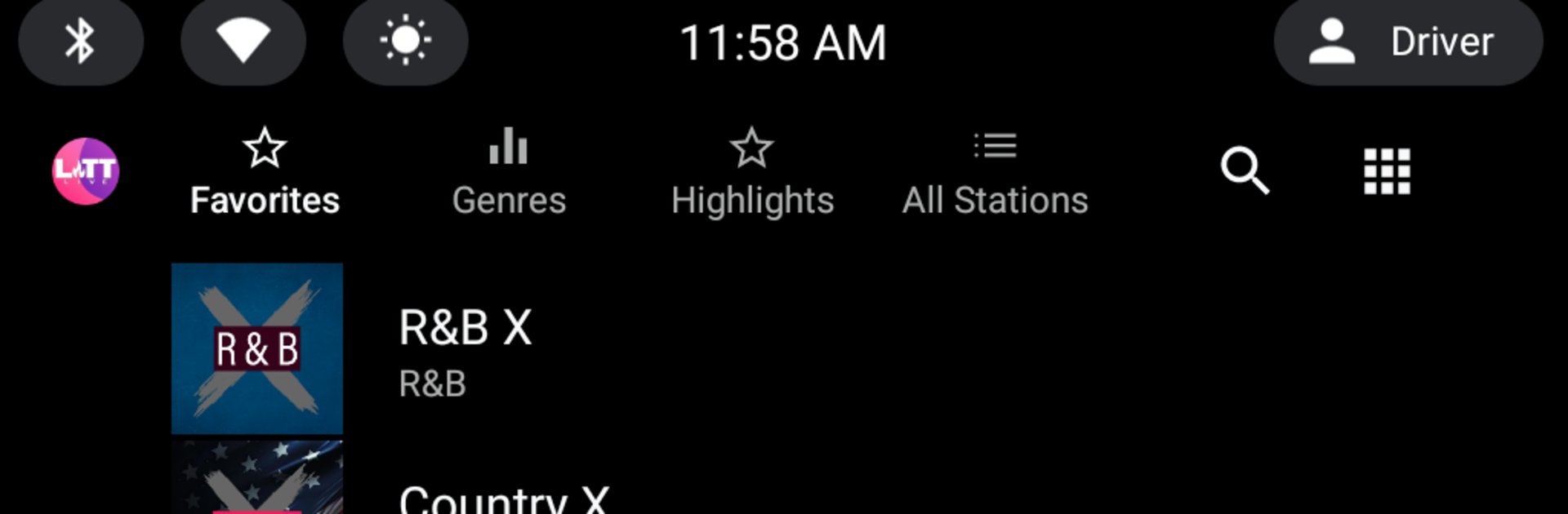
LITT Live brings back the thrill of real radio—live, personality-driven, and always on. Flip through more than 75 original stations across every genre and hear actual DJs and curators running the show, not a faceless algorithm. It’s free, fast to use, and focused on the music, without the usual clutter or ads. Prefer a bigger screen? You can even tune in on your computer with BlueStacks.

App Features

  • Real hosts, not bots — Live DJs and personalities spin tracks, share stories, and keep the vibes going 24/7.
  • 75+ original stations — Exclusive channels built for LITT Live across hip-hop, R&B, dance, pop, Latin, rock, and more, with fresh stations added regularly.
  • Zero commercials — No long ad breaks or pop-ups. Tap a station and you’re listening, plain and simple.
  • Quick-tap presets — Station tiles feel like a car dashboard: pick your favorites and jump right in without searching.
  • Sounds amazing — Crisp, high-quality streaming that shines on headphones, car stereos, and home speakers.
  • Plays everywhere — Stream via Bluetooth or a cable to your car and speakers. Android Auto and Android TV are supported.
  • Daily giveaways — Listen in and you could score prizes just for being tuned into the music.
  • Always on — Live 24/7 programming means there’s something playing whenever you are.
  • Built for discovery — Find new artists and tracks from trusted curators who actually care about what you’re hearing.

This Music & Audio app is created by LITT Live.

Eager to take your app experience to the next level? Start right away by downloading BlueStacks on your PC or Mac.


How to Download and Run LITT Live on PC or Mac

  • Download and install BlueStacks on your PC or Mac

  • Complete Google sign-in to access the Play Store, or do it later

  • Look for LITT Live in the search bar at the top right corner

  • Click to install LITT Live from the search results

  • Complete Google sign-in (if you skipped step 2) to install LITT Live

  • Click the LITT Live icon on the home screen to start playing

video
Watch Video

Minimum System Requirements

With BlueStacks 5, you can get started on a PC that fulfills the following requirements.

  • Operating System

    Microsoft Windows 7 or above, macOS 11 (Big Sur) or above

  • Processor

    Intel, AMD or Apple Silicon Processor

  • RAM

    at least 4GB

  • HDD

    10GB Free Disk Space

Note:

* You must be an Administrator on your PC. Up to date graphics drivers from Microsoft or the chipset vendor.

LITT Live - FAQs

  • How to Run LITT Live on Windows PC & Mac?

    Run LITT Live on your PC or Mac by following these simple steps.

    • Click on ‘Download LITT Live on PC’ to download BlueStacks
    • Install it and log-in to Google Play Store
    • Launch and run the app.
  • Why is BlueStacks the fastest and safest platform to play games on PC?

    BlueStacks respects your privacy and is always safe and secure to use. It does not carry any malware, spyware, or any sort of additional software that could harm your PC.

    It is engineered to optimize speed and performance for a seamless gaming experience.

  • What are LITT Live PC requirements?

    Minimum requirement to run LITT Live on your PC

    • OS: Microsoft Windows 7 and above:
    • Processor: Intel or AMD Processor:
    • RAM: Your PC must have at least 2GB of RAM. (Note that having 2GB or more disk space is not a substitute for RAM):
    • HDD: 5GB Free Disk Space.
    • You must be an Administrator on your PC.



