Band Live Rock
Band Live Rock

Band Live Rock

Music

| Batalsoft Music Apps

Play on PC with BlueStacks or from our cloud

  • Overview
  • Game Features
  • How to Play

Page Modified On: January 10, 2026

Play Band Live Rock on PC or Mac

Step into the World of Band Live Rock, a thrilling Music game from the house of Batalsoft Music Apps. Play this Android game on BlueStacks App Player and experience immersive gaming on PC or Mac.

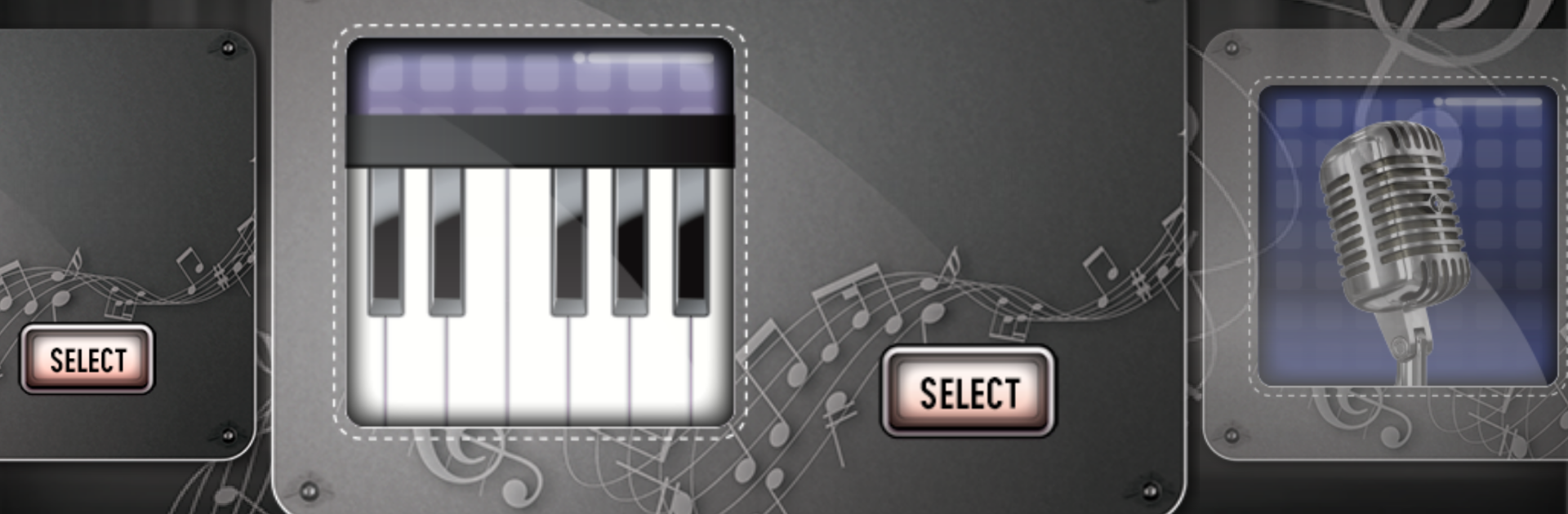
Band Live Rock feels like a mini recording studio disguised as a band game, which is kind of the fun of it. The player jumps between drums, guitar, piano, bass, and even a mic for singing, then stacks takes into a full song. It is not a note highway or score chase, it is more of a sandbox for making tracks. What stands out is how quick it is to lay down a drum groove, flip to bass, and keep building while the other parts loop. The sound sets are clean and punchy, with a full 81 key piano, 19 fret guitar and bass, and an advanced drum kit that even has double kick and a left handed mode. There is proper DAW stuff too, like BPM control, sections per track, solo and mute, and editing tools to move, copy, paste, transpose, or tweak velocity. Autosave helps, and export to MIDI, OGG, or MP3 is there when the song feels ready.

On PC with BlueStacks, the whole thing is easier to handle. Keyboard keys for drums and piano feel more precise, timeline edits are less fiddly with a mouse, and switching tracks is smoother. Latency is low enough to jam without that weird delay, especially with headphones. It also works with external MIDI controllers, so someone who already plays can plug in and go. It is free, ads are around unless a license is bought, and that is really the only speed bump. Overall it suits beginners messing with their first riffs and more experienced players who want a portable DAW that does not get in the way.

Get ready for a buttery smooth, high-performance gaming action only on BlueStacks.

Game Features

Enhancements

  • Macros
  • Multi Instance
  • Multi Instance Sync
  • Script
  • Enhancements
Macros

Macros

Automate the predictable in Band Live Rock and transform your gameplay with Macros. Get access to inventive Macros in the BlueStacks Macro Community
Multi Instance

Multi Instance

Play Band Live Rock on one window. And chat with your friend on the other. Press CTRL + Shift + 8 to open the Multi-Instance Manager. And start creating fresh instances or clone an existing one.
Multi Instance Sync

Multi Instance Sync

Play Band Live Rock with the power of Multi-Instance Sync. Replicate what you are doing on the main instance on all other instances. Level up faster, play more.
Script

Script

Script your way to gaming glory in Band Live Rock with BlueStacks Script. Write and run a set of commands to automate repeated tasks. Trigger the command by assigning it to any key.
Read More

How to Download and Play Band Live Rock on PC or Mac

  • Download and install BlueStacks on your PC or Mac

  • Complete Google sign-in to access the Play Store, or do it later

  • Look for Band Live Rock in the search bar at the top right corner

  • Click to install Band Live Rock from the search results

  • Complete Google sign-in (if you skipped step 2) to install Band Live Rock

  • Click the Band Live Rock icon on the home screen to start playing

video
Watch Video

Minimum System Requirements

With BlueStacks 5, you can get started on a PC that fulfills the following requirements.

  • Operating System

    Microsoft Windows 7 or above, macOS 11 (Big Sur) or above

  • Processor

    Intel, AMD or Apple Silicon Processor

  • RAM

    at least 4GB

  • HDD

    10GB Free Disk Space

Note:

* You must be an Administrator on your PC. Up to date graphics drivers from Microsoft or the chipset vendor.

Band Live Rock - FAQs

  • How to play Band Live Rock on Windows PC & Mac?

    Play Band Live Rock on your PC or Mac by following these simple steps.

    • Click on 'Play Band Live Rock on PC’ to download BlueStacks
    • Install it and log-in to Google Play Store
    • Launch and play the game.
  • Why is BlueStacks the fastest and safest platform to play games on PC?

    BlueStacks respects your privacy and is always safe and secure to use. It does not carry any malware, spyware, or any sort of additional software that could harm your PC.

    It is engineered to optimize speed and performance for a seamless gaming experience.

  • What are Band Live Rock PC requirements?

    Minimum requirement to run Band Live Rock on your PC

    • OS: Microsoft Windows 7 or above MacOS 11 (Big Sur) or above
    • Processor: Intel, AMD or Apple Silicon Processor
    • RAM: Your PC must have at least 4GB of RAM. (Note that having 4GB or more disk space is not a substitute for RAM)
    • HDD: 10GB Free Disk Space.
    • You must be an Administrator on your PC.