
Axure Cloud
Axure Cloud

Axure Cloud

Productivity

| Axure Software Solutions

Play on PC with BlueStacks or from our cloud

  • Overview
  • How to Download

Page Modified On: December 22, 2025

Run Axure Cloud on PC or Mac

What’s better than using Axure Cloud by Axure Software Solutions? Well, try it on a big screen, on your PC or Mac, with BlueStacks to see the difference.

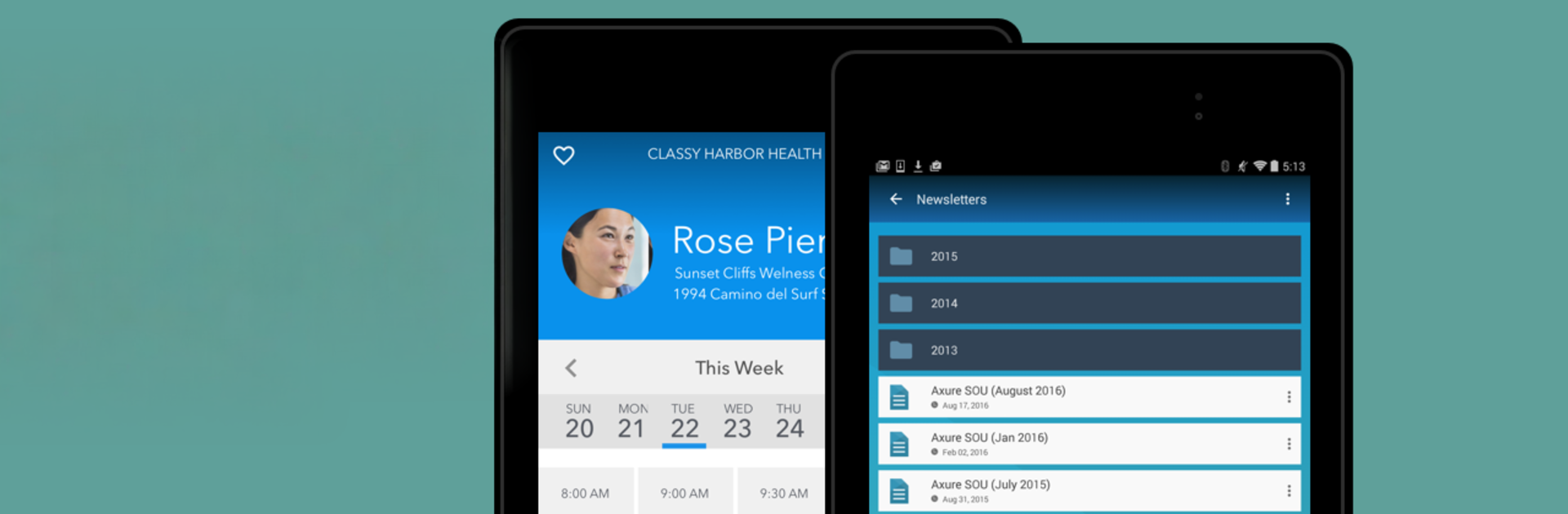
Axure Cloud feels like a straight-to-the-point viewer for Axure prototypes, the kind people use when they just need to show work without fiddling with settings. It opens projects from an Axure Cloud account, then runs the interactive flows so stakeholders can click through screens, tap buttons, and see how things behave. Nothing bloated here, just quick access to files, smooth page transitions, and the option to download prototypes for offline demos, which saves the day when Wi Fi gets weird. Prototypes can be opened inside the app or kicked out to the device browser if that layout works better.

What stands out is how clean it is for presenting. It is clearly built for viewing, not building, so there are no editing tools or team management menus to dig through. Anyone who needs to create workspaces, tweak sharing security, or invite people will still need the full web interface. On a PC, running it through BlueStacks makes it easy to share a screen in meetings, mouse clicks act like taps, and scrolling feels natural enough. It is not flashy, it just does the job, which makes it reliable for quick reviews or last minute walk throughs. Just a heads up, an Axure Cloud account is required before anything shows up.

Switch to BlueStacks and make the most of your apps on your PC or Mac.

How to Download and Run Axure Cloud on PC or Mac

  • Download and install BlueStacks on your PC or Mac

  • Complete Google sign-in to access the Play Store, or do it later

  • Look for Axure Cloud in the search bar at the top right corner

  • Click to install Axure Cloud from the search results

  • Complete Google sign-in (if you skipped step 2) to install Axure Cloud

  • Click the Axure Cloud icon on the home screen to start playing

video
Watch Video

Minimum System Requirements

With BlueStacks 5, you can get started on a PC that fulfills the following requirements.

  • Operating System

    Microsoft Windows 7 or above, macOS 11 (Big Sur) or above

  • Processor

    Intel, AMD or Apple Silicon Processor

  • RAM

    at least 4GB

  • HDD

    10GB Free Disk Space

Note:

* You must be an Administrator on your PC. Up to date graphics drivers from Microsoft or the chipset vendor.

Axure Cloud - FAQs

  • How to Run Axure Cloud on Windows PC & Mac?

    Run Axure Cloud on your PC or Mac by following these simple steps.

    • Click on ‘Download Axure Cloud on PC’ to download BlueStacks
    • Install it and log-in to Google Play Store
    • Launch and run the app.
  • Why is BlueStacks the fastest and safest platform to play games on PC?

    BlueStacks respects your privacy and is always safe and secure to use. It does not carry any malware, spyware, or any sort of additional software that could harm your PC.

    It is engineered to optimize speed and performance for a seamless gaming experience.

  • What are Axure Cloud PC requirements?

    Minimum requirement to run Axure Cloud on your PC

    • OS: Microsoft Windows 7 and above:
    • Processor: Intel or AMD Processor:
    • RAM: Your PC must have at least 2GB of RAM. (Note that having 2GB or more disk space is not a substitute for RAM):
    • HDD: 5GB Free Disk Space.
    • You must be an Administrator on your PC.




