
Simple Notepad : Notes, Todo

Simple Notepad : Notes, Todo

Productivity

| Pavel Poley

Play on PC with BlueStacks or from our cloud

  • Overview
  • How to Download

Page Modified On: January 02, 2026

Run Simple Notepad : Notes, Todo on PC or Mac

Get freedom from your phone’s obvious limitations. Use Simple Notepad : Notes, Todo, made by Pavel Poley, a Productivity app on your PC or Mac with BlueStacks, and level up your experience.

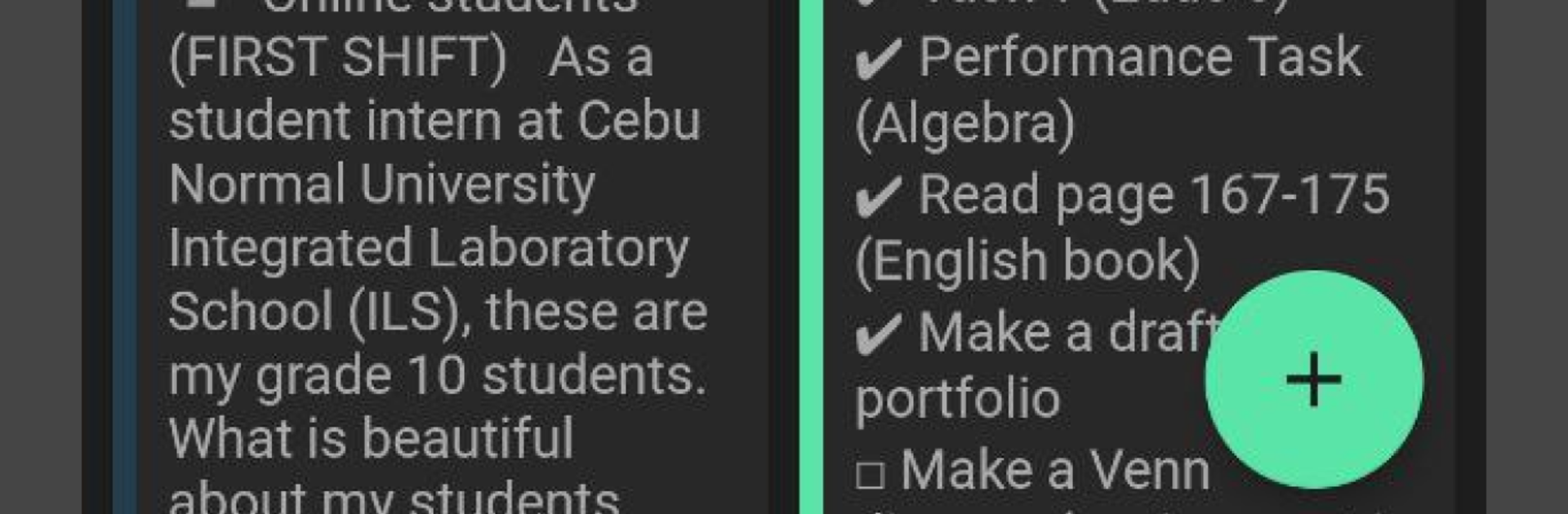
Simple Notepad: Notes, Todo feels like a clean notebook that happens to live on a phone, and it works nicely on a PC with BlueStacks too. It opens fast, gets out of the way, and lets someone type without fiddling through ten menus. Notes can be plain text for quick thoughts or dressed up with a simple rich text editor, so headers, highlights, and tidy lists are easy. Checkboxes are built in, which makes grocery lists or work tasks feel less messy. Everything can be grouped into folders with colors and names, so sections like Work, Study, or Home stop blending together.

What stands out is how many small tools are right there without feeling bulky. Images and links drop into notes, reminders ping at the right time, and notifications can be pinned so an important to do does not slip down the list. There is a diary mode for longer entries, a calendar view to flip through days, and a quick lock with a PIN if a journal should stay private. Voice notes help when typing is not ideal, and there is a drawing tool for quick sketches or doodles. It works offline, then backs up to the cloud with a Google sign in when online again. On PC, typing with a full keyboard, resizing the window, and keeping it next to a browser or class slides makes it feel like an everyday desk tool. Exporting as PDF or TXT is there when a note needs to be shared, and it all stays simple instead of turning into a complicated workspace.

BlueStacks brings your apps to life on a bigger screen—seamless and straightforward.

How to Download and Run Simple Notepad : Notes, Todo on PC or Mac

  • Download and install BlueStacks on your PC or Mac

  • Complete Google sign-in to access the Play Store, or do it later

  • Look for Simple Notepad : Notes, Todo in the search bar at the top right corner

  • Click to install Simple Notepad : Notes, Todo from the search results

  • Complete Google sign-in (if you skipped step 2) to install Simple Notepad : Notes, Todo

  • Click the Simple Notepad : Notes, Todo icon on the home screen to start playing

video
Watch Video

Minimum System Requirements

With BlueStacks 5, you can get started on a PC that fulfills the following requirements.

  • Operating System

    Microsoft Windows 7 or above, macOS 11 (Big Sur) or above

  • Processor

    Intel, AMD or Apple Silicon Processor

  • RAM

    at least 4GB

  • HDD

    10GB Free Disk Space

Note:

* You must be an Administrator on your PC. Up to date graphics drivers from Microsoft or the chipset vendor.

Simple Notepad : Notes, Todo - FAQs

  • How to Run Simple Notepad : Notes, Todo on Windows PC & Mac?

    Run Simple Notepad : Notes, Todo on your PC or Mac by following these simple steps.

    • Click on ‘Download Simple Notepad : Notes, Todo on PC’ to download BlueStacks
    • Install it and log-in to Google Play Store
    • Launch and run the app.
  • Why is BlueStacks the fastest and safest platform to play games on PC?

    BlueStacks respects your privacy and is always safe and secure to use. It does not carry any malware, spyware, or any sort of additional software that could harm your PC.

    It is engineered to optimize speed and performance for a seamless gaming experience.

  • What are Simple Notepad : Notes, Todo PC requirements?

    Minimum requirement to run Simple Notepad : Notes, Todo on your PC

    • OS: Microsoft Windows 7 and above:
    • Processor: Intel or AMD Processor:
    • RAM: Your PC must have at least 2GB of RAM. (Note that having 2GB or more disk space is not a substitute for RAM):
    • HDD: 5GB Free Disk Space.
    • You must be an Administrator on your PC.




