
Ubeya Crew
Ubeya Crew

Ubeya Crew

Productivity

| Ubeya Technologies

Play on PC with BlueStacks or from our cloud

  • Overview
  • How to Download

Page Modified On: September 19, 2025

Run Ubeya Crew on PC or Mac

Let BlueStacks turn your PC, Mac, or laptop into the perfect home for Ubeya Crew, a fun Productivity app from Contacit.

Ubeya Crew feels like a tidy control center for shift work. From one place, a person can browse open gigs, apply in a couple taps, and watch requests move from pending to approved. The app sends calm reminders before a shift and lays out the important bits clearly, like when to arrive, where to go, and any notes from the manager. The built-in calendar is clean and can sync with a personal one, so work and life do not collide as much. Nothing feels overloaded with options, just the stuff that actually matters during a busy week.

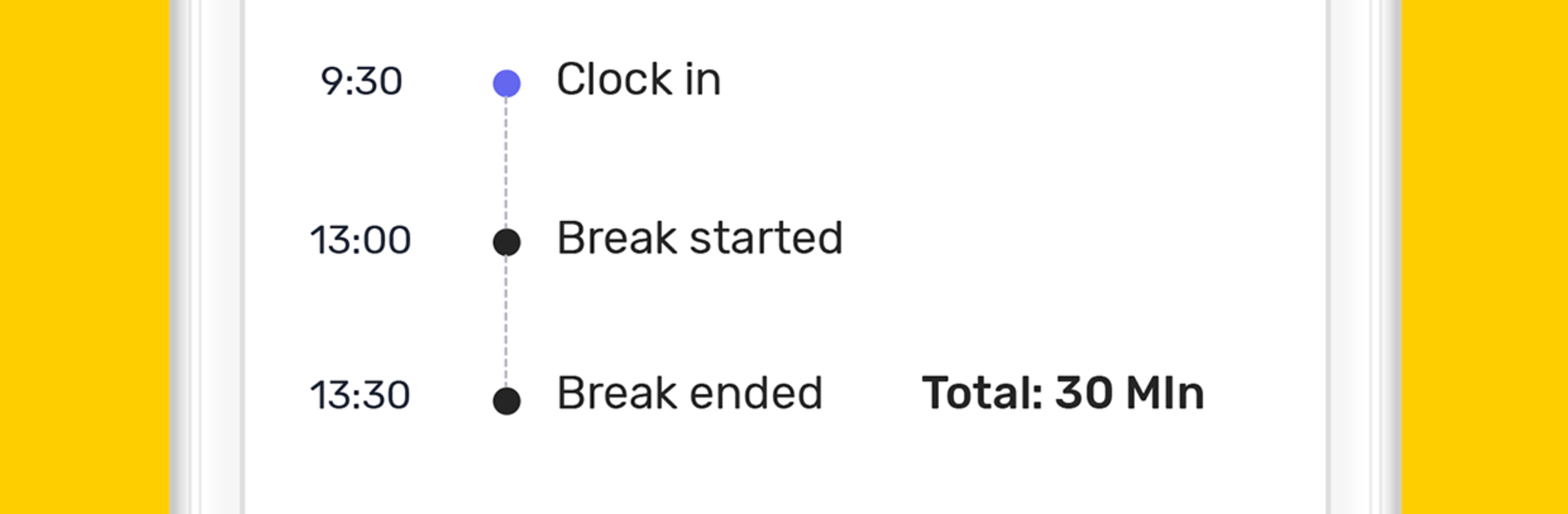
The chat section is straightforward and quick, so reaching a manager or a team group happens in real time whether people are on site or remote. Profiles can show a few photos and details, which helps match names to faces before meeting. Time tracking is handled right in the app with a mobile time clock, either automatic or manual, so fussy timesheets and guessing hours are less of a thing. There is also a running estimate of earnings that updates as shifts are logged, which is handy when planning bills. On a PC through BlueStacks, the bigger screen makes the schedule and group threads easier to scan, and typing updates with a keyboard is just faster. It reads practical, not flashy, and stays focused on keeping shifts, messages, and pay info in one spot.

Switch to BlueStacks and make the most of your apps on your PC or Mac.

How to Download and Run Ubeya Crew on PC or Mac

  • Download and install BlueStacks on your PC or Mac

  • Complete Google sign-in to access the Play Store, or do it later

  • Look for Ubeya Crew in the search bar at the top right corner

  • Click to install Ubeya Crew from the search results

  • Complete Google sign-in (if you skipped step 2) to install Ubeya Crew

  • Click the Ubeya Crew icon on the home screen to start playing

video
Watch Video

Minimum System Requirements

With BlueStacks 5, you can get started on a PC that fulfills the following requirements.

  • Operating System

    Microsoft Windows 7 or above, macOS 11 (Big Sur) or above

  • Processor

    Intel, AMD or Apple Silicon Processor

  • RAM

    at least 4GB

  • HDD

    10GB Free Disk Space

Note:

* You must be an Administrator on your PC. Up to date graphics drivers from Microsoft or the chipset vendor.

Ubeya Crew - FAQs

  • How to Run Ubeya Crew on Windows PC & Mac?

    Run Ubeya Crew on your PC or Mac by following these simple steps.

    • Click on ‘Download Ubeya Crew on PC’ to download BlueStacks
    • Install it and log-in to Google Play Store
    • Launch and run the app.
  • Why is BlueStacks the fastest and safest platform to play games on PC?

    BlueStacks respects your privacy and is always safe and secure to use. It does not carry any malware, spyware, or any sort of additional software that could harm your PC.

    It is engineered to optimize speed and performance for a seamless gaming experience.

  • What are Ubeya Crew PC requirements?

    Minimum requirement to run Ubeya Crew on your PC

    • OS: Microsoft Windows 7 and above:
    • Processor: Intel or AMD Processor:
    • RAM: Your PC must have at least 2GB of RAM. (Note that having 2GB or more disk space is not a substitute for RAM):
    • HDD: 5GB Free Disk Space.
    • You must be an Administrator on your PC.




