Food Hunt: Pixel Puzzle

Food Hunt: Pixel Puzzle

Puzzle

| EVERFUN

Play on PC with BlueStacks or from our cloud

  • Overview
  • Game Features
  • How to Play

Page Modified On: July 20, 2026

Play Food Hunt: Pixel Puzzle on PC or Mac

Bring your A-game to Food Hunt: Pixel Puzzle, the Puzzle game sensation from EVERFUN. Give your gameplay the much-needed boost with precise game controls, high FPS graphics, and top-tier features on your PC or Mac with BlueStacks.

About the Game

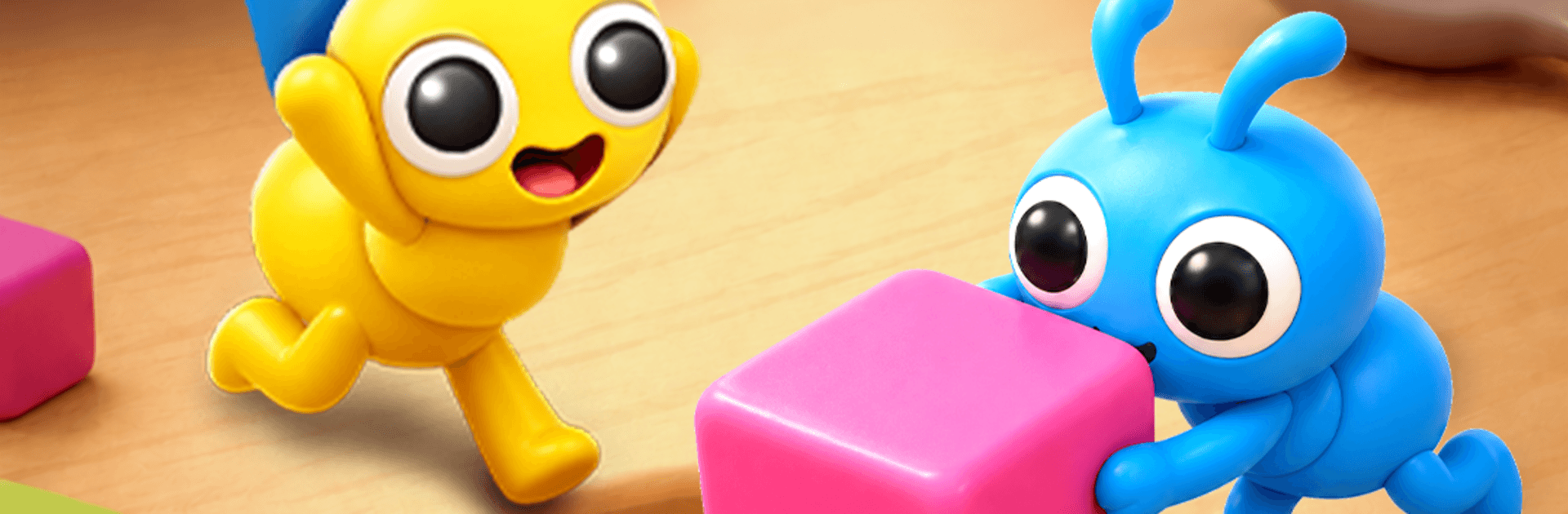
Food Hunt: Pixel Puzzle turns a plateful of pixel art into a clever, color-matching challenge. You’re guiding tiny ant squads to chomp through food-shaped mosaics, one shade at a time. It’s calm, satisfying, and sneakily strategic—perfect for a quick puzzle break or a longer session when you’re in the mood to clear an entire buffet of boards.

Game Features

  • Color-Driven Ant Swarms: Pick a color and send out the matching ants. They’ll zip across the board, eat every tile of that hue, and make space for your next move.
  • Smart Order Matters: Choosing which color to clear first isn’t just instinct—it’s strategy. Plan the sequence to open paths, set up chains, and finish the plate clean.
  • Pixel Food Galore: Solve hundreds of vibrant, food-themed puzzles—from snack-size scenes to multi-course masterpieces—each crafted like a little piece of pixel art.
  • Relaxed but Tactical: It’s easy to learn and soothing to play, yet there’s real depth in how you route your swarms and manage the board.
  • Charming Ant Energy: Watch your tiny workers scurry with personality. Their quick movements and playful behaviors keep every tap lively.
  • Pick Up and Play: Short levels make it simple to jump in anytime, whether you’ve got a minute or a stretch to spare.
  • Bigger Screen Option: Prefer a wider view and mouse control? Give it a go on BlueStacks for a comfy desktop setup.

Ready to top the leaderboard? We bet you do. Let precise controls and sharp visuals optimized on BlueStacks lead you to victory.


Game Features

Enhancements

  • Macros
  • Multi Instance
  • Multi Instance Sync
  • Script
  • Enhancements
Macros

Macros

Automate the predictable in Food Hunt: Pixel Puzzle and transform your gameplay with Macros. Get access to inventive Macros in the BlueStacks Macro Community
Multi Instance

Multi Instance

Play Food Hunt: Pixel Puzzle on one window. And chat with your friend on the other. Press CTRL + Shift + 8 to open the Multi-Instance Manager. And start creating fresh instances or clone an existing one.
Multi Instance Sync

Multi Instance Sync

Play Food Hunt: Pixel Puzzle with the power of Multi-Instance Sync. Replicate what you are doing on the main instance on all other instances. Level up faster, play more.
Script

Script

Script your way to gaming glory in Food Hunt: Pixel Puzzle with BlueStacks Script. Write and run a set of commands to automate repeated tasks. Trigger the command by assigning it to any key.
Read More

How to Download and Play Food Hunt: Pixel Puzzle on PC or Mac

  • Download and install BlueStacks on your PC or Mac

  • Complete Google sign-in to access the Play Store, or do it later

  • Look for Food Hunt: Pixel Puzzle in the search bar at the top right corner

  • Click to install Food Hunt: Pixel Puzzle from the search results

  • Complete Google sign-in (if you skipped step 2) to install Food Hunt: Pixel Puzzle

  • Click the Food Hunt: Pixel Puzzle icon on the home screen to start playing

video
Watch Video

Minimum System Requirements

With BlueStacks 5, you can get started on a PC that fulfills the following requirements.

  • Operating System

    Microsoft Windows 7 or above, macOS 11 (Big Sur) or above

  • Processor

    Intel, AMD or Apple Silicon Processor

  • RAM

    at least 4GB

  • HDD

    10GB Free Disk Space

Note:

* You must be an Administrator on your PC. Up to date graphics drivers from Microsoft or the chipset vendor.

Food Hunt: Pixel Puzzle - FAQs

  • How to play Food Hunt: Pixel Puzzle on Windows PC & Mac?

    Play Food Hunt: Pixel Puzzle on your PC or Mac by following these simple steps.

    • Click on 'Play Food Hunt: Pixel Puzzle on PC’ to download BlueStacks
    • Install it and log-in to Google Play Store
    • Launch and play the game.
  • Why is BlueStacks the fastest and safest platform to play games on PC?

    BlueStacks respects your privacy and is always safe and secure to use. It does not carry any malware, spyware, or any sort of additional software that could harm your PC.

    It is engineered to optimize speed and performance for a seamless gaming experience.

  • What are Food Hunt: Pixel Puzzle PC requirements?

    Minimum requirement to run Food Hunt: Pixel Puzzle on your PC

    • OS: Microsoft Windows 7 or above MacOS 11 (Big Sur) or above
    • Processor: Intel, AMD or Apple Silicon Processor
    • RAM: Your PC must have at least 4GB of RAM. (Note that having 4GB or more disk space is not a substitute for RAM)
    • HDD: 10GB Free Disk Space.
    • You must be an Administrator on your PC.