Jigsaw Art Puzzle - Art Story

Jigsaw Art Puzzle - Art Story

Puzzle

| Color Joy

Play on PC with BlueStacks or from our cloud

  • Overview
  • Game Features
  • How to Play

Page Modified On: September 05, 2025

Play Jigsaw Art Puzzle - Art Story on PC or Mac

Bring your A-game to Jigsaw Art Puzzle – Art Story, the Puzzle game sensation from Color Joy. Give your gameplay the much-needed boost with precise game controls, high FPS graphics, and top-tier features on your PC or Mac with BlueStacks.

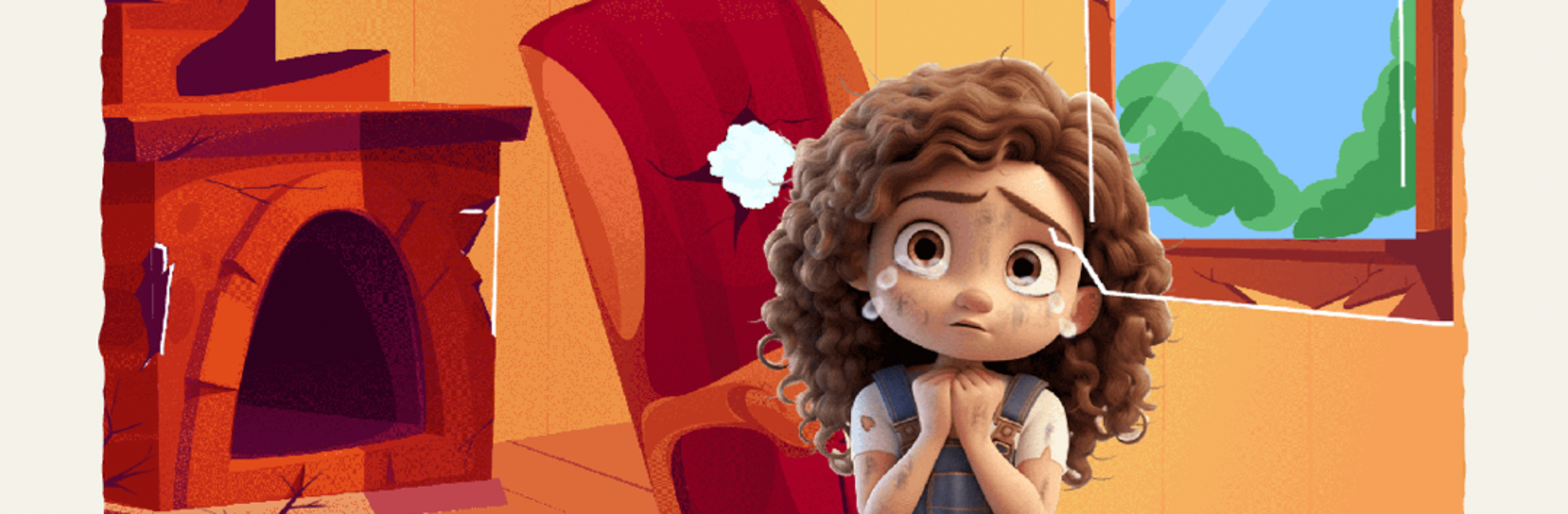
Jigsaw Art Puzzle – Art Story feels like a calm mix of two things people already like, jigsaw pieces and coloring art coming together into one picture. Each level is a hand drawn scene with big bright colors, and there is this nice rhythm to it. Open a picture, the pieces sit along the bottom, then drag and drop them into place until the painting looks whole again. When a piece fits it is obvious, so there is less fumbling and more of that slow, satisfying flow. If something does not click, free hints point to the right spot without making anyone feel dumb. Finish a picture and more art opens up, so it always feels like there is another canvas waiting.

On PC with BlueStacks it actually feels better than on a phone. The mouse is great for grabbing tiny shapes, the bigger screen makes details pop, and full screen helps spot where a color block should land. It is an easy game to keep on a second screen or to zone out with after work. No weird rules to learn, just a clean layout and clear goals. The mix of coloring energy and jigsaw logic is gentle on the brain but still keeps attention, and new paintings land weekly so there is always fresh stuff to restore. It is chill, a little artsy, and way less fiddly on PC than tapping a small screen alot.

Slay your opponents with your epic moves. Play it your way on BlueStacks and dominate the battlefield.


Game Features

Enhancements

  • Macros
  • Multi Instance
  • Multi Instance Sync
  • Script
  • Enhancements
Macros

Macros

Automate the predictable in Jigsaw Art Puzzle - Art Story and transform your gameplay with Macros. Get access to inventive Macros in the BlueStacks Macro Community
Multi Instance

Multi Instance

Play Jigsaw Art Puzzle - Art Story on one window. And chat with your friend on the other. Press CTRL + Shift + 8 to open the Multi-Instance Manager. And start creating fresh instances or clone an existing one.
Multi Instance Sync

Multi Instance Sync

Play Jigsaw Art Puzzle - Art Story with the power of Multi-Instance Sync. Replicate what you are doing on the main instance on all other instances. Level up faster, play more.
Script

Script

Script your way to gaming glory in Jigsaw Art Puzzle - Art Story with BlueStacks Script. Write and run a set of commands to automate repeated tasks. Trigger the command by assigning it to any key.
Read More

How to Download and Play Jigsaw Art Puzzle - Art Story on PC or Mac

  • Download and install BlueStacks on your PC or Mac

  • Complete Google sign-in to access the Play Store, or do it later

  • Look for Jigsaw Art Puzzle - Art Story in the search bar at the top right corner

  • Click to install Jigsaw Art Puzzle - Art Story from the search results

  • Complete Google sign-in (if you skipped step 2) to install Jigsaw Art Puzzle - Art Story

  • Click the Jigsaw Art Puzzle - Art Story icon on the home screen to start playing

video
Watch Video

Minimum System Requirements

With BlueStacks 5, you can get started on a PC that fulfills the following requirements.

  • Operating System

    Microsoft Windows 7 or above, macOS 11 (Big Sur) or above

  • Processor

    Intel, AMD or Apple Silicon Processor

  • RAM

    at least 4GB

  • HDD

    10GB Free Disk Space

Note:

* You must be an Administrator on your PC. Up to date graphics drivers from Microsoft or the chipset vendor.

Jigsaw Art Puzzle - Art Story - FAQs

  • How to play Jigsaw Art Puzzle - Art Story on Windows PC & Mac?

    Play Jigsaw Art Puzzle - Art Story on your PC or Mac by following these simple steps.

    • Click on 'Play Jigsaw Art Puzzle - Art Story on PC’ to download BlueStacks
    • Install it and log-in to Google Play Store
    • Launch and play the game.
  • Why is BlueStacks the fastest and safest platform to play games on PC?

    BlueStacks respects your privacy and is always safe and secure to use. It does not carry any malware, spyware, or any sort of additional software that could harm your PC.

    It is engineered to optimize speed and performance for a seamless gaming experience.

  • What are Jigsaw Art Puzzle - Art Story PC requirements?

    Minimum requirement to run Jigsaw Art Puzzle - Art Story on your PC

    • OS: Microsoft Windows 7 or above MacOS 11 (Big Sur) or above
    • Processor: Intel, AMD or Apple Silicon Processor
    • RAM: Your PC must have at least 4GB of RAM. (Note that having 4GB or more disk space is not a substitute for RAM)
    • HDD: 10GB Free Disk Space.
    • You must be an Administrator on your PC.