Loop Master: Color Jam Sort

Loop Master: Color Jam Sort

Puzzle

| Pleasure City

Play on PC with BlueStacks or from our cloud

  • Overview
  • Game Features
  • How to Play

Page Modified On: June 09, 2026

Play Loop Master: Color Jam Sort on PC or Mac

Bring your A-game to Loop Master: Color Jam Sort, the Puzzle game sensation from Pleasure City. Give your gameplay the much-needed boost with precise game controls, high FPS graphics, and top-tier features on your PC or Mac with BlueStacks.

About the Game

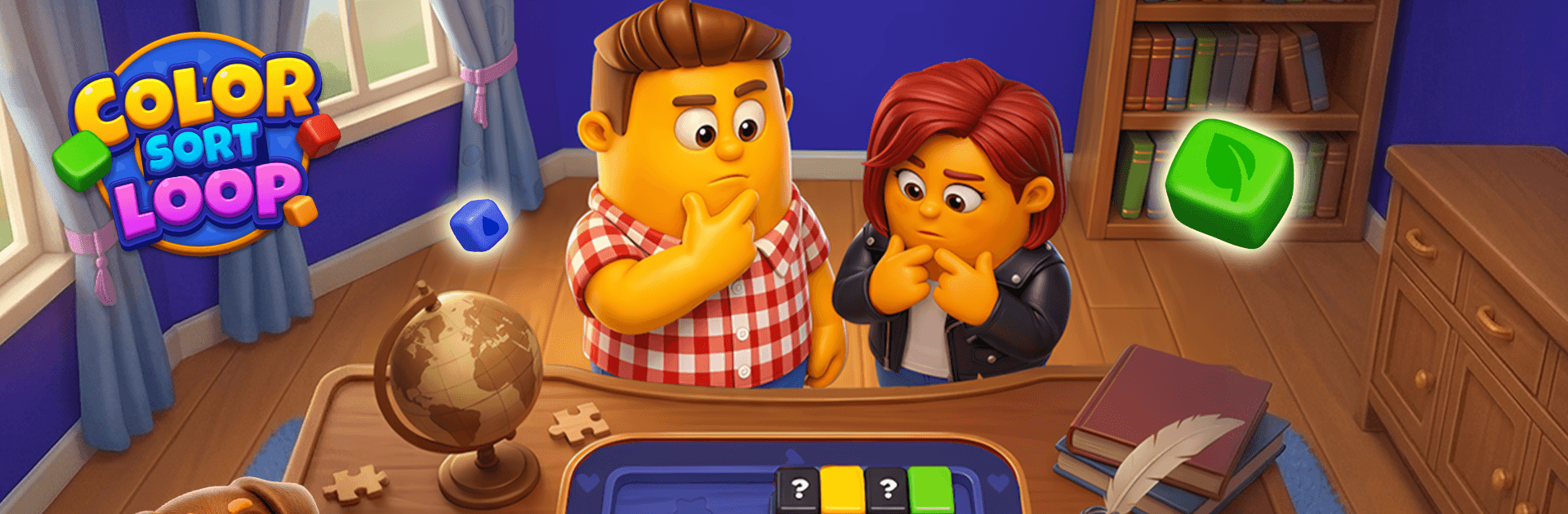
Loop Master: Color Jam Sort is a chill Puzzle that sneaks in just enough strategy to keep your brain happily busy. You’re guiding colorful pieces around a looping conveyor, slotting them into the right crates, and keeping the flow from clogging up. No timers, no pressure—just that satisfying “click” when everything lines up. It also feels great with a mouse on BlueStacks if you prefer playing on a bigger screen.

Game Features

  • Moving Loop Mechanics: Pieces travel on a continuous belt, so timing and order matter as much as color. Plan ahead so the right crate opens at the right moment.
  • One Belt, One Goal: Send pieces onto the loop, match them to their crates, and combine sets of the same color to clear space and complete targets.
  • Space Is the Real Challenge: The conveyor can only hold so much. If it’s jammed and you’re out of useful moves, the round’s done—so keeping a little wiggle room is part of the puzzle.
  • Handy Recovery Tools: Use a quick-match option to send a stubborn piece straight where it belongs, or stash extras in a small hold area to buy yourself time and keep a good setup alive.
  • Easy to Learn, Surprisingly Deep: It starts simple, then adds tighter layouts, clever card chains, and occasional shape-based matches that reward thinking a few turns ahead.
  • No Rush, Just Rhythm: With no countdowns to stress over, you can settle into a calm flow—perfect for a quick break or a longer stretch when you’ve got the puzzle itch.
  • Plays Anywhere: Clean, low-randomness gameplay that works offline and feels smooth whether you’re knocking out a level on your phone or sorting with precision on BlueStacks.

BlueStacks gives you more room to focus on the game and less time adjusting around mobile limitations.


Game Features

Enhancements

  • Macros
  • Multi Instance
  • Multi Instance Sync
  • Script
  • Enhancements
Macros

Macros

Automate the predictable in Loop Master: Color Jam Sort and transform your gameplay with Macros. Get access to inventive Macros in the BlueStacks Macro Community
Multi Instance

Multi Instance

Play Loop Master: Color Jam Sort on one window. And chat with your friend on the other. Press CTRL + Shift + 8 to open the Multi-Instance Manager. And start creating fresh instances or clone an existing one.
Multi Instance Sync

Multi Instance Sync

Play Loop Master: Color Jam Sort with the power of Multi-Instance Sync. Replicate what you are doing on the main instance on all other instances. Level up faster, play more.
Script

Script

Script your way to gaming glory in Loop Master: Color Jam Sort with BlueStacks Script. Write and run a set of commands to automate repeated tasks. Trigger the command by assigning it to any key.
Read More

How to Download and Play Loop Master: Color Jam Sort on PC or Mac

  • Download and install BlueStacks on your PC or Mac

  • Complete Google sign-in to access the Play Store, or do it later

  • Look for Loop Master: Color Jam Sort in the search bar at the top right corner

  • Click to install Loop Master: Color Jam Sort from the search results

  • Complete Google sign-in (if you skipped step 2) to install Loop Master: Color Jam Sort

  • Click the Loop Master: Color Jam Sort icon on the home screen to start playing

video
Watch Video

Minimum System Requirements

With BlueStacks 5, you can get started on a PC that fulfills the following requirements.

  • Operating System

    Microsoft Windows 7 or above, macOS 11 (Big Sur) or above

  • Processor

    Intel, AMD or Apple Silicon Processor

  • RAM

    at least 4GB

  • HDD

    10GB Free Disk Space

Note:

* You must be an Administrator on your PC. Up to date graphics drivers from Microsoft or the chipset vendor.

Loop Master: Color Jam Sort - FAQs

  • How to play Loop Master: Color Jam Sort on Windows PC & Mac?

    Play Loop Master: Color Jam Sort on your PC or Mac by following these simple steps.

    • Click on 'Play Loop Master: Color Jam Sort on PC’ to download BlueStacks
    • Install it and log-in to Google Play Store
    • Launch and play the game.
  • Why is BlueStacks the fastest and safest platform to play games on PC?

    BlueStacks respects your privacy and is always safe and secure to use. It does not carry any malware, spyware, or any sort of additional software that could harm your PC.

    It is engineered to optimize speed and performance for a seamless gaming experience.

  • What are Loop Master: Color Jam Sort PC requirements?

    Minimum requirement to run Loop Master: Color Jam Sort on your PC

    • OS: Microsoft Windows 7 or above MacOS 11 (Big Sur) or above
    • Processor: Intel, AMD or Apple Silicon Processor
    • RAM: Your PC must have at least 4GB of RAM. (Note that having 4GB or more disk space is not a substitute for RAM)
    • HDD: 10GB Free Disk Space.
    • You must be an Administrator on your PC.