The Istrys
The Istrys

The Istrys

Puzzle

| Match 2 LLC

Play on PC with BlueStacks or from our cloud

  • Overview
  • Game Features
  • How to Play

Page Modified On: May 05, 2026

Play The Istrys on PC or Mac

From the innovators and creators at Match 2 LLC, The Istrys is another fun addition to the World of Puzzle games. Go beyond your mobile screen and play it bigger and better on your PC or Mac. An immersive experience awaits you.

About the Game

The Istrys is a laid-back yet brain-tickling 3D Puzzle collection where you spin chunky tile clusters, spot pairs, and clear the stack in satisfying bursts. It bundles the beloved Cubistry and its many 3D match‑2 siblings into one clean library, all from Match 2 LLC. Play a quick round on your phone, switch to longer sessions, or even kick back on your PC with BlueStacks when you want a bigger view.

Game Features

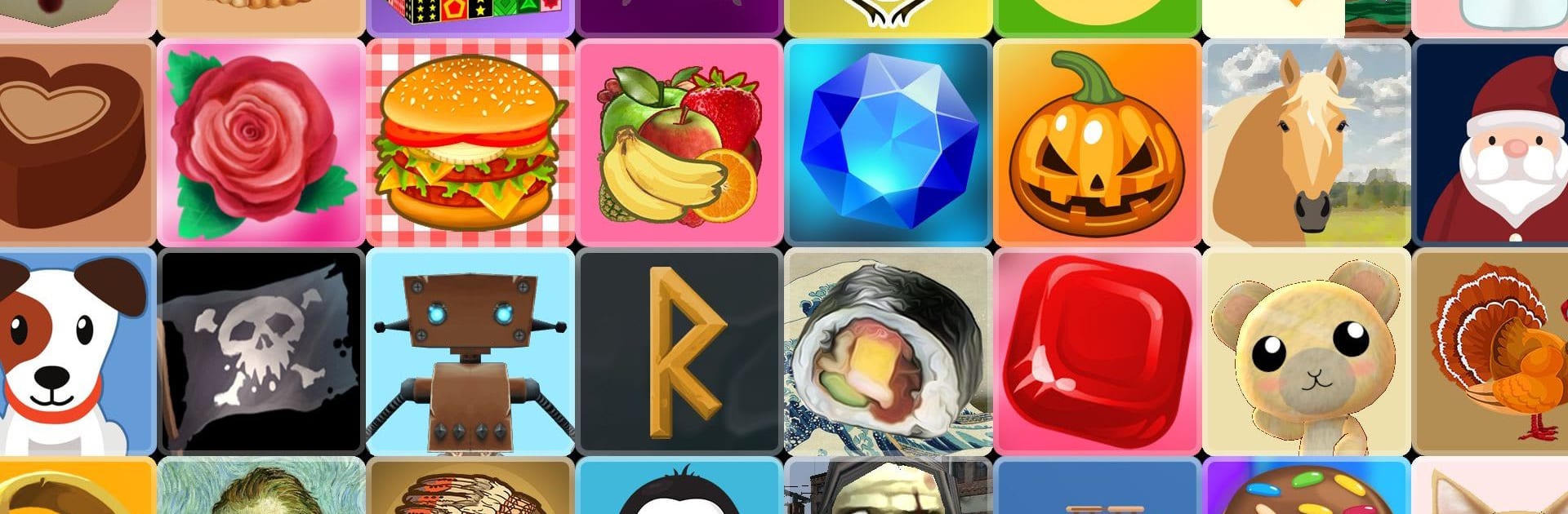
  • Big 3D collection in one place: Browse a growing library with more than thirty classic Istrys sets plus fresh additions, all under a single app.
  • Match‑2, but in full 3D: Rotate, orient, and pair identical tiles from every angle—simple to learn, pleasantly tricky to master.
  • Tons of ways to play: Tackle 17 singleplayer modes for different tempos and goals, then jump into 2 multiplayer modes when you’re feeling competitive.
  • Portrait or landscape, your call: Flip the screen to whatever feels best—one‑handed on the go or widescreen at a desk.
  • Clean, no‑nonsense experience: Play free without ads getting in the way. Want the newest drops? An optional subscription unlocks new Istrys added each month.
  • Built for quick breaks or deep runs: Whether you’ve got a spare minute or a cozy evening, there’s a mode that fits your pace.
  • Smooth, intuitive controls: Spin, scan, and tap—the 3D board responds instantly, so the focus stays on finding that next satisfying pair.
  • Nice on PC with BlueStacks: Prefer a bigger screen and comfy controls? It plays great there too.

Slay your opponents with your epic moves. Play it your way on BlueStacks and dominate the battlefield.


Game Features

Enhancements

  • Macros
  • Multi Instance
  • Multi Instance Sync
  • Script
  • Enhancements
Macros

Macros

Automate the predictable in The Istrys and transform your gameplay with Macros. Get access to inventive Macros in the BlueStacks Macro Community
Multi Instance

Multi Instance

Play The Istrys on one window. And chat with your friend on the other. Press CTRL + Shift + 8 to open the Multi-Instance Manager. And start creating fresh instances or clone an existing one.
Multi Instance Sync

Multi Instance Sync

Play The Istrys with the power of Multi-Instance Sync. Replicate what you are doing on the main instance on all other instances. Level up faster, play more.
Script

Script

Script your way to gaming glory in The Istrys with BlueStacks Script. Write and run a set of commands to automate repeated tasks. Trigger the command by assigning it to any key.
Read More

How to Download and Play The Istrys on PC or Mac

  • Download and install BlueStacks on your PC or Mac

  • Complete Google sign-in to access the Play Store, or do it later

  • Look for The Istrys in the search bar at the top right corner

  • Click to install The Istrys from the search results

  • Complete Google sign-in (if you skipped step 2) to install The Istrys

  • Click the The Istrys icon on the home screen to start playing

video
Watch Video

Minimum System Requirements

With BlueStacks 5, you can get started on a PC that fulfills the following requirements.

  • Operating System

    Microsoft Windows 7 or above, macOS 11 (Big Sur) or above

  • Processor

    Intel, AMD or Apple Silicon Processor

  • RAM

    at least 4GB

  • HDD

    10GB Free Disk Space

Note:

* You must be an Administrator on your PC. Up to date graphics drivers from Microsoft or the chipset vendor.

The Istrys - FAQs

  • How to play The Istrys on Windows PC & Mac?

    Play The Istrys on your PC or Mac by following these simple steps.

    • Click on 'Play The Istrys on PC’ to download BlueStacks
    • Install it and log-in to Google Play Store
    • Launch and play the game.
  • Why is BlueStacks the fastest and safest platform to play games on PC?

    BlueStacks respects your privacy and is always safe and secure to use. It does not carry any malware, spyware, or any sort of additional software that could harm your PC.

    It is engineered to optimize speed and performance for a seamless gaming experience.

  • What are The Istrys PC requirements?

    Minimum requirement to run The Istrys on your PC

    • OS: Microsoft Windows 7 or above MacOS 11 (Big Sur) or above
    • Processor: Intel, AMD or Apple Silicon Processor
    • RAM: Your PC must have at least 4GB of RAM. (Note that having 4GB or more disk space is not a substitute for RAM)
    • HDD: 10GB Free Disk Space.
    • You must be an Administrator on your PC.