Twin Mind: Deathly Trick f2p

Twin Mind: Deathly Trick f2p

Puzzle

| Do Games Limited

Play on PC with BlueStacks or from our cloud

  • Overview
  • Game Features
  • How to Play

Page Modified On: April 21, 2026

Play Twin Mind: Deathly Trick f2p on PC or Mac

Explore a whole new adventure with Twin Mind: Deathly Trick f2p, a Puzzle game created by Do Games Limited. Experience great gameplay with BlueStacks, the most popular gaming platform to play Android games on your PC or Mac.

About the Game

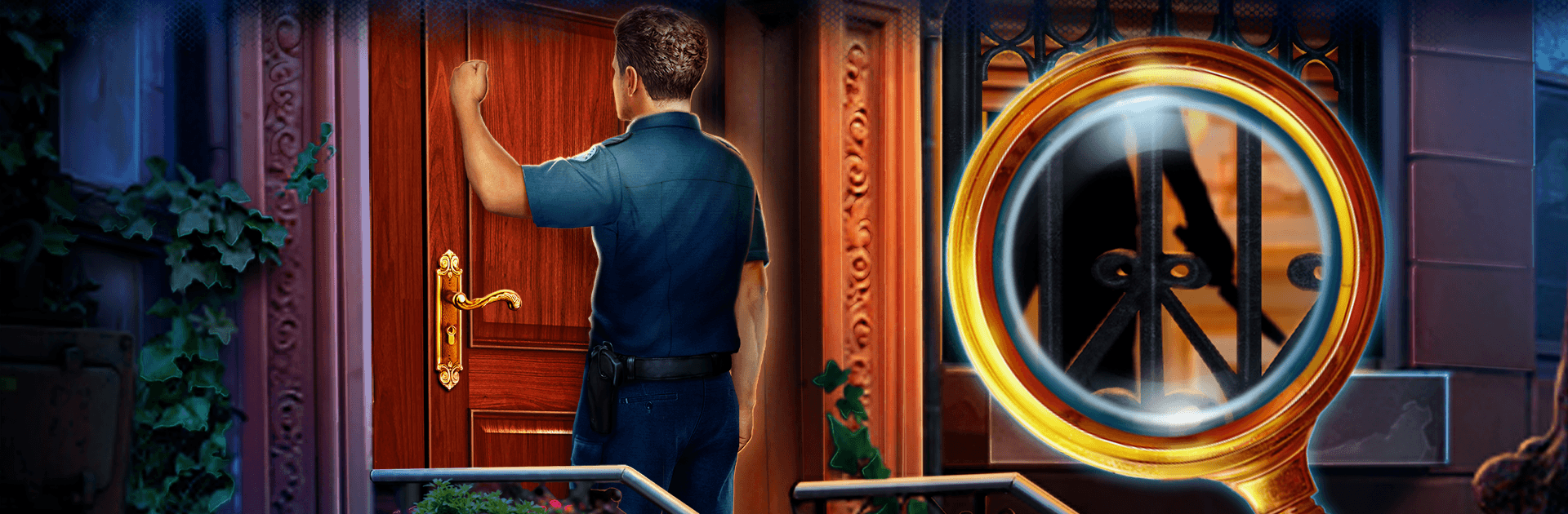
Twin Mind: Deathly Trick f2p is a Puzzle mystery from Do Games Limited where two brilliant siblings take on the strangest case of their careers. Within days, two headline magicians suffer “accidents” that feel a little too staged—one goes under during an underwater escape, another gets taken out by his own trick shot. You’ll sift through layered scenes, solve smart mini-games, and make choices that nudge the investigation in different directions. Prefer a bigger screen? It also plays smoothly on PC with BlueStacks.

Game Features

  • Two detectives, two approaches: Switch between the twin investigators, each with distinct strengths—methodical analysis on one side, razor-sharp intuition on the other—to see clues from multiple angles.
  • Hidden-object scenes with variety: Hunt for evidence across backstage clutter, prop rooms, and shadowy wings. Lists shift between classic searches, silhouettes, assembling parts, and riddle-based finds.
  • Brainy mini-games: Crack combination locks, reroute circuits, time moving parts, and decode stage symbols that magicians love to bury in plain sight.
  • Choices that matter: Decide how to question suspects, which leads to chase, and when to take risks. Your calls can change reactions, open new paths, and lead to alternate endings.
  • The show behind the curtain: Explore theaters, dressing rooms, prop workshops, and rooftops as you piece together timelines, alibis, and motive.
  • Collectibles and lore: Grab show posters, trick manuals, and odd artifacts that reveal the history—and secrets—of this cutthroat scene.
  • Play at your pace: Adjustable difficulty, a quick-travel map, and helpful hints keep the case moving whether you’re here for the story or the challenge.

Start your journey now. Download the game on BlueStacks, invite your friends, and march on a new adventure.


Game Features

Enhancements

  • Macros
  • Multi Instance
  • Multi Instance Sync
  • Script
  • Enhancements
Macros

Macros

Automate the predictable in Twin Mind: Deathly Trick f2p and transform your gameplay with Macros. Get access to inventive Macros in the BlueStacks Macro Community
Multi Instance

Multi Instance

Play Twin Mind: Deathly Trick f2p on one window. And chat with your friend on the other. Press CTRL + Shift + 8 to open the Multi-Instance Manager. And start creating fresh instances or clone an existing one.
Multi Instance Sync

Multi Instance Sync

Play Twin Mind: Deathly Trick f2p with the power of Multi-Instance Sync. Replicate what you are doing on the main instance on all other instances. Level up faster, play more.
Script

Script

Script your way to gaming glory in Twin Mind: Deathly Trick f2p with BlueStacks Script. Write and run a set of commands to automate repeated tasks. Trigger the command by assigning it to any key.
Read More

How to Download and Play Twin Mind: Deathly Trick f2p on PC or Mac

  • Download and install BlueStacks on your PC or Mac

  • Complete Google sign-in to access the Play Store, or do it later

  • Look for Twin Mind: Deathly Trick f2p in the search bar at the top right corner

  • Click to install Twin Mind: Deathly Trick f2p from the search results

  • Complete Google sign-in (if you skipped step 2) to install Twin Mind: Deathly Trick f2p

  • Click the Twin Mind: Deathly Trick f2p icon on the home screen to start playing

video
Watch Video

Minimum System Requirements

With BlueStacks 5, you can get started on a PC that fulfills the following requirements.

  • Operating System

    Microsoft Windows 7 or above, macOS 11 (Big Sur) or above

  • Processor

    Intel, AMD or Apple Silicon Processor

  • RAM

    at least 4GB

  • HDD

    10GB Free Disk Space

Note:

* You must be an Administrator on your PC. Up to date graphics drivers from Microsoft or the chipset vendor.

Twin Mind: Deathly Trick f2p - FAQs

  • How to play Twin Mind: Deathly Trick f2p on Windows PC & Mac?

    Play Twin Mind: Deathly Trick f2p on your PC or Mac by following these simple steps.

    • Click on 'Play Twin Mind: Deathly Trick f2p on PC’ to download BlueStacks
    • Install it and log-in to Google Play Store
    • Launch and play the game.
  • Why is BlueStacks the fastest and safest platform to play games on PC?

    BlueStacks respects your privacy and is always safe and secure to use. It does not carry any malware, spyware, or any sort of additional software that could harm your PC.

    It is engineered to optimize speed and performance for a seamless gaming experience.

  • What are Twin Mind: Deathly Trick f2p PC requirements?

    Minimum requirement to run Twin Mind: Deathly Trick f2p on your PC

    • OS: Microsoft Windows 7 or above MacOS 11 (Big Sur) or above
    • Processor: Intel, AMD or Apple Silicon Processor
    • RAM: Your PC must have at least 4GB of RAM. (Note that having 4GB or more disk space is not a substitute for RAM)
    • HDD: 10GB Free Disk Space.
    • You must be an Administrator on your PC.