Asphalt Speed
Asphalt Speed

Asphalt Speed

Racing

| TDJCP

Play on PC with BlueStacks or from our cloud

  • Overview
  • Game Features
  • How to Play

Page Modified On: April 13, 2026

Play Asphalt Speed on PC or Mac

Asphalt Speed brings the Racing genre to life, and throws up exciting challenges for gamers. Developed by TDJCP, this Android game is best experienced on BlueStacks, the World’s #1 app player for PC and Mac users.

About the Game

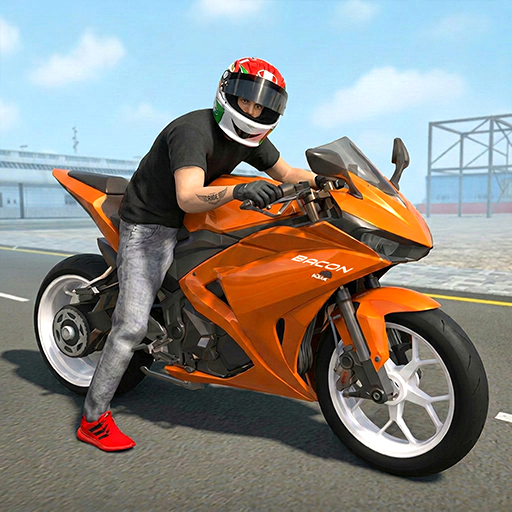
Asphalt Speed is all about that rush—tight drifts, loud engines, and the thrill of finding the perfect racing line. It’s a pure Racing fix with punchy arcade handling and big, glossy visuals that make every sprint feel like a highlight reel. Whether you’ve got a minute or an hour, it’s easy to jump in, tune a ride, and chase the next win.

Game Features

  • Arcade-fast handling: Snap into corners, slide through hairpins, and feel the car settle as you plant the throttle out of a turn. It’s responsive, smooth, and easy to learn.
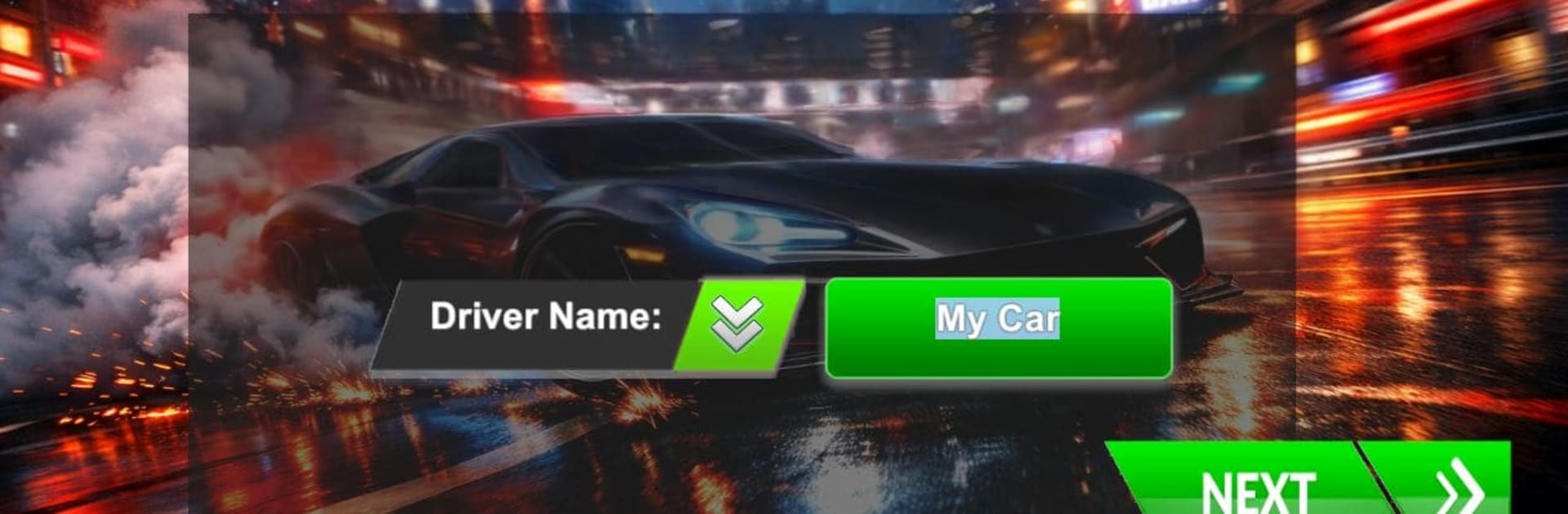
  • Cinematic 3D look: From sunlit coastlines to neon-soaked streets, tracks pop with detailed environments and slick effects that make every race feel intense.
  • Nitro that matters: Time your boosts to rocket past rivals, chain drifts to refill, and manage speed with just the right risk-reward.
  • Single-player depth: Work through event ladders, time challenges, and special races designed to test control, speed, and consistency.
  • Competitive matchups: Jump into multiplayer showdowns and see how your lines stack up against real players hungry for the podium.
  • Cars to earn and tune: Unlock sleek supercars, tweak performance, and personalize the look with paint, rims, and more.
  • Real-feel physics: Weighty vehicles, believable grip, and sharp collisions give each race a satisfying, high-stakes edge.
  • Built by TDJCP: Tight polish, clean menus, and a steady flow of challenges keep the momentum going.
  • Play your way: Prefer a bigger screen and precise controls? Asphalt Speed also feels great on PC with BlueStacks, without changing the pick-up-and-drive vibe.

Slay your opponents with your epic moves. Play it your way on BlueStacks and dominate the battlefield.


Game Features

Enhancements

  • Macros
  • Multi Instance
  • Multi Instance Sync
  • Script
  • Enhancements
Macros

Macros

Automate the predictable in Asphalt Speed and transform your gameplay with Macros. Get access to inventive Macros in the BlueStacks Macro Community
Multi Instance

Multi Instance

Play Asphalt Speed on one window. And chat with your friend on the other. Press CTRL + Shift + 8 to open the Multi-Instance Manager. And start creating fresh instances or clone an existing one.
Multi Instance Sync

Multi Instance Sync

Play Asphalt Speed with the power of Multi-Instance Sync. Replicate what you are doing on the main instance on all other instances. Level up faster, play more.
Script

Script

Script your way to gaming glory in Asphalt Speed with BlueStacks Script. Write and run a set of commands to automate repeated tasks. Trigger the command by assigning it to any key.
Read More

How to Download and Play Asphalt Speed on PC or Mac

  • Download and install BlueStacks on your PC or Mac

  • Complete Google sign-in to access the Play Store, or do it later

  • Look for Asphalt Speed in the search bar at the top right corner

  • Click to install Asphalt Speed from the search results

  • Complete Google sign-in (if you skipped step 2) to install Asphalt Speed

  • Click the Asphalt Speed icon on the home screen to start playing

video
Watch Video

Minimum System Requirements

With BlueStacks 5, you can get started on a PC that fulfills the following requirements.

  • Operating System

    Microsoft Windows 7 or above, macOS 11 (Big Sur) or above

  • Processor

    Intel, AMD or Apple Silicon Processor

  • RAM

    at least 4GB

  • HDD

    10GB Free Disk Space

Note:

* You must be an Administrator on your PC. Up to date graphics drivers from Microsoft or the chipset vendor.

Asphalt Speed - FAQs

  • How to play Asphalt Speed on Windows PC & Mac?

    Play Asphalt Speed on your PC or Mac by following these simple steps.

    • Click on 'Play Asphalt Speed on PC’ to download BlueStacks
    • Install it and log-in to Google Play Store
    • Launch and play the game.
  • Why is BlueStacks the fastest and safest platform to play games on PC?

    BlueStacks respects your privacy and is always safe and secure to use. It does not carry any malware, spyware, or any sort of additional software that could harm your PC.

    It is engineered to optimize speed and performance for a seamless gaming experience.

  • What are Asphalt Speed PC requirements?

    Minimum requirement to run Asphalt Speed on your PC

    • OS: Microsoft Windows 7 or above MacOS 11 (Big Sur) or above
    • Processor: Intel, AMD or Apple Silicon Processor
    • RAM: Your PC must have at least 4GB of RAM. (Note that having 4GB or more disk space is not a substitute for RAM)
    • HDD: 10GB Free Disk Space.
    • You must be an Administrator on your PC.