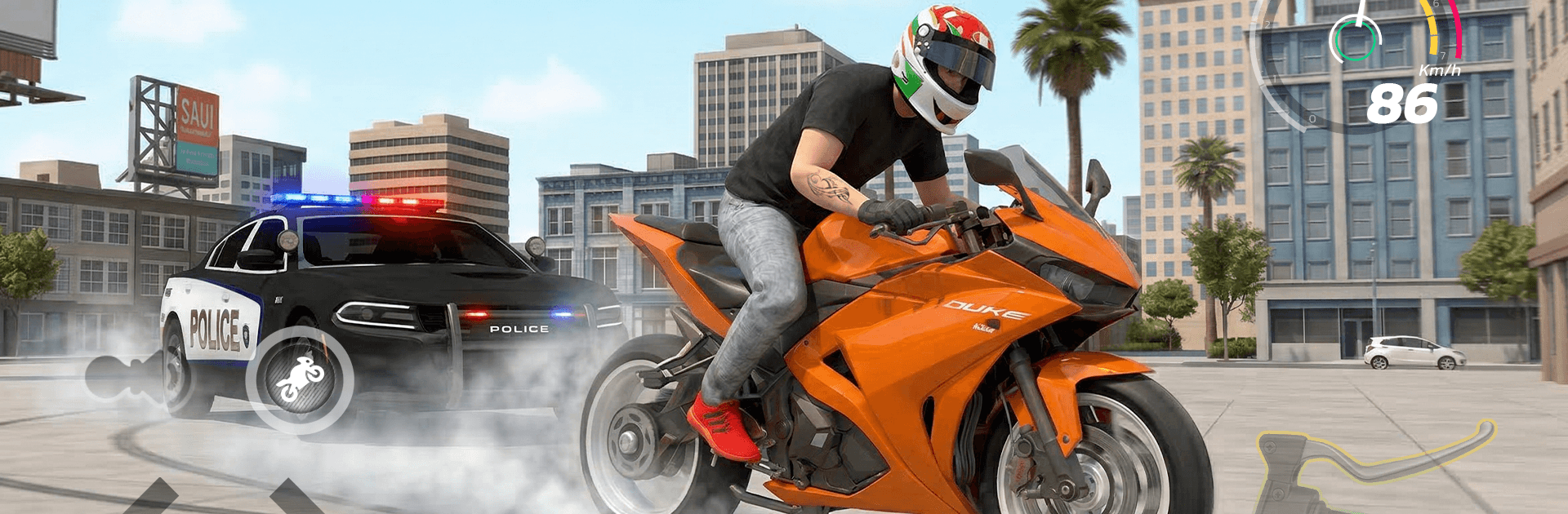
Traffic Moto Rider City

Traffic Moto Rider City

Racing

| Safari MMS

Play on PC with BlueStacks or from our cloud

  • Overview
  • Game Features
  • How to Play

Page Modified On: July 14, 2026

Play Traffic Moto Rider City on PC or Mac

Traffic Moto Rider City brings the Racing genre to life, and throws up exciting challenges for gamers. Developed by Safari MMS, this Android game is best experienced on BlueStacks, the World’s #1 app player for PC and Mac users.

About the Game

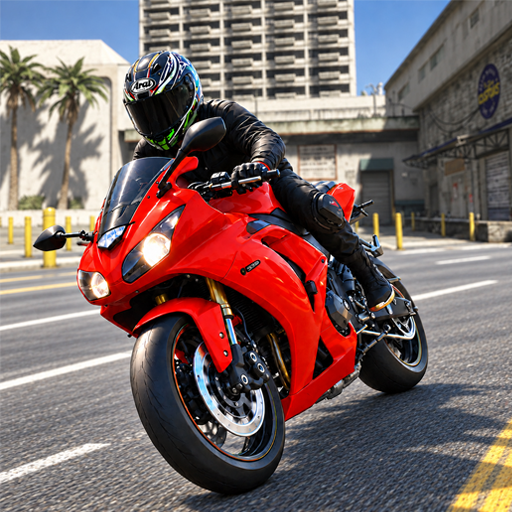
Traffic Moto Rider City throws you into fast, no-nonsense city rides where reflexes matter and every lane change counts. It’s a Racing rush built around threading through traffic, squeezing past buses and trucks, and chasing better times and bigger scores. Prefer a bigger screen? It also plays smoothly on BlueStacks.

Game Features

  • Endless city runs: Cruise along long urban highways packed with moving vehicles, shifting lanes, and changing traffic density that keeps every ride fresh.
  • Precise, responsive controls: Lean, brake, and accelerate with smooth handling that makes split-second moves feel natural instead of frustrating.
  • Bikes that fit your style: Pick from a range of motorcycles, then tune them with performance upgrades and paint options to make them your own.
  • Traffic that fights back: Cars, trucks, and buses create tight gaps and sudden openings—read the flow, slip through safely, and push your luck when it counts.
  • Crisp visuals: Clean, bright cityscapes and detailed bikes make high-speed runs easy on the eyes without sacrificing performance.
  • Full-throttle audio: Punchy engine notes and impactful effects ramp up the sensation of speed and help you judge distance and pace.
  • Multiple ways to ride: Jump into Career for structured challenges, zone out in Endless Drive, chase the clock in Time Trial, or just roll in Free Ride.
  • One-way or two-way choices: Want heavier pressure? Switch to two-way traffic for denser, oncoming lanes that test focus and nerve.
  • Score-chasing fun: Aim for smooth passes, smart pacing, and confident overtakes to stack up points and climb the rankings.

BlueStacks gives you more room to focus on the game and less time adjusting around mobile limitations.


Game Features

Enhancements

  • Macros
  • Multi Instance
  • Multi Instance Sync
  • Script
  • Enhancements
Macros

Macros

Automate the predictable in Traffic Moto Rider City and transform your gameplay with Macros. Get access to inventive Macros in the BlueStacks Macro Community
Multi Instance

Multi Instance

Play Traffic Moto Rider City on one window. And chat with your friend on the other. Press CTRL + Shift + 8 to open the Multi-Instance Manager. And start creating fresh instances or clone an existing one.
Multi Instance Sync

Multi Instance Sync

Play Traffic Moto Rider City with the power of Multi-Instance Sync. Replicate what you are doing on the main instance on all other instances. Level up faster, play more.
Script

Script

Script your way to gaming glory in Traffic Moto Rider City with BlueStacks Script. Write and run a set of commands to automate repeated tasks. Trigger the command by assigning it to any key.
Read More

How to Download and Play Traffic Moto Rider City on PC or Mac

  • Download and install BlueStacks on your PC or Mac

  • Complete Google sign-in to access the Play Store, or do it later

  • Look for Traffic Moto Rider City in the search bar at the top right corner

  • Click to install Traffic Moto Rider City from the search results

  • Complete Google sign-in (if you skipped step 2) to install Traffic Moto Rider City

  • Click the Traffic Moto Rider City icon on the home screen to start playing

video
Watch Video

Minimum System Requirements

With BlueStacks 5, you can get started on a PC that fulfills the following requirements.

  • Operating System

    Microsoft Windows 7 or above, macOS 11 (Big Sur) or above

  • Processor

    Intel, AMD or Apple Silicon Processor

  • RAM

    at least 4GB

  • HDD

    10GB Free Disk Space

Note:

* You must be an Administrator on your PC. Up to date graphics drivers from Microsoft or the chipset vendor.

Traffic Moto Rider City - FAQs

  • How to play Traffic Moto Rider City on Windows PC & Mac?

    Play Traffic Moto Rider City on your PC or Mac by following these simple steps.

    • Click on 'Play Traffic Moto Rider City on PC’ to download BlueStacks
    • Install it and log-in to Google Play Store
    • Launch and play the game.
  • Why is BlueStacks the fastest and safest platform to play games on PC?

    BlueStacks respects your privacy and is always safe and secure to use. It does not carry any malware, spyware, or any sort of additional software that could harm your PC.

    It is engineered to optimize speed and performance for a seamless gaming experience.

  • What are Traffic Moto Rider City PC requirements?

    Minimum requirement to run Traffic Moto Rider City on your PC

    • OS: Microsoft Windows 7 or above MacOS 11 (Big Sur) or above
    • Processor: Intel, AMD or Apple Silicon Processor
    • RAM: Your PC must have at least 4GB of RAM. (Note that having 4GB or more disk space is not a substitute for RAM)
    • HDD: 10GB Free Disk Space.
    • You must be an Administrator on your PC.