Crumple Zone : Crash & Smash

Crumple Zone : Crash & Smash

Racing

| Simplyplay

Play on PC with BlueStacks or from our cloud

  • Overview
  • Game Features
  • How to Play

Page Modified On: June 29, 2026

Play Crumple Zone : Crash & Smash on PC or Mac

Step into the World of Crumple Zone : Crash & Smash, a thrilling Racing game from the house of Simplyplay. Play this Android game on BlueStacks App Player and experience immersive gaming on PC or Mac.

About the Game

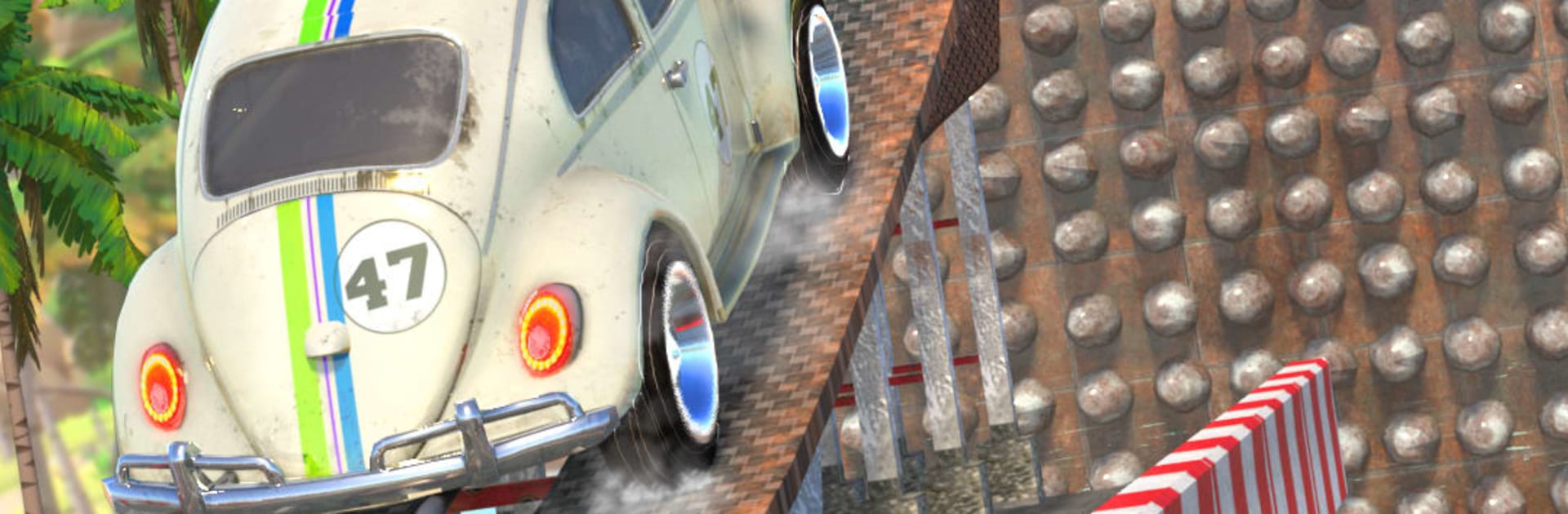
Crumple Zone : Crash & Smash turns car jumping into a full-on physics playground. You’re launching tons of metal across ridiculous gaps, trimming speed and angle to stick the landing instead of turning your ride into scrap art. It’s loud, messy, and surprisingly precise—the kind of Racing fix where every crash teaches you something new.

Game Features

  • Physics-Driven Jumps: Weight, momentum, and takeoff angle decide everything—from a clean touchdown to a glorious wipeout.
  • 35+ Vehicles, Each with a Personality: Supercars for pure distance, off-roaders with tough suspension for brutal drops, and heavy trucks or tanks when you want unstoppable mass.
  • Realistic Damage & Breakable Worlds: Metal folds, glass shatters, and parts fly; environments react when you miss the mark.
  • Varied Arenas: Leap across city rooftops, clear canyon gaps, and thread through neon nights—each location changes how you plan your run.
  • Mid-Air Control Made Simple: Use tilt or touch to nudge pitch and roll so your tires hit first and your chassis lives to tell the tale.
  • Deep Tuning: Upgrade engines, add nitro, and fine-tune power delivery to push for longer, cleaner flights.
  • Tough Challenges: From tight urban obstacle courses to wild natural routes that test timing and nerve.
  • Stunts That Pay: Barrel rolls, spins, and drifts rack up points and currency—if you can land them.
  • Easy to Pick Up, Hard to Master: One-touch inputs hide a satisfying, physics-heavy loop with real depth.
  • Smooth on BlueStacks: Prefer a bigger screen or keyboard? It plays great there without fuss.

Ready to top the leaderboard? We bet you do. Let precise controls and sharp visuals optimized on BlueStacks lead you to victory.


Game Features

Enhancements

  • Macros
  • Multi Instance
  • Multi Instance Sync
  • Script
  • Enhancements
Macros

Macros

Automate the predictable in Crumple Zone : Crash & Smash and transform your gameplay with Macros. Get access to inventive Macros in the BlueStacks Macro Community
Multi Instance

Multi Instance

Play Crumple Zone : Crash & Smash on one window. And chat with your friend on the other. Press CTRL + Shift + 8 to open the Multi-Instance Manager. And start creating fresh instances or clone an existing one.
Multi Instance Sync

Multi Instance Sync

Play Crumple Zone : Crash & Smash with the power of Multi-Instance Sync. Replicate what you are doing on the main instance on all other instances. Level up faster, play more.
Script

Script

Script your way to gaming glory in Crumple Zone : Crash & Smash with BlueStacks Script. Write and run a set of commands to automate repeated tasks. Trigger the command by assigning it to any key.
Read More

How to Download and Play Crumple Zone : Crash & Smash on PC or Mac

  • Download and install BlueStacks on your PC or Mac

  • Complete Google sign-in to access the Play Store, or do it later

  • Look for Crumple Zone : Crash & Smash in the search bar at the top right corner

  • Click to install Crumple Zone : Crash & Smash from the search results

  • Complete Google sign-in (if you skipped step 2) to install Crumple Zone : Crash & Smash

  • Click the Crumple Zone : Crash & Smash icon on the home screen to start playing

video
Watch Video

Minimum System Requirements

With BlueStacks 5, you can get started on a PC that fulfills the following requirements.

  • Operating System

    Microsoft Windows 7 or above, macOS 11 (Big Sur) or above

  • Processor

    Intel, AMD or Apple Silicon Processor

  • RAM

    at least 4GB

  • HDD

    10GB Free Disk Space

Note:

* You must be an Administrator on your PC. Up to date graphics drivers from Microsoft or the chipset vendor.

Crumple Zone : Crash & Smash - FAQs

  • How to play Crumple Zone : Crash & Smash on Windows PC & Mac?

    Play Crumple Zone : Crash & Smash on your PC or Mac by following these simple steps.

    • Click on 'Play Crumple Zone : Crash & Smash on PC’ to download BlueStacks
    • Install it and log-in to Google Play Store
    • Launch and play the game.
  • Why is BlueStacks the fastest and safest platform to play games on PC?

    BlueStacks respects your privacy and is always safe and secure to use. It does not carry any malware, spyware, or any sort of additional software that could harm your PC.

    It is engineered to optimize speed and performance for a seamless gaming experience.

  • What are Crumple Zone : Crash & Smash PC requirements?

    Minimum requirement to run Crumple Zone : Crash & Smash on your PC

    • OS: Microsoft Windows 7 or above MacOS 11 (Big Sur) or above
    • Processor: Intel, AMD or Apple Silicon Processor
    • RAM: Your PC must have at least 4GB of RAM. (Note that having 4GB or more disk space is not a substitute for RAM)
    • HDD: 10GB Free Disk Space.
    • You must be an Administrator on your PC.