Hovercraft: Getaway
Hovercraft: Getaway

Hovercraft: Getaway

Racing

| High Score Hero LLC

Play on PC with BlueStacks or from our cloud

  • Overview
  • Game Features
  • How to Play

Page Modified On: January 09, 2026

Play Hovercraft: Getaway on PC or Mac

Hovercraft: Getaway brings the Racing genre to life, and throws up exciting challenges for gamers. Developed by High Score Hero LLC, this Android game is best experienced on BlueStacks, the World’s #1 app player for PC and Mac users.

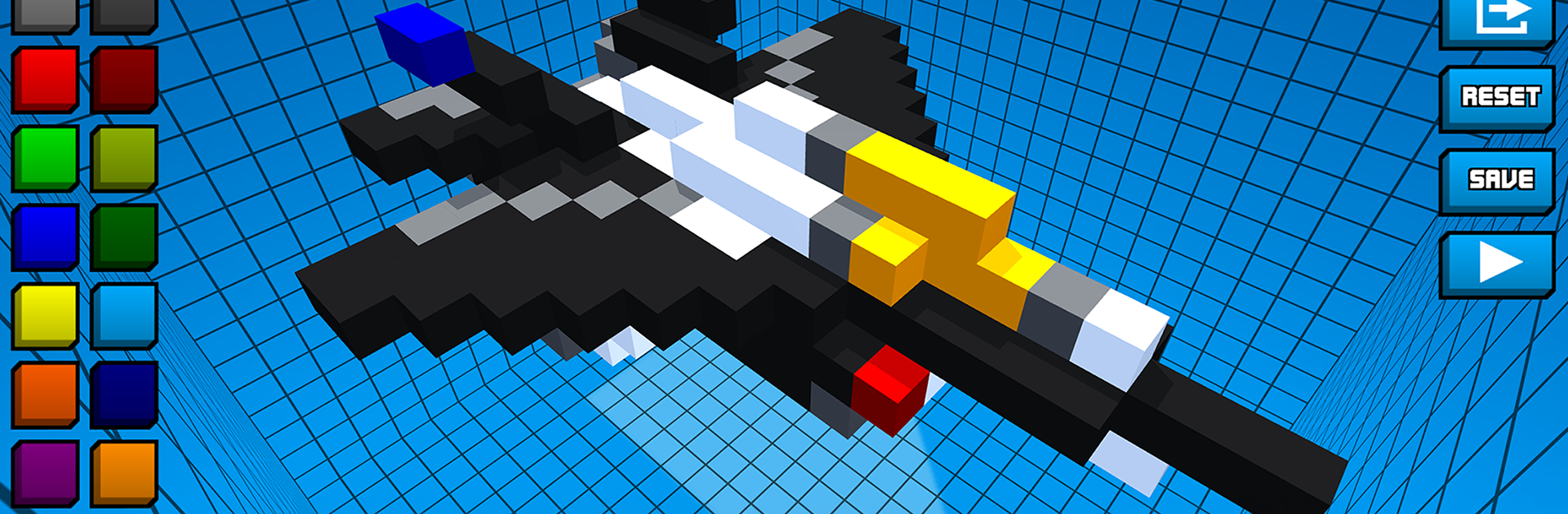
Hovercraft: Getaway is a fast chase where players build a blocky hovercraft, slap on a wild mix of weapons, and try to survive as the heat keeps piling on. It feels like an arcade racer blended with a shootout. The hovercraft slides and drifts, so weaving through traffic and debris takes a little focus, then the screen lights up with bullets, rockets, and lasers. Police cruisers swarm in, hoverbikes zip past, armored trucks try to box things in, and drones poke from above. Keep wrecking enough of them and bigger toys show up, like tanks and attack helicopters, and that elite squad everyone talks about. Weapons stack in silly ways too. Long range cannons for popping threats ahead, tracking lasers that keep nibbling, homing rockets that clean up groups, and proximity mines to punish anyone on the tail. All at once if that is the loadout picked.

Runs are score chases, but the tinkering between runs is what hooks. Parts and gear roll in with different rarities, upgrades open new synergies, and real damage matters, so a busted thruster or a knocked out gun changes how the craft handles mid run. On PC with BlueStacks, mouse aim and keyboard steering feel extra sharp, which helps when the road gets crowded and the explosions make it hard to see anything. It is chaotic, short-burst fun that rewards experimenting with builds and going for risky plays just to watch everything go boom.

Get ready for a buttery smooth, high-performance gaming action only on BlueStacks.

Game Features

Enhancements

  • Macros
  • Multi Instance
  • Multi Instance Sync
  • Script
  • Enhancements
Macros

Macros

Automate the predictable in Hovercraft: Getaway and transform your gameplay with Macros. Get access to inventive Macros in the BlueStacks Macro Community
Multi Instance

Multi Instance

Play Hovercraft: Getaway on one window. And chat with your friend on the other. Press CTRL + Shift + 8 to open the Multi-Instance Manager. And start creating fresh instances or clone an existing one.
Multi Instance Sync

Multi Instance Sync

Play Hovercraft: Getaway with the power of Multi-Instance Sync. Replicate what you are doing on the main instance on all other instances. Level up faster, play more.
Script

Script

Script your way to gaming glory in Hovercraft: Getaway with BlueStacks Script. Write and run a set of commands to automate repeated tasks. Trigger the command by assigning it to any key.
Read More

How to Download and Play Hovercraft: Getaway on PC or Mac

  • Download and install BlueStacks on your PC or Mac

  • Complete Google sign-in to access the Play Store, or do it later

  • Look for Hovercraft: Getaway in the search bar at the top right corner

  • Click to install Hovercraft: Getaway from the search results

  • Complete Google sign-in (if you skipped step 2) to install Hovercraft: Getaway

  • Click the Hovercraft: Getaway icon on the home screen to start playing

video
Watch Video

Minimum System Requirements

With BlueStacks 5, you can get started on a PC that fulfills the following requirements.

  • Operating System

    Microsoft Windows 7 or above, macOS 11 (Big Sur) or above

  • Processor

    Intel, AMD or Apple Silicon Processor

  • RAM

    at least 4GB

  • HDD

    10GB Free Disk Space

Note:

* You must be an Administrator on your PC. Up to date graphics drivers from Microsoft or the chipset vendor.

Hovercraft: Getaway - FAQs

  • How to play Hovercraft: Getaway on Windows PC & Mac?

    Play Hovercraft: Getaway on your PC or Mac by following these simple steps.

    • Click on 'Play Hovercraft: Getaway on PC’ to download BlueStacks
    • Install it and log-in to Google Play Store
    • Launch and play the game.
  • Why is BlueStacks the fastest and safest platform to play games on PC?

    BlueStacks respects your privacy and is always safe and secure to use. It does not carry any malware, spyware, or any sort of additional software that could harm your PC.

    It is engineered to optimize speed and performance for a seamless gaming experience.

  • What are Hovercraft: Getaway PC requirements?

    Minimum requirement to run Hovercraft: Getaway on your PC

    • OS: Microsoft Windows 7 or above MacOS 11 (Big Sur) or above
    • Processor: Intel, AMD or Apple Silicon Processor
    • RAM: Your PC must have at least 4GB of RAM. (Note that having 4GB or more disk space is not a substitute for RAM)
    • HDD: 10GB Free Disk Space.
    • You must be an Administrator on your PC.