Race Star - Team Manager Game

Race Star - Team Manager Game

Racing

| Cool Cats Games

Play on PC with BlueStacks or from our cloud

  • Overview
  • Game Features
  • How to Play

Page Modified On: July 27, 2026

Play Race Star - Team Manager Game on PC or Mac

Play Race Star – Team Manager Game by Cool Cats Games on PC or Mac with BlueStacks. Use a bigger screen, mouse and keyboard controls, and smoother performance while you play.

About the Game

Race Star – Team Manager Game is a sleek Racing management sim where your decisions call the shots. Build your dream crew, fine-tune machines, and watch your plans play out in intense, fast-paced race simulations. Prefer the big screen? It’s smooth on BlueStacks, too.

Game Features

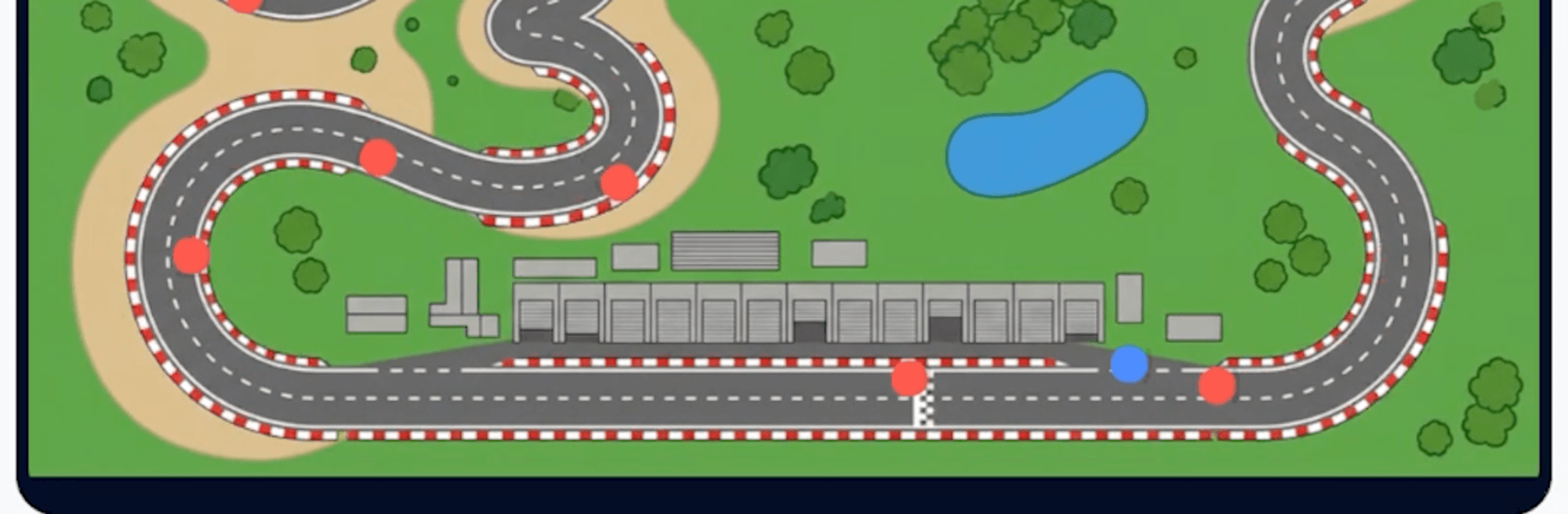
  • Be the Boss: Set race strategies, choose lineups, and make the big calls that turn close battles into podium finishes. Your team’s success starts on your clipboard, not just the track.

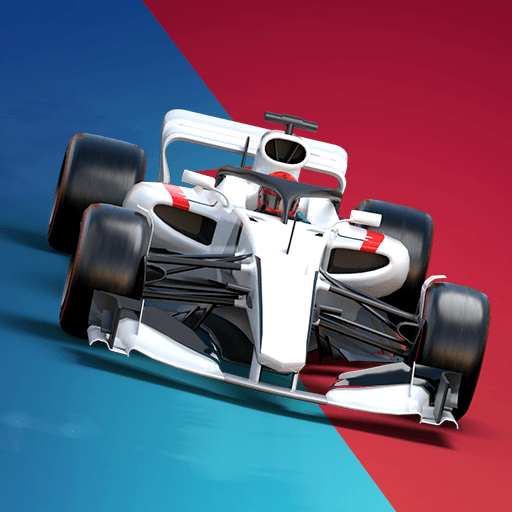
  • Six Ways to Win: Master multiple disciplines—Open-Wheel, Stock Cars, Rally, Superbikes, Speedsters, and Monster Trucks. Each one feels different, with its own drivers, machines, and tracks to conquer.

  • Scout, Train, Merge: Find promising drivers, invest in their growth, and merge duplicates to push potential even higher. Explore deep skill trees and build lineups with real synergy.

  • Progress While You’re Away: Automated race sims keep things moving and bank resources even when you’re offline, so there’s always something big waiting when you return.

  • Climb the Leagues: Start at the back and fight your way to tougher divisions. Earn trophies, stack podiums, and prove your garage can hang with the best.

  • Build a Star Career: Create a custom driver, specialize in any racing class, and tweak your skill build whenever you want to try a new approach.

  • Team Up in Clubs: Join a club to challenge rival crews, earn ranked spots, and collect shared rewards through coordinated team play.

  • Gear That Matters: Win, collect, and upgrade powerful equipment to give your drivers a competitive edge. Tune every piece to squeeze out those extra tenths.

Start your journey now. Download the game on BlueStacks, invite your friends, and march on a new adventure.


Game Features

Enhancements

  • Macros
  • Multi Instance
  • Multi Instance Sync
  • Script
  • Enhancements
Macros

Macros

Automate the predictable in Race Star - Team Manager Game and transform your gameplay with Macros. Get access to inventive Macros in the BlueStacks Macro Community
Multi Instance

Multi Instance

Play Race Star - Team Manager Game on one window. And chat with your friend on the other. Press CTRL + Shift + 8 to open the Multi-Instance Manager. And start creating fresh instances or clone an existing one.
Multi Instance Sync

Multi Instance Sync

Play Race Star - Team Manager Game with the power of Multi-Instance Sync. Replicate what you are doing on the main instance on all other instances. Level up faster, play more.
Script

Script

Script your way to gaming glory in Race Star - Team Manager Game with BlueStacks Script. Write and run a set of commands to automate repeated tasks. Trigger the command by assigning it to any key.
Read More

How to Download and Play Race Star - Team Manager Game on PC or Mac

  • Download and install BlueStacks on your PC or Mac

  • Complete Google sign-in to access the Play Store, or do it later

  • Look for Race Star - Team Manager Game in the search bar at the top right corner

  • Click to install Race Star - Team Manager Game from the search results

  • Complete Google sign-in (if you skipped step 2) to install Race Star - Team Manager Game

  • Click the Race Star - Team Manager Game icon on the home screen to start playing

video
Watch Video

Minimum System Requirements

With BlueStacks 5, you can get started on a PC that fulfills the following requirements.

  • Operating System

    Microsoft Windows 7 or above, macOS 11 (Big Sur) or above

  • Processor

    Intel, AMD or Apple Silicon Processor

  • RAM

    at least 4GB

  • HDD

    10GB Free Disk Space

Note:

* You must be an Administrator on your PC. Up to date graphics drivers from Microsoft or the chipset vendor.

Race Star - Team Manager Game - FAQs

  • How to play Race Star - Team Manager Game on Windows PC & Mac?

    Play Race Star - Team Manager Game on your PC or Mac by following these simple steps.

    • Click on 'Play Race Star - Team Manager Game on PC’ to download BlueStacks
    • Install it and log-in to Google Play Store
    • Launch and play the game.
  • Why is BlueStacks the fastest and safest platform to play games on PC?

    BlueStacks respects your privacy and is always safe and secure to use. It does not carry any malware, spyware, or any sort of additional software that could harm your PC.

    It is engineered to optimize speed and performance for a seamless gaming experience.

  • What are Race Star - Team Manager Game PC requirements?

    Minimum requirement to run Race Star - Team Manager Game on your PC

    • OS: Microsoft Windows 7 or above MacOS 11 (Big Sur) or above
    • Processor: Intel, AMD or Apple Silicon Processor
    • RAM: Your PC must have at least 4GB of RAM. (Note that having 4GB or more disk space is not a substitute for RAM)
    • HDD: 10GB Free Disk Space.
    • You must be an Administrator on your PC.