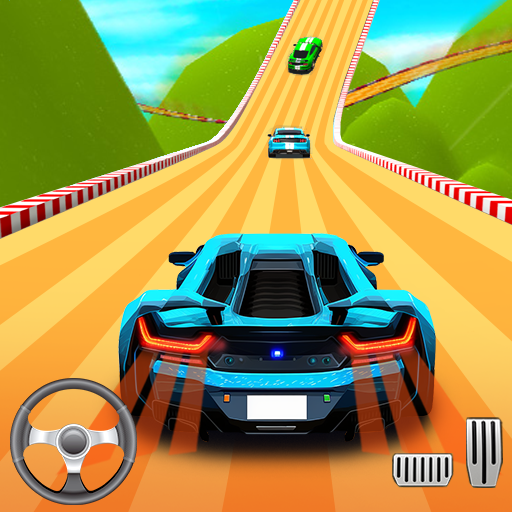
Street Racing 3D Game

Street Racing 3D Game

Racing

| BDI Games

Play on PC with BlueStacks or from our cloud

  • Overview
  • Game Features
  • How to Play

Page Modified On: August 24, 2026

Play Street Racing 3D Game on PC or Mac

Explore a whole new adventure with Street Racing 3D Game, a Racing game created by BDI Games. Experience great gameplay with BlueStacks, the most popular gaming platform to play Android games on your PC or Mac.

About the Game

Street Racing 3D Game puts you behind the wheel in a high-speed city showdown that never lets up. This is a Racing experience built around clean drifts, sharp reaction times, and that rush you get when a perfect boost sends you past the pack. Want an even bigger view and steady controls? It also plays great on PC with BlueStacks.

Game Features

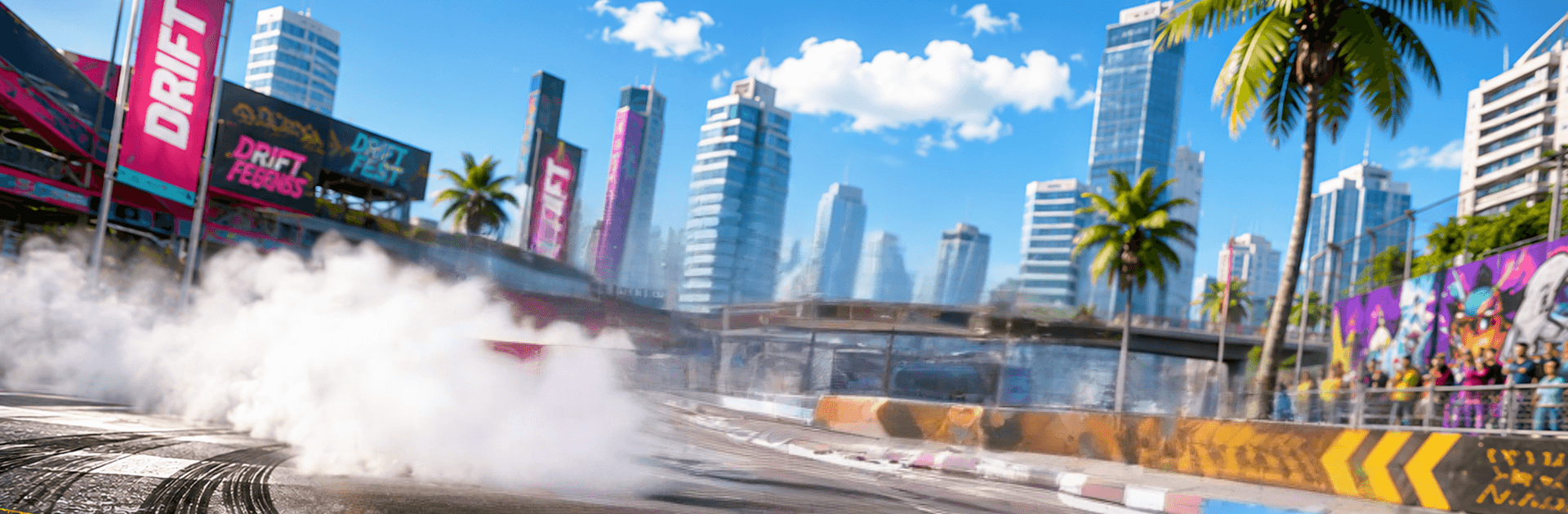
  • Lively 3D cityscapes: Tear through glowing downtowns, wide-open highways, and tight backstreets designed to test reflexes and throttle control.
  • Tight, responsive handling: Feel the grip, weight, and momentum of every car as you brake, slide, and slingshot out of corners.
  • Cars with real character: Unlock a lineup of sleek sports machines, each tuned with its own acceleration, grip, and top speed profile.
  • Deep upgrades and tuning: Boost acceleration, stretch top speed, sharpen handling, and equip stronger nitro to craft your ideal setup.
  • Smart nitro strategy: Time your boosts to clear traffic, pull away from rivals, or save that last burst for the final push.
  • Multiple ways to play: Chase a mission-based career, hunt personal bests in time trials, or hop into free drive to practice lines and drifts.
  • Skill-first competition: Learn the cleanest racing lines, perfect corner entries, and link drifts to keep pressure on tougher opponents.
  • Rewarding progression: Win events to earn prizes, unlock fresh locations, and open the door to more intense challenges.
  • Offline anytime: Jump in and play without an internet connection whenever you’ve got a few minutes to burn.
  • Smooth performance: Quick loads and steady frame rates keep the action clean and satisfying from start to finish.

Start playing Street Racing 3D Game on BlueStacks and get a smoother, more comfortable PC or Mac setup.


Game Features

Enhancements

  • Macros
  • Multi Instance
  • Multi Instance Sync
  • Script
  • Enhancements
Macros

Macros

Automate the predictable in Street Racing 3D Game and transform your gameplay with Macros. Get access to inventive Macros in the BlueStacks Macro Community
Multi Instance

Multi Instance

Play Street Racing 3D Game on one window. And chat with your friend on the other. Press CTRL + Shift + 8 to open the Multi-Instance Manager. And start creating fresh instances or clone an existing one.
Multi Instance Sync

Multi Instance Sync

Play Street Racing 3D Game with the power of Multi-Instance Sync. Replicate what you are doing on the main instance on all other instances. Level up faster, play more.
Script

Script

Script your way to gaming glory in Street Racing 3D Game with BlueStacks Script. Write and run a set of commands to automate repeated tasks. Trigger the command by assigning it to any key.
Read More

How to Download and Play Street Racing 3D Game on PC or Mac

  • Download and install BlueStacks on your PC or Mac

  • Complete Google sign-in to access the Play Store, or do it later

  • Look for Street Racing 3D Game in the search bar at the top right corner

  • Click to install Street Racing 3D Game from the search results

  • Complete Google sign-in (if you skipped step 2) to install Street Racing 3D Game

  • Click the Street Racing 3D Game icon on the home screen to start playing

video
Watch Video

Minimum System Requirements

With BlueStacks 5, you can get started on a PC that fulfills the following requirements.

  • Operating System

    Microsoft Windows 7 or above, macOS 11 (Big Sur) or above

  • Processor

    Intel, AMD or Apple Silicon Processor

  • RAM

    at least 4GB

  • HDD

    10GB Free Disk Space

Note:

* You must be an Administrator on your PC. Up to date graphics drivers from Microsoft or the chipset vendor.

Street Racing 3D Game - FAQs

  • How to play Street Racing 3D Game on Windows PC & Mac?

    Play Street Racing 3D Game on your PC or Mac by following these simple steps.

    • Click on 'Play Street Racing 3D Game on PC’ to download BlueStacks
    • Install it and log-in to Google Play Store
    • Launch and play the game.
  • Why is BlueStacks the fastest and safest platform to play games on PC?

    BlueStacks respects your privacy and is always safe and secure to use. It does not carry any malware, spyware, or any sort of additional software that could harm your PC.

    It is engineered to optimize speed and performance for a seamless gaming experience.

  • What are Street Racing 3D Game PC requirements?

    Minimum requirement to run Street Racing 3D Game on your PC

    • OS: Microsoft Windows 7 or above MacOS 11 (Big Sur) or above
    • Processor: Intel, AMD or Apple Silicon Processor
    • RAM: Your PC must have at least 4GB of RAM. (Note that having 4GB or more disk space is not a substitute for RAM)
    • HDD: 10GB Free Disk Space.
    • You must be an Administrator on your PC.