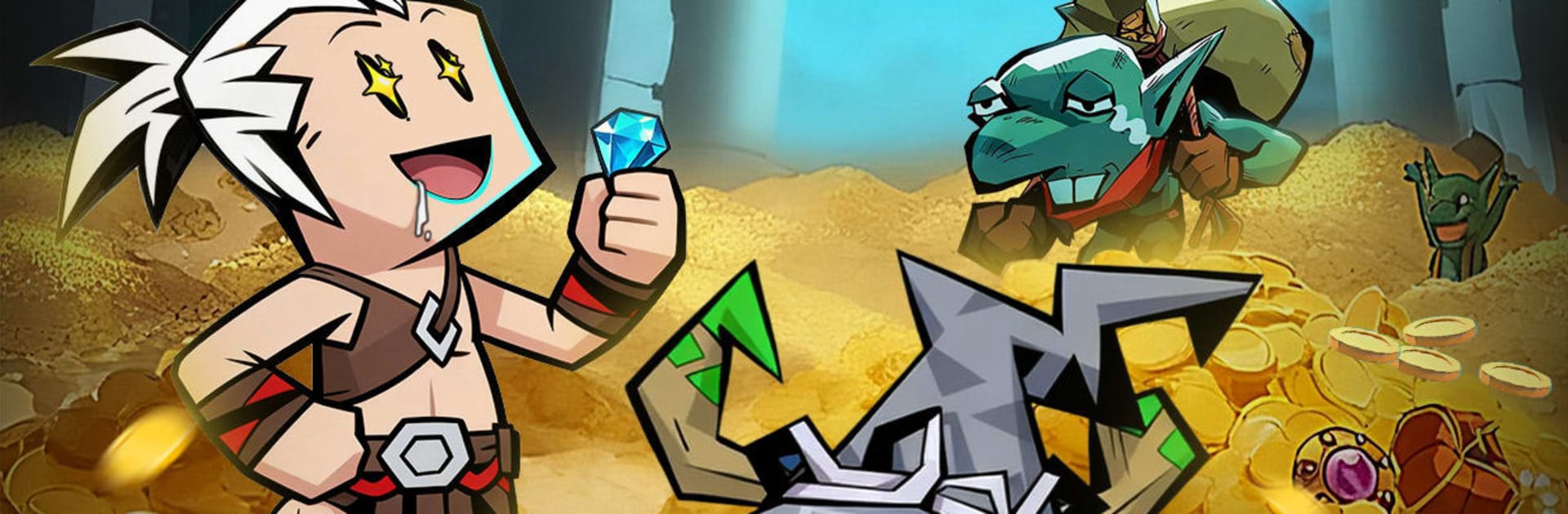
Anh Hùng Bất Diệt
Anh Hùng Bất Diệt

Anh Hùng Bất Diệt

Role Playing

| moc games

Play on PC with BlueStacks or from our cloud

  • Overview
  • Game Features
  • How to Play

Page Modified On: November 28, 2025

Play Anh Hùng Bất Diệt on PC or Mac

Anh Hùng Bất Diệt brings the Role Playing genre to life, and throws up exciting challenges for gamers. Developed by moc games, this Android game is best experienced on BlueStacks, the World’s #1 app player for PC and Mac users.

About the Game

Anh Hùng Bất Diệt from moc games is a portrait-play Role-playing game that’s all about fast fights, juicy loot, and easy progression. You hack through monsters, scoop up gear by the handful, and keep growing stronger—even when you step away. It’s built for quick bursts or longer sessions, and it runs great on BlueStacks if you like playing on a bigger screen.

Game Features

  • One-hand action: Designed for vertical play with simple taps and optional auto-battle, so you can clear stages comfortably on the go.
  • Loot-driven growth: Enemies drop gear constantly, and upgrades feel immediate—swap to stronger equipment in seconds and watch your power spike.
  • Flexible skill builds: Mix melee crit chains and ranged blasts to shape your own fighting style. It’s easy to learn and still leaves room for clever combos.
  • Partners that matter: Recruit companions with unique skills and helpful auras. They jump into combat with you and make solo runs feel like a proper team effort.
  • PvP and guild rivalry: Test your build against players across servers, climb the ladder, and join a guild to tackle colossal bosses and hectic team battles.
  • Transform your look: Collect outfits, wings, and flashy effects. Morph into legends like Sun Wukong or Nezha, or switch to quirky styles—from sleek swimsuits to hulking mechs.
  • Secret realm challenges: Push deeper through multi-floor gauntlets and face mysterious bosses. High risk, high reward, and a real check on your setup.
  • Rewards from the start: Log in and grab spins, currencies, and key materials that help you get rolling fast, without a tedious early grind.

Start your journey now. Download the game on BlueStacks, invite your friends, and march on a new adventure.


Game Features

Enhancements

  • Macros
  • Rerolling
  • Eco Mode
  • Multi Instance Sync
  • Enhancements
Macros

Macros

Focus more on the fun part of the game, skip the tedious aspects. Master Anh Hùng Bất Diệt with Macros. Record yourself completing the monotonous tasks you wish to automate and replay them later with just one keypress.
Rerolling

Rerolling

Speed up the rerolling process in Anh Hùng Bất Diệt. Perform multiple summons and keep looking for the best Heroes. Use Multi-Instance sync to replicate the rerolling mechanism in all instances.
Eco Mode

Eco Mode

Farm in-game resources with ease in Anh Hùng Bất Diệt. Enable the Eco Mode when running the game in multiple instances. And lower your PC's resource consumption.
Multi Instance Sync

Multi Instance Sync

With the Multi-instance Sync, you can do even more in Anh Hùng Bất Diệt. Sync the action of the main instance and repeat them in real time for all other instances. Sync and sit back, let the game progress unfold.
Read More

How to Download and Play Anh Hùng Bất Diệt on PC or Mac

  • Download and install BlueStacks on your PC or Mac

  • Complete Google sign-in to access the Play Store, or do it later

  • Look for Anh Hùng Bất Diệt in the search bar at the top right corner

  • Click to install Anh Hùng Bất Diệt from the search results

  • Complete Google sign-in (if you skipped step 2) to install Anh Hùng Bất Diệt

  • Click the Anh Hùng Bất Diệt icon on the home screen to start playing

video
Watch Video

Minimum System Requirements

With BlueStacks 5, you can get started on a PC that fulfills the following requirements.

  • Operating System

    Microsoft Windows 7 or above, macOS 11 (Big Sur) or above

  • Processor

    Intel, AMD or Apple Silicon Processor

  • RAM

    at least 4GB

  • HDD

    10GB Free Disk Space

Note:

* You must be an Administrator on your PC. Up to date graphics drivers from Microsoft or the chipset vendor.

Anh Hùng Bất Diệt - FAQs

  • How to play Anh Hùng Bất Diệt on Windows PC & Mac?

    Play Anh Hùng Bất Diệt on your PC or Mac by following these simple steps.

    • Click on 'Play Anh Hùng Bất Diệt on PC’ to download BlueStacks
    • Install it and log-in to Google Play Store
    • Launch and play the game.
  • Why is BlueStacks the fastest and safest platform to play games on PC?

    BlueStacks respects your privacy and is always safe and secure to use. It does not carry any malware, spyware, or any sort of additional software that could harm your PC.

    It is engineered to optimize speed and performance for a seamless gaming experience.

  • What are Anh Hùng Bất Diệt PC requirements?

    Minimum requirement to run Anh Hùng Bất Diệt on your PC

    • OS: Microsoft Windows 7 or above MacOS 11 (Big Sur) or above
    • Processor: Intel, AMD or Apple Silicon Processor
    • RAM: Your PC must have at least 4GB of RAM. (Note that having 4GB or more disk space is not a substitute for RAM)
    • HDD: 10GB Free Disk Space.
    • You must be an Administrator on your PC.