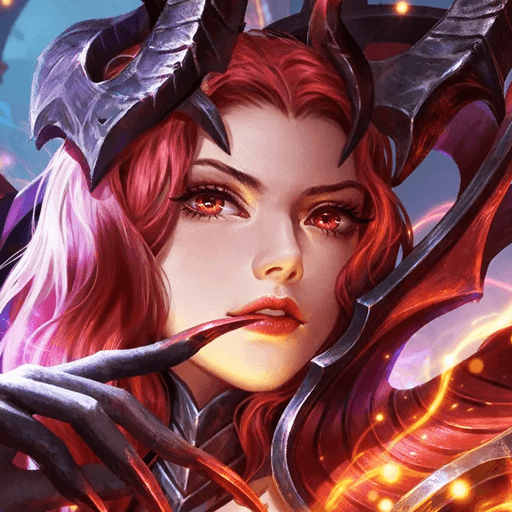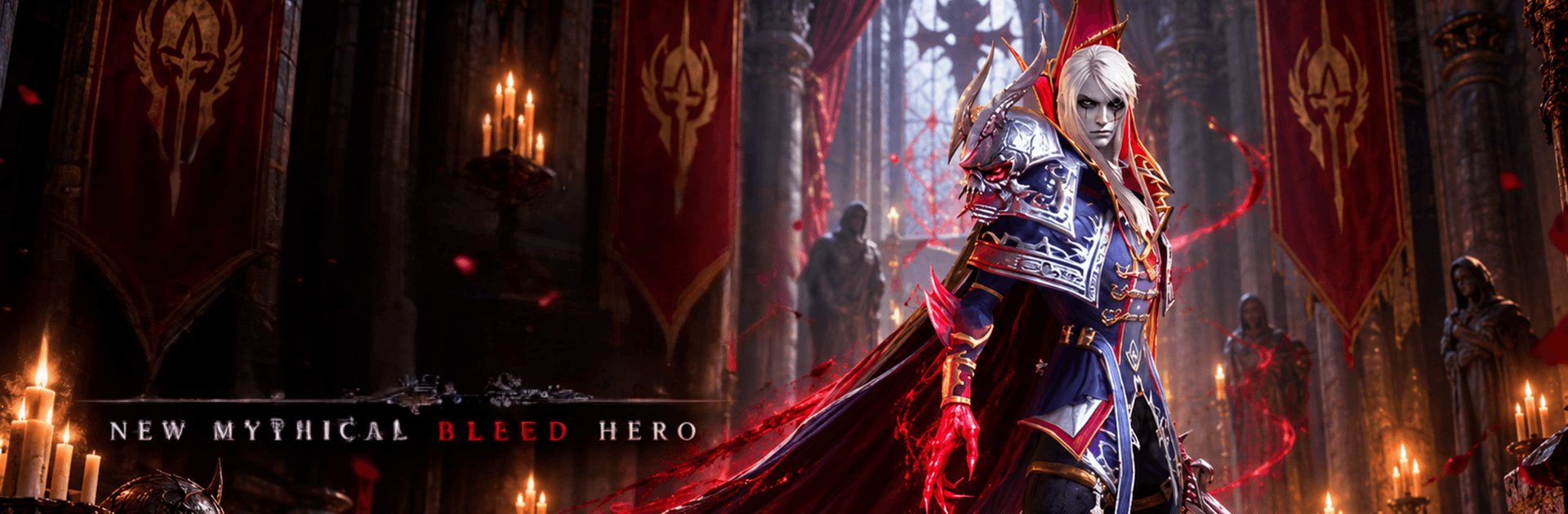
Arcane Heroes 2: Divided Fate

Arcane Heroes 2: Divided Fate

Role Playing

| Ten Percent Red

Play on PC with BlueStacks or from our cloud

  • Overview
  • Game Features
  • How to Play

Page Modified On: October 08, 2026

Play Arcane Heroes 2: Divided Fate on PC or Mac

Arcane Heroes 2: Divided Fate brings the Role Playing genre to life, and throws up exciting challenges for gamers. Developed by Ten Percent Red, this Android game is best experienced on BlueStacks, the World’s #1 app player for PC and Mac users.

About the Game

Arcane Heroes 2: Divided Fate drops you into a dark world torn apart by old magic and clashing factions. You command a handpicked squad through tactical, turn-based 5v5 fights, nudging the realm toward the future you choose. It’s a Role Playing experience that mixes thoughtful strategy with the rush of earning rare loot and building a team that just clicks. Prefer a bigger display and smooth, reliable controls? You can play it comfortably on BlueStacks.

Game Features

  • Strategic 5v5 Battles: Plan your lineup, set positions, and watch your tactics unfold through turn-based auto combat, then adjust between waves to keep momentum.
  • Diverse Champion Roster: Recruit knights, mages, rogues, and more, each with distinctive skills, synergies, and roles that shape how your team wins.
  • Summon, Upgrade, and Gear: Earn shards and loot to unlock heroes, power up abilities, and equip sets that push your squad into tougher content.
  • Ranked PvP Arenas: Face real opponents in quick 5v5 bouts, climb leaderboards, and prove that your strategy holds up under pressure.
  • Guild Raids and Wars: Join a guild to topple colossal bosses together and coordinate large-scale clashes that hand out team-wide rewards.
  • Boss Fights With Mechanics: Learn attack patterns, time your ultimates, and capitalize on openings to bring down dragons and other nightmares.
  • Flexible Progression Paths: Specialize in burst, sustain, or control, then swap builds and formations to counter dungeon threats and tricky PvP teams.

Ready to top the leaderboard? We bet you do. Let precise controls and sharp visuals optimized on BlueStacks lead you to victory.

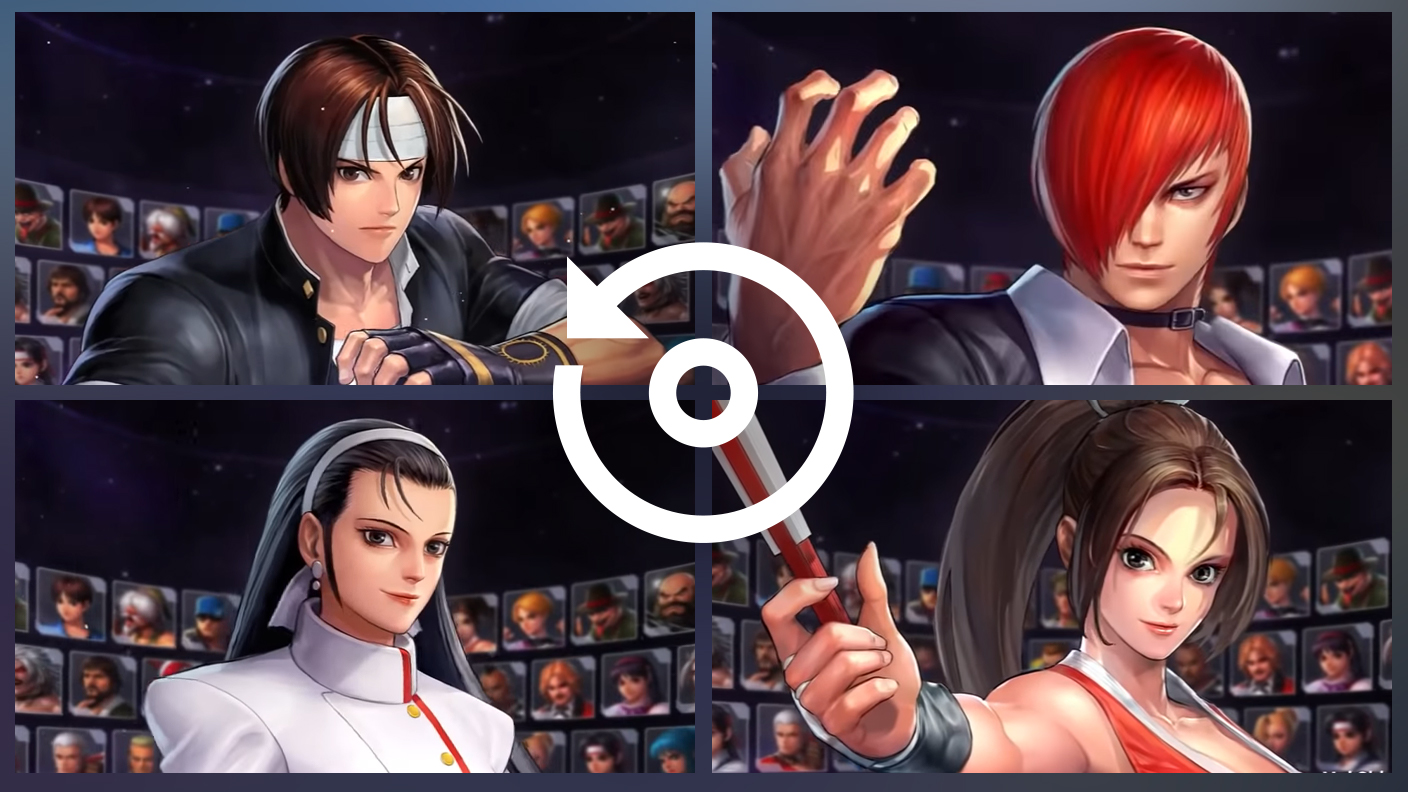
Game Features

Enhancements

  • Macros
  • Rerolling
  • Eco Mode
  • Multi Instance Sync
  • Enhancements
Macros

Macros

Focus more on the fun part of the game, skip the tedious aspects. Master Arcane Heroes 2: Divided Fate with Macros. Record yourself completing the monotonous tasks you wish to automate and replay them later with just one keypress.
Rerolling

Rerolling

Speed up the rerolling process in Arcane Heroes 2: Divided Fate. Perform multiple summons and keep looking for the best Heroes. Use Multi-Instance sync to replicate the rerolling mechanism in all instances.
Eco Mode

Eco Mode

Farm in-game resources with ease in Arcane Heroes 2: Divided Fate. Enable the Eco Mode when running the game in multiple instances. And lower your PC's resource consumption.
Multi Instance Sync

Multi Instance Sync

With the Multi-instance Sync, you can do even more in Arcane Heroes 2: Divided Fate. Sync the action of the main instance and repeat them in real time for all other instances. Sync and sit back, let the game progress unfold.
Read More

How to Download and Play Arcane Heroes 2: Divided Fate on PC or Mac

  • Download and install BlueStacks on your PC or Mac

  • Complete Google sign-in to access the Play Store, or do it later

  • Look for Arcane Heroes 2: Divided Fate in the search bar at the top right corner

  • Click to install Arcane Heroes 2: Divided Fate from the search results

  • Complete Google sign-in (if you skipped step 2) to install Arcane Heroes 2: Divided Fate

  • Click the Arcane Heroes 2: Divided Fate icon on the home screen to start playing

video
Watch Video

Minimum System Requirements

With BlueStacks 5, you can get started on a PC that fulfills the following requirements.

  • Operating System

    Microsoft Windows 7 or above, macOS 11 (Big Sur) or above

  • Processor

    Intel, AMD or Apple Silicon Processor

  • RAM

    at least 4GB

  • HDD

    10GB Free Disk Space

Note:

* You must be an Administrator on your PC. Up to date graphics drivers from Microsoft or the chipset vendor.

Arcane Heroes 2: Divided Fate - FAQs

  • How to play Arcane Heroes 2: Divided Fate on Windows PC & Mac?

    Play Arcane Heroes 2: Divided Fate on your PC or Mac by following these simple steps.

    • Click on 'Play Arcane Heroes 2: Divided Fate on PC’ to download BlueStacks
    • Install it and log-in to Google Play Store
    • Launch and play the game.
  • Why is BlueStacks the fastest and safest platform to play games on PC?

    BlueStacks respects your privacy and is always safe and secure to use. It does not carry any malware, spyware, or any sort of additional software that could harm your PC.

    It is engineered to optimize speed and performance for a seamless gaming experience.

  • What are Arcane Heroes 2: Divided Fate PC requirements?

    Minimum requirement to run Arcane Heroes 2: Divided Fate on your PC

    • OS: Microsoft Windows 7 or above MacOS 11 (Big Sur) or above
    • Processor: Intel, AMD or Apple Silicon Processor
    • RAM: Your PC must have at least 4GB of RAM. (Note that having 4GB or more disk space is not a substitute for RAM)
    • HDD: 10GB Free Disk Space.
    • You must be an Administrator on your PC.