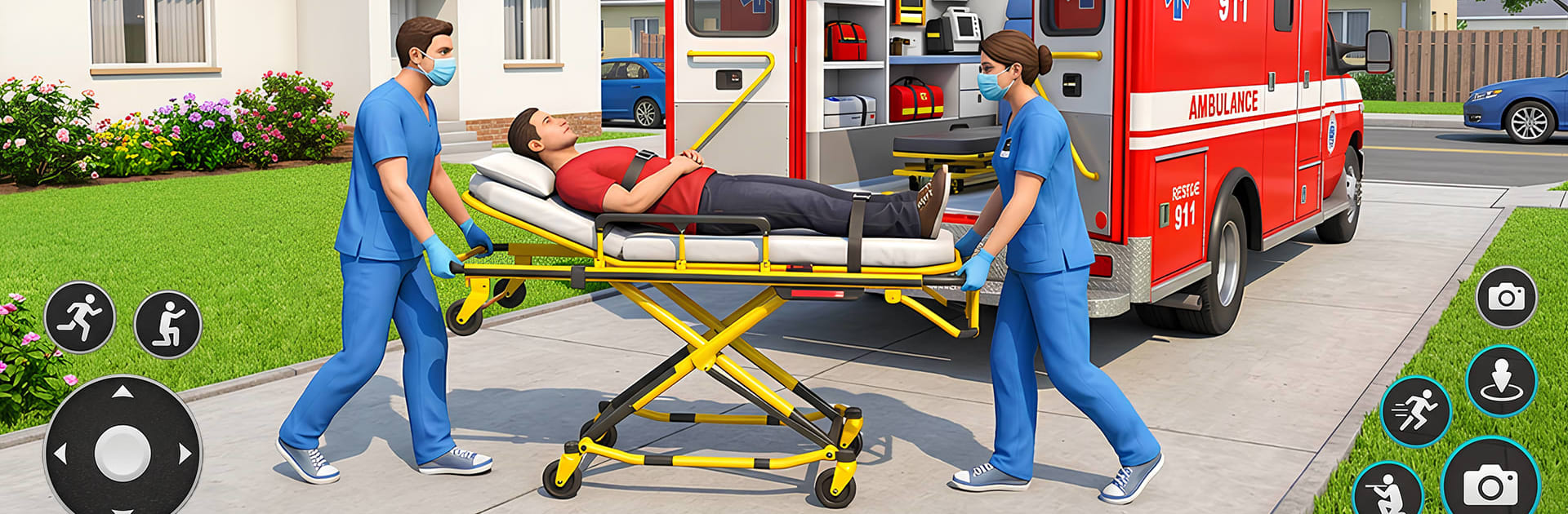
City Ambulance Rescue Sim Game

City Ambulance Rescue Sim Game

Role Playing

| GAMELOAD STUDIO

Play on PC with BlueStacks or from our cloud

  • Overview
  • Game Features
  • How to Play

Page Modified On: August 24, 2026

Play City Ambulance Rescue Sim Game on PC or Mac

Step into the World of City Ambulance Rescue Sim Game, a thrilling Role Playing game from the house of GAMELOAD STUDIO. Play this Android game on BlueStacks App Player and experience immersive gaming on PC or Mac.

About the Game

City Ambulance Rescue Sim Game puts you in the driver’s seat of an emergency rig and asks a simple question: can you keep your cool when time is slipping away? It’s a Role Playing experience where quick thinking, clean driving, and solid judgment decide whether patients make it to the hospital in time. If you like playing on a bigger screen with a keyboard, it runs smoothly on BlueStacks.

Game Features

  • High-stakes calls: Handle anything from fender-benders to multi-car collisions, each demanding a different plan and pace.
  • Lifelike city traffic: Thread through gridlock, read the flow, and use your sirens smartly to clear a path without causing chaos.
  • Dynamic weather and time: Rain, fog, and nighttime visibility change how you brake, corner, and approach scenes.
  • Precision driving and navigation: Follow turn-by-turn directions, hit checkpoints cleanly, and choose the fastest safe route under pressure.
  • Patient-first gameplay: Smooth acceleration and careful turns matter—rough driving can worsen injuries and cost precious seconds.
  • Vehicle upgrades: Tune acceleration, braking, and durability to cut response times and handle tougher routes.
  • Authentic emergency tools: Flip lights and sirens, position your rig safely at scenes, and park properly at hospital entrances.
  • Multiple viewpoints and controls: Swap camera angles for tight corners and tweak sensitivity to match your driving style.
  • Free-roam learning: Explore the city between calls to scout shortcuts, test handling, and be ready when the radio crackles again.

Start your journey now. Download the game on BlueStacks, invite your friends, and march on a new adventure.


Game Features

Enhancements

  • Macros
  • Rerolling
  • Eco Mode
  • Multi Instance Sync
  • Enhancements
Macros

Macros

Focus more on the fun part of the game, skip the tedious aspects. Master City Ambulance Rescue Sim Game with Macros. Record yourself completing the monotonous tasks you wish to automate and replay them later with just one keypress.
Rerolling

Rerolling

Speed up the rerolling process in City Ambulance Rescue Sim Game. Perform multiple summons and keep looking for the best Heroes. Use Multi-Instance sync to replicate the rerolling mechanism in all instances.
Eco Mode

Eco Mode

Farm in-game resources with ease in City Ambulance Rescue Sim Game. Enable the Eco Mode when running the game in multiple instances. And lower your PC's resource consumption.
Multi Instance Sync

Multi Instance Sync

With the Multi-instance Sync, you can do even more in City Ambulance Rescue Sim Game. Sync the action of the main instance and repeat them in real time for all other instances. Sync and sit back, let the game progress unfold.
Read More

How to Download and Play City Ambulance Rescue Sim Game on PC or Mac

  • Download and install BlueStacks on your PC or Mac

  • Complete Google sign-in to access the Play Store, or do it later

  • Look for City Ambulance Rescue Sim Game in the search bar at the top right corner

  • Click to install City Ambulance Rescue Sim Game from the search results

  • Complete Google sign-in (if you skipped step 2) to install City Ambulance Rescue Sim Game

  • Click the City Ambulance Rescue Sim Game icon on the home screen to start playing

video
Watch Video

Minimum System Requirements

With BlueStacks 5, you can get started on a PC that fulfills the following requirements.

  • Operating System

    Microsoft Windows 7 or above, macOS 11 (Big Sur) or above

  • Processor

    Intel, AMD or Apple Silicon Processor

  • RAM

    at least 4GB

  • HDD

    10GB Free Disk Space

Note:

* You must be an Administrator on your PC. Up to date graphics drivers from Microsoft or the chipset vendor.

City Ambulance Rescue Sim Game - FAQs

  • How to play City Ambulance Rescue Sim Game on Windows PC & Mac?

    Play City Ambulance Rescue Sim Game on your PC or Mac by following these simple steps.

    • Click on 'Play City Ambulance Rescue Sim Game on PC’ to download BlueStacks
    • Install it and log-in to Google Play Store
    • Launch and play the game.
  • Why is BlueStacks the fastest and safest platform to play games on PC?

    BlueStacks respects your privacy and is always safe and secure to use. It does not carry any malware, spyware, or any sort of additional software that could harm your PC.

    It is engineered to optimize speed and performance for a seamless gaming experience.

  • What are City Ambulance Rescue Sim Game PC requirements?

    Minimum requirement to run City Ambulance Rescue Sim Game on your PC

    • OS: Microsoft Windows 7 or above MacOS 11 (Big Sur) or above
    • Processor: Intel, AMD or Apple Silicon Processor
    • RAM: Your PC must have at least 4GB of RAM. (Note that having 4GB or more disk space is not a substitute for RAM)
    • HDD: 10GB Free Disk Space.
    • You must be an Administrator on your PC.