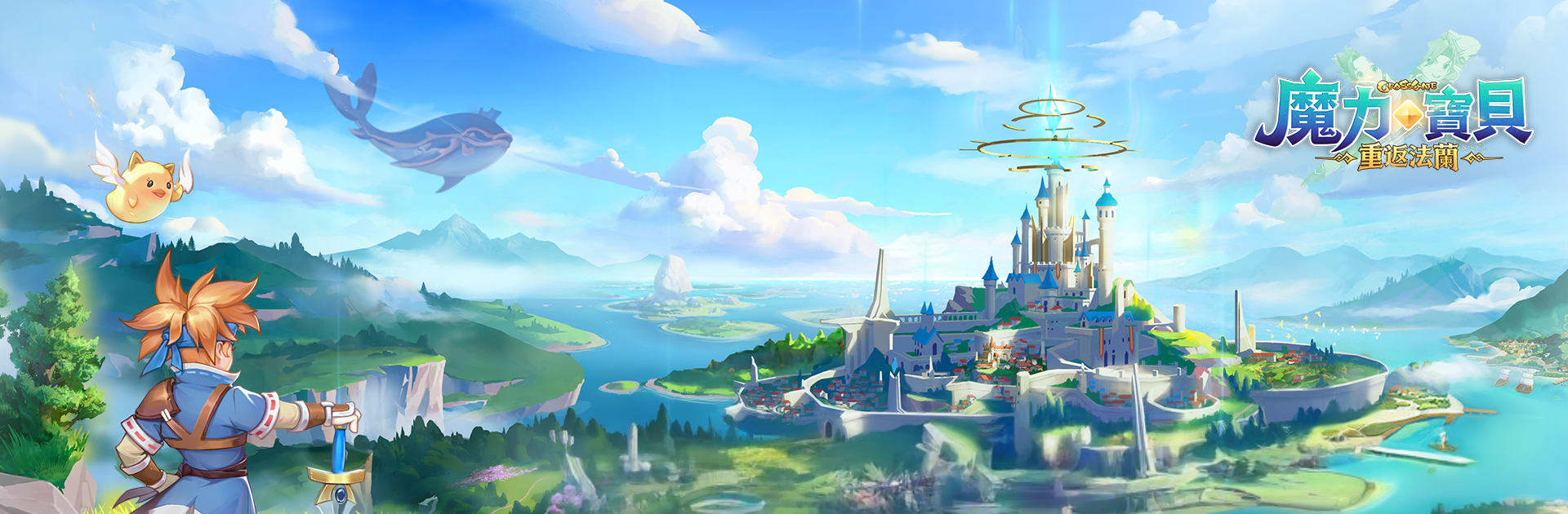
魔力寶貝:重返法蘭
魔力寶貝:重返法蘭

魔力寶貝:重返法蘭

Role Playing

| chuang games

Play on PC with BlueStacks or from our cloud

  • Overview
  • Game Features
  • How to Play

Page Modified On: January 06, 2026

Play 魔力寶貝:重返法蘭 on PC or Mac

From the innovators and creators at chuang games, 魔力寶貝:重返法蘭 is another fun addition to the World of Role Playing games. Go beyond your mobile screen and play it bigger and better on your PC or Mac. An immersive experience awaits you.

About the Game

魔力寶貝:重返法蘭 is a Role-playing adventure from chuang games that brings the beloved world of Fran back to life on mobile. It mixes classic, side-view turn-based combat with relaxed progression, pet collecting, and a free market that actually feels alive. New to the series or returning after years? It’s easy to settle in and start building a party that feels truly yours.

Game Features

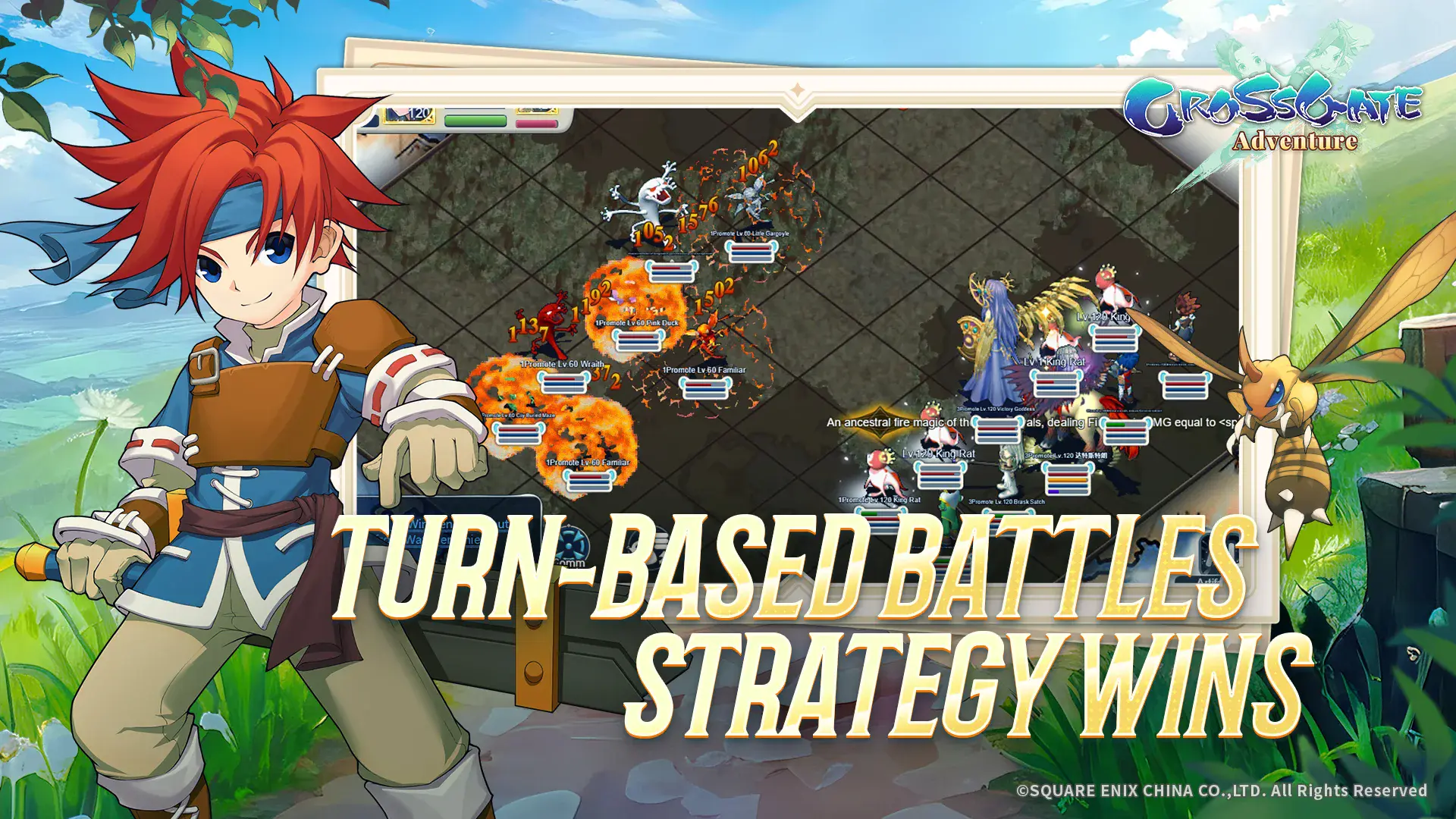
  • Classic Turn-Based Tactics: Battles favor smart planning—positioning, timing, and skill combos matter. Build a party that clicks and watch strategies pay off.
  • Pets You Actually Build: Collect a huge roster of creatures, each with distinct skills and growth paths. Fuse and customize to craft companions that fit your playstyle, from fierce dragons to tiny troublemakers.
  • Player-Driven Economy: Prefer wheeling and dealing? Set your own prices and trade materials, pets, and gear. The market shifts with player choices, not a fixed shop list.
  • Relaxed Progression, Real Rewards: Auto-battle when you’re busy and still make steady progress. You can log back in to find surprise drops waiting and levels ticking upward—no endless grind required.
  • Mounts with Muscle: Mounts don’t just look cool; they boost key stats and open up new team ideas. Pick the one that complements your strategy.
  • A Faithful Fran: Stroll through familiar streets and landmarks reimagined for mobile. It’s nostalgic in all the right ways yet tuned for quick sessions.
  • Play Comfortably on PC: Prefer a bigger screen and keyboard-and-mouse controls? Fire up 魔力寶貝:重返法蘭 on BlueStacks for smooth play and flexible input options.

Get ready for a buttery smooth, high-performance gaming action only on BlueStacks.
Game Features

Enhancements

  • Macros
  • Rerolling
  • Eco Mode
  • Multi Instance Sync
  • Enhancements
Macros

Macros

Focus more on the fun part of the game, skip the tedious aspects. Master 魔力寶貝:重返法蘭 with Macros. Record yourself completing the monotonous tasks you wish to automate and replay them later with just one keypress.
Rerolling

Rerolling

Speed up the rerolling process in 魔力寶貝:重返法蘭. Perform multiple summons and keep looking for the best Heroes. Use Multi-Instance sync to replicate the rerolling mechanism in all instances.
Eco Mode

Eco Mode

Farm in-game resources with ease in 魔力寶貝:重返法蘭. Enable the Eco Mode when running the game in multiple instances. And lower your PC's resource consumption.
Multi Instance Sync

Multi Instance Sync

With the Multi-instance Sync, you can do even more in 魔力寶貝:重返法蘭. Sync the action of the main instance and repeat them in real time for all other instances. Sync and sit back, let the game progress unfold.
Read More

How to Download and Play 魔力寶貝:重返法蘭 on PC or Mac

  • Download and install BlueStacks on your PC or Mac

  • Complete Google sign-in to access the Play Store, or do it later

  • Look for 魔力寶貝:重返法蘭 in the search bar at the top right corner

  • Click to install 魔力寶貝:重返法蘭 from the search results

  • Complete Google sign-in (if you skipped step 2) to install 魔力寶貝:重返法蘭

  • Click the 魔力寶貝:重返法蘭 icon on the home screen to start playing

video
Watch Video

Minimum System Requirements

With BlueStacks 5, you can get started on a PC that fulfills the following requirements.

  • Operating System

    Microsoft Windows 7 or above, macOS 11 (Big Sur) or above

  • Processor

    Intel, AMD or Apple Silicon Processor

  • RAM

    at least 4GB

  • HDD

    10GB Free Disk Space

Note:

* You must be an Administrator on your PC. Up to date graphics drivers from Microsoft or the chipset vendor.

魔力寶貝:重返法蘭 - FAQs

  • How to play 魔力寶貝:重返法蘭 on Windows PC & Mac?

    Play 魔力寶貝:重返法蘭 on your PC or Mac by following these simple steps.

    • Click on 'Play 魔力寶貝:重返法蘭 on PC’ to download BlueStacks
    • Install it and log-in to Google Play Store
    • Launch and play the game.
  • Why is BlueStacks the fastest and safest platform to play games on PC?

    BlueStacks respects your privacy and is always safe and secure to use. It does not carry any malware, spyware, or any sort of additional software that could harm your PC.

    It is engineered to optimize speed and performance for a seamless gaming experience.

  • What are 魔力寶貝:重返法蘭 PC requirements?

    Minimum requirement to run 魔力寶貝:重返法蘭 on your PC

    • OS: Microsoft Windows 7 or above MacOS 11 (Big Sur) or above
    • Processor: Intel, AMD or Apple Silicon Processor
    • RAM: Your PC must have at least 4GB of RAM. (Note that having 4GB or more disk space is not a substitute for RAM)
    • HDD: 10GB Free Disk Space.
    • You must be an Administrator on your PC.