Flame of Valhalla Global

Flame of Valhalla Global

Role Playing

| Leniu Technology Co., Limited

Play on PC with BlueStacks or from our cloud

  • Overview
  • Game Features
  • How to Play

Page Modified On: June 17, 2026

Play Flame of Valhalla Global on PC or Mac

Explore a whole new adventure with Flame of Valhalla Global, a Role Playing game created by Leniu Technology Co., Limited. Experience great gameplay with BlueStacks, the most popular gaming platform to play Android games on your PC or Mac.

About the Game

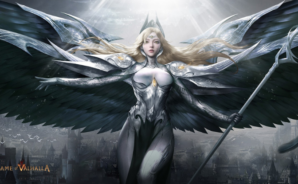
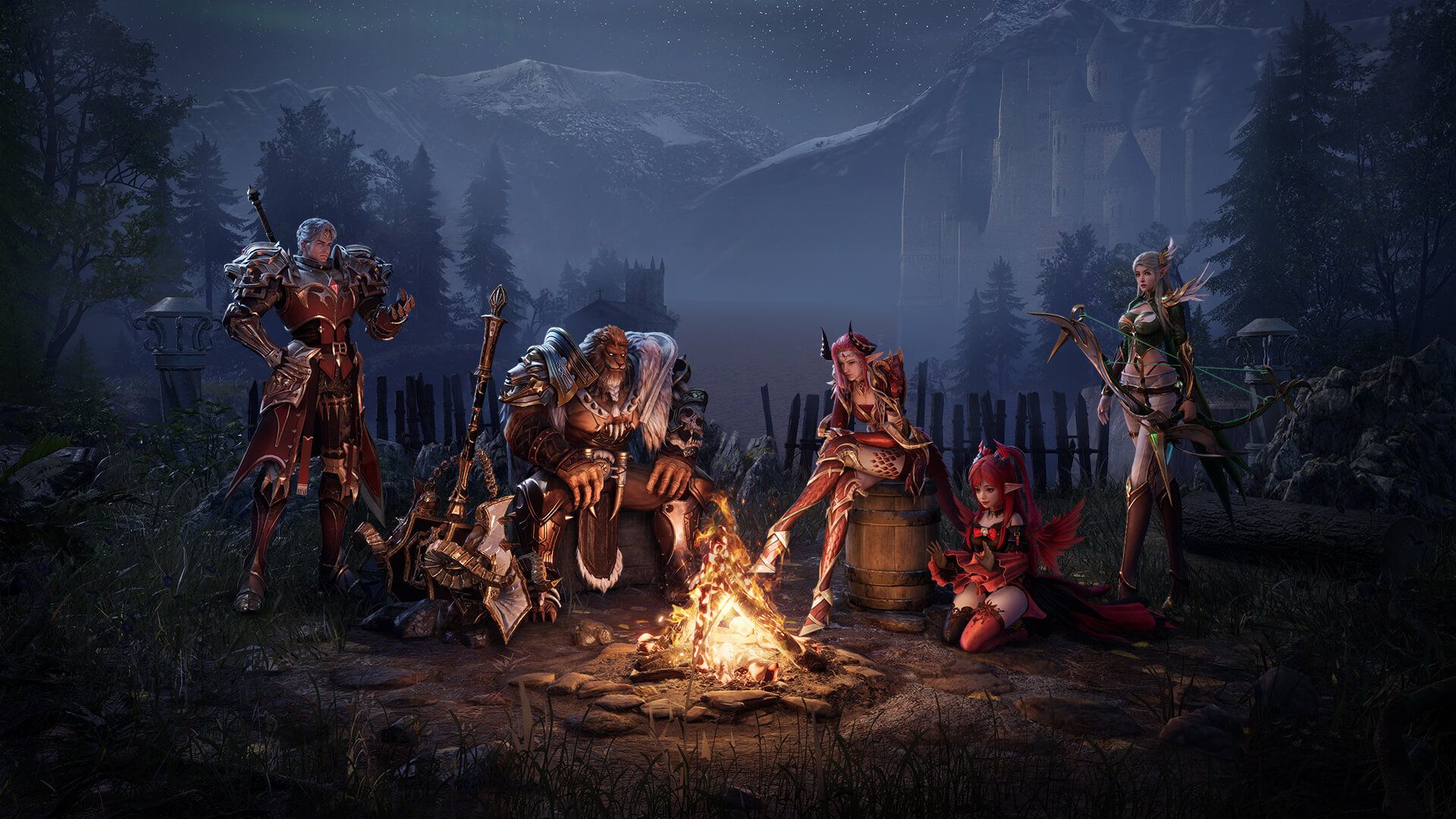
Flame of Valhalla Global is a Norse-flavored Role Playing epic where the World Tree splinters, its fiery shards spark new gods, and you carve your legend in the chaos. You’re the Chosen One stepping into a sprawling realm of myth, rain-slick roads, and clashing deities. Explore, experiment with builds, and tackle fights that reward timing and teamwork. Prefer a bigger screen and tighter controls? It runs smoothly on BlueStacks, too.

Game Features

  • Open-World Norse Saga: Roam beneath the shadow of Yggdrasil through wild forests, icy peaks, and ancient ruins. The world feels alive, with scenery that invites wandering and secrets tucked off the main path.
  • Real-Time Weather: Storms roll in, fog lifts, and sunlight breaks through the clouds as you play—changing the vibe and keeping each trek fresh.
  • Co-op Boss Hunts: Team up to take down towering foes with nasty movesets. Learn patterns, coordinate skills, and pull off clutch saves when things get dicey.
  • Worldwide Alliance Battles: Jump into large-scale, real-time wars and fight for your alliance’s banner. Lead squads, outmaneuver rivals, and make a name across servers.
  • Valkyrie Bonds: Meet Valkyries who fight at your side and share their own stories. Build trust and watch them turn close calls into heroic comebacks.
  • Deep Character Creator: Sculpt every detail—from bone structure to skin texture and body type—to create a hero that actually looks the way you imagine.
  • Flexible Skill Trees: Craft loadouts for different situations and swap as needed. Whether you want heavy-hitting bursts or slick survival tools, you’ve got room to experiment.
  • Mounts, Pets, and Style: Ride into battle in style, bring along a loyal companion, and mix appearances to nail your signature look.

Ready to top the leaderboard? We bet you do. Let precise controls and sharp visuals optimized on BlueStacks lead you to victory.

Game Features

Enhancements

  • Macros
  • Rerolling
  • Eco Mode
  • Multi Instance Sync
  • Enhancements
Macros

Macros

Focus more on the fun part of the game, skip the tedious aspects. Master Flame of Valhalla Global with Macros. Record yourself completing the monotonous tasks you wish to automate and replay them later with just one keypress.
Rerolling

Rerolling

Speed up the rerolling process in Flame of Valhalla Global. Perform multiple summons and keep looking for the best Heroes. Use Multi-Instance sync to replicate the rerolling mechanism in all instances.
Eco Mode

Eco Mode

Farm in-game resources with ease in Flame of Valhalla Global. Enable the Eco Mode when running the game in multiple instances. And lower your PC's resource consumption.
Multi Instance Sync

Multi Instance Sync

With the Multi-instance Sync, you can do even more in Flame of Valhalla Global. Sync the action of the main instance and repeat them in real time for all other instances. Sync and sit back, let the game progress unfold.
Read More

How to Download and Play Flame of Valhalla Global on PC or Mac

  • Download and install BlueStacks on your PC or Mac

  • Complete Google sign-in to access the Play Store, or do it later

  • Look for Flame of Valhalla Global in the search bar at the top right corner

  • Click to install Flame of Valhalla Global from the search results

  • Complete Google sign-in (if you skipped step 2) to install Flame of Valhalla Global

  • Click the Flame of Valhalla Global icon on the home screen to start playing

video
Watch Video

Minimum System Requirements

With BlueStacks 5, you can get started on a PC that fulfills the following requirements.

  • Operating System

    Microsoft Windows 7 or above, macOS 11 (Big Sur) or above

  • Processor

    Intel, AMD or Apple Silicon Processor

  • RAM

    at least 4GB

  • HDD

    10GB Free Disk Space

Note:

* You must be an Administrator on your PC. Up to date graphics drivers from Microsoft or the chipset vendor.

Flame of Valhalla Global - FAQs

  • How to play Flame of Valhalla Global on Windows PC & Mac?

    Play Flame of Valhalla Global on your PC or Mac by following these simple steps.

    • Click on 'Play Flame of Valhalla Global on PC’ to download BlueStacks
    • Install it and log-in to Google Play Store
    • Launch and play the game.
  • Why is BlueStacks the fastest and safest platform to play games on PC?

    BlueStacks respects your privacy and is always safe and secure to use. It does not carry any malware, spyware, or any sort of additional software that could harm your PC.

    It is engineered to optimize speed and performance for a seamless gaming experience.

  • What are Flame of Valhalla Global PC requirements?

    Minimum requirement to run Flame of Valhalla Global on your PC

    • OS: Microsoft Windows 7 or above MacOS 11 (Big Sur) or above
    • Processor: Intel, AMD or Apple Silicon Processor
    • RAM: Your PC must have at least 4GB of RAM. (Note that having 4GB or more disk space is not a substitute for RAM)
    • HDD: 10GB Free Disk Space.
    • You must be an Administrator on your PC.