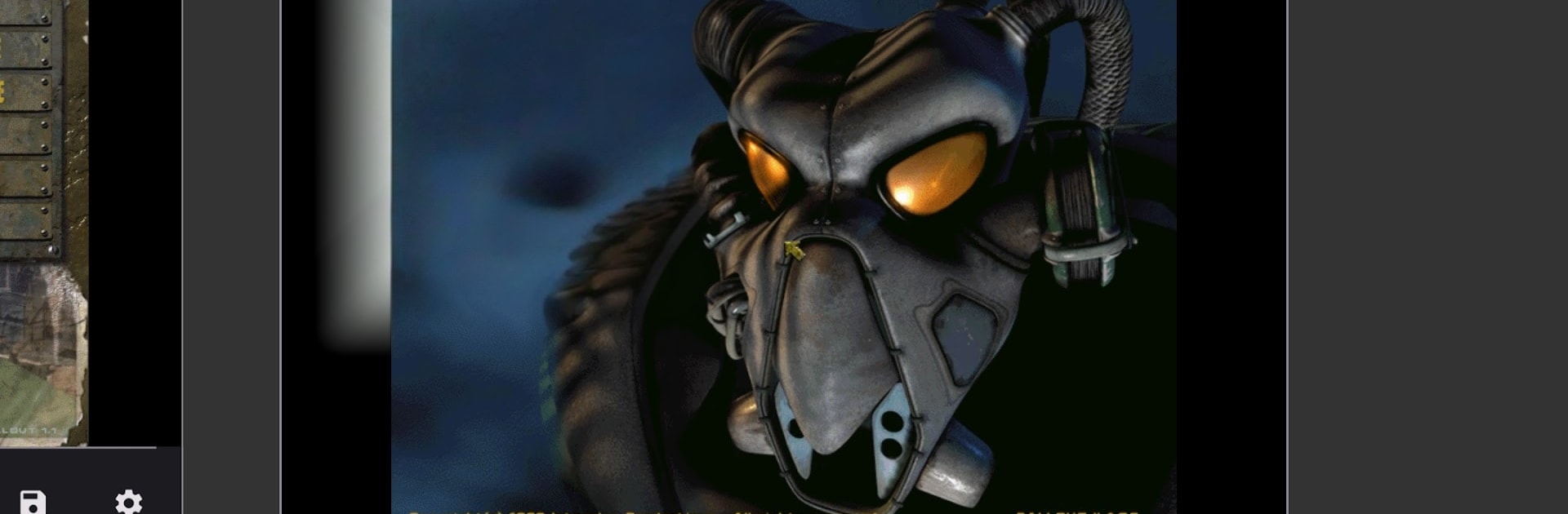


fo2.exe by 360deg has plenty to keep you busy. BlueStacks lets you play it on PC or Mac with more screen space, better control, and fewer mobile limits.
About the Game
fo2.exe lets you bring the original Fallout 1 and Fallout 2 to your phone or tablet without losing that gritty, old‑school feel. It’s a simple way to enjoy those classic Role Playing adventures you already own, now with touch controls that actually make sense. Expect a clean setup, familiar UI, and a few smart tweaks so everything feels right on mobile.
Game Features
- Classic compatibility: Launch your original Fallout 1 or Fallout 2 game files on Android while keeping the look, pacing, and systems you remember from PC.
- Touch-first controls: Drag and drop items in your inventory like you would with a mouse; it just feels natural on a touchscreen.
- Long-press context menus: Hold down to pop open context options, making common actions quick and accessible without extra clutter.
- Direct taps, no fiddly cursor: Tap on buttons and interface elements directly—no need to drag a cursor around to click things.
- Straightforward setup: Install the games on your PC, copy their folders to your device, open fo2.exe, and follow the on-screen steps. That’s it.
- Lightweight launcher: Keeps things focused on play, not settings, so you can get into the wasteland faster with minimal fuss.
- Great on bigger screens: Prefer a larger view and mouse precision? Run fo2.exe through BlueStacks on your PC for another comfortable way to play.
Start playing fo2.exe on BlueStacks and get a smoother, more comfortable PC or Mac setup.