Horror Legend: โลกผี

Horror Legend: โลกผี

Role Playing

| Aixianggame

Play on PC with BlueStacks or from our cloud

  • Overview
  • Game Features
  • How to Play

Page Modified On: October 24, 2025

Play Horror Legend: โลกผี on PC or Mac

Step into the World of Horror Legend: โลกผี, a thrilling Role Playing game from the house of Aixianggame. Play this Android game on BlueStacks App Player and experience immersive gaming on PC or Mac.

About the Game

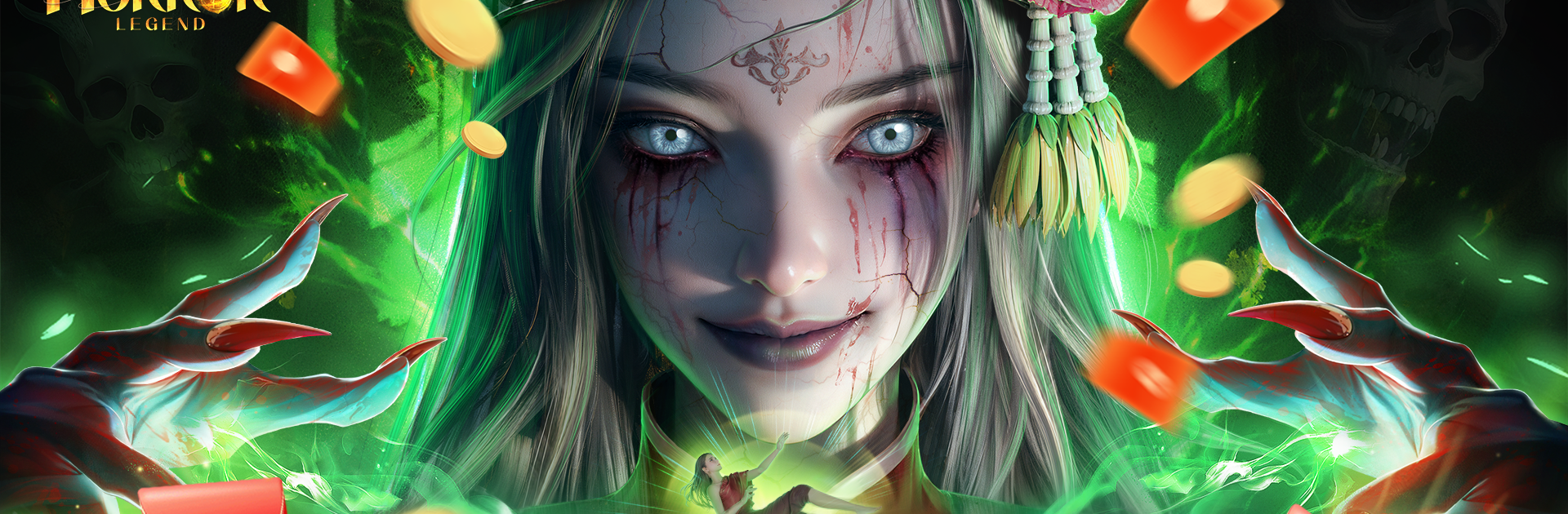
Horror Legend: โลกผี is a Role-playing nightmare stitched from old legends, ritual magic, and desperate survival. You’re the last disciple of a haunted tradition, walking into cursed villages and lightless caverns to put spirits to rest—or bend them to your will. It’s story-driven, tense, and full of choices that can save a soul or make things much, much worse.

Game Features

  • Last Exorcism Ceremony
  • Take part in a final Mao Shan rite that calls down the gods. Learn secret talismans, charms, and wards, then use that power to cleanse places ordinary folks won’t even enter.

  • Ghost Wedding Dungeon

  • A rumor of a resurrection bride leads to a chilling “marriage” below ground. Pick through clues, unravel the village’s buried history, and decide what to do when love and the afterlife collide.

  • Raise and Command Spirits

  • An event log tracks your encounters as you nurture pure-blood phantoms, bind them, and send them into battles or use them to solve occult puzzles. It’s risky power—handle it carefully.

  • Multiplayer: Only One Walks Out

  • In a pitch-black cave system, resources dry up and the threats keep stacking. Cooperate, bluff, or betray, but remember: when the echoes stop, only one survivor remains.

  • Travel with Ghosts in 3D

  • Roam moody, folklore-rich locations inspired by Xiangxi—stilt houses, an ancient ghost gate city, and a bustling spirit market—brought to life with detailed 3D visuals and eerie soundscapes.

  • True Spirit Calling

  • Hold your breath during ritual sequences where timing, chants, and audio cues matter. One slip and something answers that you didn’t mean to call.

  • Tools, Mounts, and Tactics

  • Craft charms, upgrade gear, and, when the story demands speed, mount a spectral war horse to break through danger.

  • Made by Aixianggame

  • A folklore-forward Role-playing experience with mature themes; includes optional in-app purchases. Prefer a bigger view? It plays great on BlueStacks.

Ready to top the leaderboard? We bet you do. Let precise controls and sharp visuals optimized on BlueStacks lead you to victory.


Game Features

Enhancements

  • Macros
  • Rerolling
  • Eco Mode
  • Multi Instance Sync
  • Enhancements
Macros

Macros

Focus more on the fun part of the game, skip the tedious aspects. Master Horror Legend: โลกผี with Macros. Record yourself completing the monotonous tasks you wish to automate and replay them later with just one keypress.
Rerolling

Rerolling

Speed up the rerolling process in Horror Legend: โลกผี. Perform multiple summons and keep looking for the best Heroes. Use Multi-Instance sync to replicate the rerolling mechanism in all instances.
Eco Mode

Eco Mode

Farm in-game resources with ease in Horror Legend: โลกผี. Enable the Eco Mode when running the game in multiple instances. And lower your PC's resource consumption.
Multi Instance Sync

Multi Instance Sync

With the Multi-instance Sync, you can do even more in Horror Legend: โลกผี. Sync the action of the main instance and repeat them in real time for all other instances. Sync and sit back, let the game progress unfold.
Read More

How to Download and Play Horror Legend: โลกผี on PC or Mac

  • Download and install BlueStacks on your PC or Mac

  • Complete Google sign-in to access the Play Store, or do it later

  • Look for Horror Legend: โลกผี in the search bar at the top right corner

  • Click to install Horror Legend: โลกผี from the search results

  • Complete Google sign-in (if you skipped step 2) to install Horror Legend: โลกผี

  • Click the Horror Legend: โลกผี icon on the home screen to start playing

video
Watch Video

Minimum System Requirements

With BlueStacks 5, you can get started on a PC that fulfills the following requirements.

  • Operating System

    Microsoft Windows 7 or above, macOS 11 (Big Sur) or above

  • Processor

    Intel, AMD or Apple Silicon Processor

  • RAM

    at least 4GB

  • HDD

    10GB Free Disk Space

Note:

* You must be an Administrator on your PC. Up to date graphics drivers from Microsoft or the chipset vendor.

Horror Legend: โลกผี - FAQs

  • How to play Horror Legend: โลกผี on Windows PC & Mac?

    Play Horror Legend: โลกผี on your PC or Mac by following these simple steps.

    • Click on 'Play Horror Legend: โลกผี on PC’ to download BlueStacks
    • Install it and log-in to Google Play Store
    • Launch and play the game.
  • Why is BlueStacks the fastest and safest platform to play games on PC?

    BlueStacks respects your privacy and is always safe and secure to use. It does not carry any malware, spyware, or any sort of additional software that could harm your PC.

    It is engineered to optimize speed and performance for a seamless gaming experience.

  • What are Horror Legend: โลกผี PC requirements?

    Minimum requirement to run Horror Legend: โลกผี on your PC

    • OS: Microsoft Windows 7 or above MacOS 11 (Big Sur) or above
    • Processor: Intel, AMD or Apple Silicon Processor
    • RAM: Your PC must have at least 4GB of RAM. (Note that having 4GB or more disk space is not a substitute for RAM)
    • HDD: 10GB Free Disk Space.
    • You must be an Administrator on your PC.