Idle Fighter
Idle Fighter

Idle Fighter

Role Playing

| Kunick Games

Play on PC with BlueStacks or from our cloud

  • Overview
  • Game Features
  • How to Play

Page Modified On: October 13, 2026

Play Idle Fighter on PC or Mac

Explore a whole new adventure with Idle Fighter, a Role Playing game created by Kunick Games. Experience great gameplay with BlueStacks, the most popular gaming platform to play Android games on your PC or Mac.

About the Game

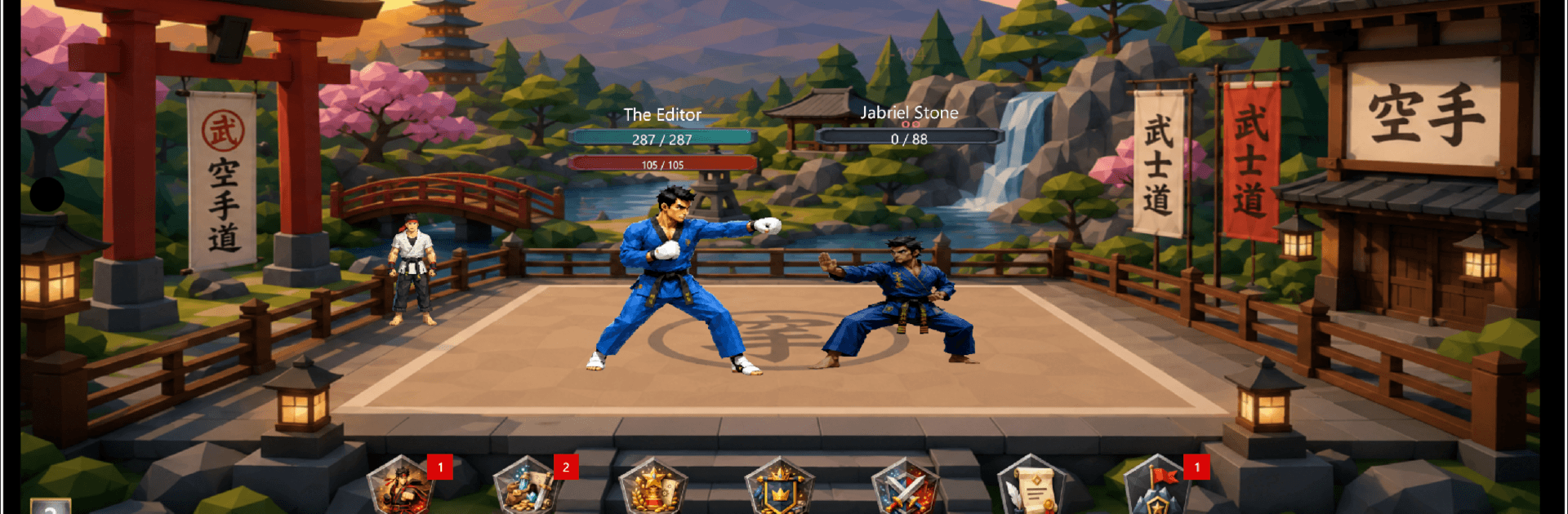
Idle Fighter is a relaxed twist on Role Playing where progress feels steady and satisfying. You pick your first brawler, watch the battles play out, and spend your time making smart choices—tuning stats, swapping gear, and unlocking new systems as you grow. Prefer playing on a PC? It pairs nicely with BlueStacks if you like to keep it running while you’re doing other things.

Game Features

  • Hands-off combat: Battles resolve automatically, leaving you free to focus on builds, gear, and the next milestone.
  • Distinct fighters: Unlock characters with different starting traits and playstyles, then shape them into specialists that fit your approach.
  • Gear hunting made simple: Snag loot, compare stats at a glance, enhance what matters, and lock your favorite pieces so they don’t get swapped by accident.
  • Prestige that sticks: Reset at the right moment to gain permanent boosts and open up fresh layers of progression.
  • Guilds and PvP rankings: Team up with others, compare strength on competitive ladders, and see how your fighter stacks up.
  • Daily goals: Quick quests and bite-size challenges give you clear targets when you only have a few minutes.
  • Away-time gains: Keep earning resources and making progress even when you’re not actively playing.
  • Multiple languages: Jump in with localized text so everything reads the way you expect.
  • Always evolving: Regular tweaks and new features roll in based on community feedback, keeping the experience fresh.

BlueStacks gives you more room to focus on the game and less time adjusting around mobile limitations.

Game Features

Enhancements

  • Macros
  • Rerolling
  • Eco Mode
  • Multi Instance Sync
  • Enhancements
Macros

Macros

Focus more on the fun part of the game, skip the tedious aspects. Master Idle Fighter with Macros. Record yourself completing the monotonous tasks you wish to automate and replay them later with just one keypress.
Rerolling

Rerolling

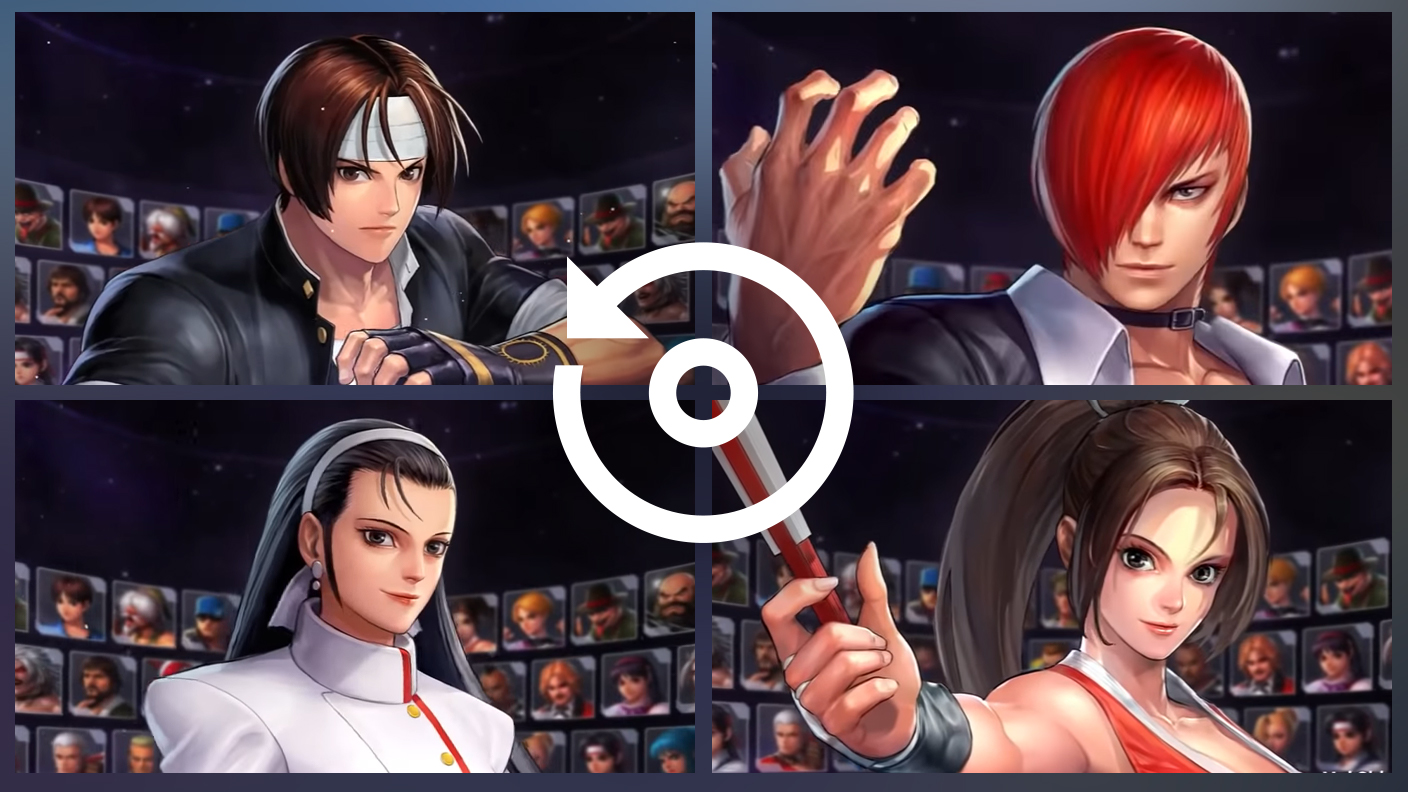
Speed up the rerolling process in Idle Fighter. Perform multiple summons and keep looking for the best Heroes. Use Multi-Instance sync to replicate the rerolling mechanism in all instances.
Eco Mode

Eco Mode

Farm in-game resources with ease in Idle Fighter. Enable the Eco Mode when running the game in multiple instances. And lower your PC's resource consumption.
Multi Instance Sync

Multi Instance Sync

With the Multi-instance Sync, you can do even more in Idle Fighter. Sync the action of the main instance and repeat them in real time for all other instances. Sync and sit back, let the game progress unfold.
Read More

How to Download and Play Idle Fighter on PC or Mac

  • Download and install BlueStacks on your PC or Mac

  • Complete Google sign-in to access the Play Store, or do it later

  • Look for Idle Fighter in the search bar at the top right corner

  • Click to install Idle Fighter from the search results

  • Complete Google sign-in (if you skipped step 2) to install Idle Fighter

  • Click the Idle Fighter icon on the home screen to start playing

video
Watch Video

Minimum System Requirements

With BlueStacks 5, you can get started on a PC that fulfills the following requirements.

  • Operating System

    Microsoft Windows 7 or above, macOS 11 (Big Sur) or above

  • Processor

    Intel, AMD or Apple Silicon Processor

  • RAM

    at least 4GB

  • HDD

    10GB Free Disk Space

Note:

* You must be an Administrator on your PC. Up to date graphics drivers from Microsoft or the chipset vendor.

Idle Fighter - FAQs

  • How to play Idle Fighter on Windows PC & Mac?

    Play Idle Fighter on your PC or Mac by following these simple steps.

    • Click on 'Play Idle Fighter on PC’ to download BlueStacks
    • Install it and log-in to Google Play Store
    • Launch and play the game.
  • Why is BlueStacks the fastest and safest platform to play games on PC?

    BlueStacks respects your privacy and is always safe and secure to use. It does not carry any malware, spyware, or any sort of additional software that could harm your PC.

    It is engineered to optimize speed and performance for a seamless gaming experience.

  • What are Idle Fighter PC requirements?

    Minimum requirement to run Idle Fighter on your PC

    • OS: Microsoft Windows 7 or above MacOS 11 (Big Sur) or above
    • Processor: Intel, AMD or Apple Silicon Processor
    • RAM: Your PC must have at least 4GB of RAM. (Note that having 4GB or more disk space is not a substitute for RAM)
    • HDD: 10GB Free Disk Space.
    • You must be an Administrator on your PC.