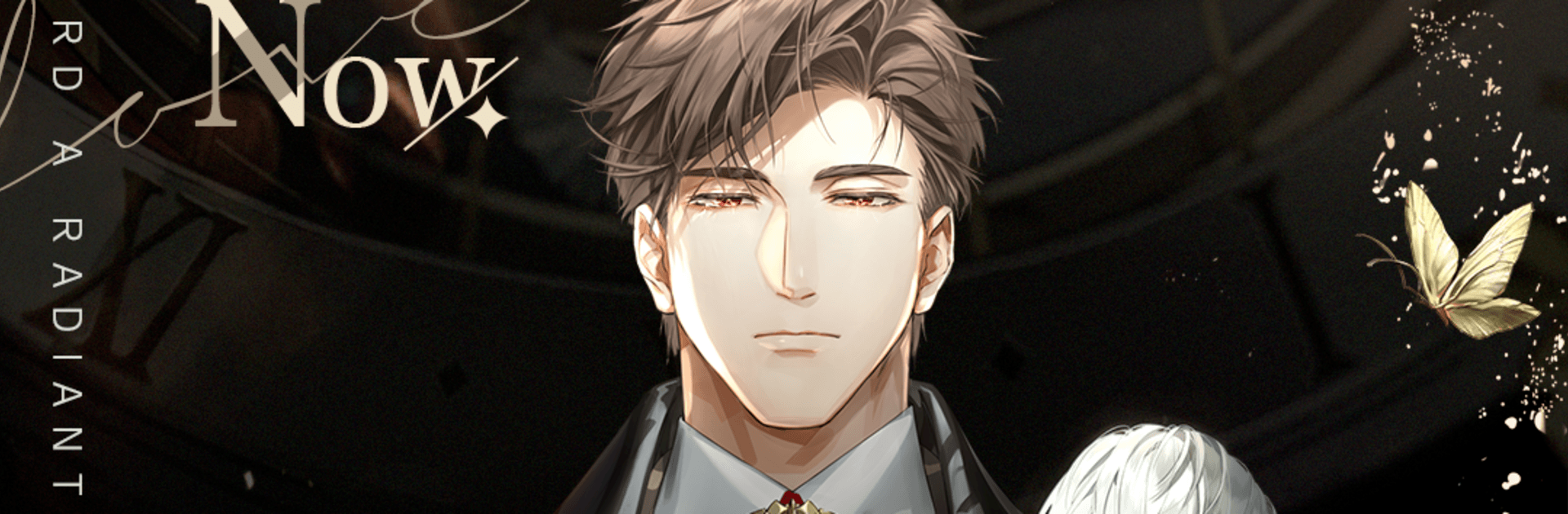
Light and Night
Light and Night

Light and Night

Role Playing

| VNGGames Co., Ltd

Play on PC with BlueStacks or from our cloud

  • Overview
  • Game Features
  • How to Play

Page Modified On: June 25, 2026

Play Light and Night on PC or Mac

Bring your A-game to Light and Night, the Role Playing game sensation from VNGGames Co., Ltd. Give your gameplay the much-needed boost with precise game controls, high FPS graphics, and top-tier features on your PC or Mac with BlueStacks.

About the Game

Light and Night is a Role Playing romance that blends everyday city life with surreal, late-night dreams. By day, you’re an up-and-coming designer hustling through a modern Eastern metropolis; by night, you step into a dream world that hints at truths you can’t shake off. Your choices actually matter here—conversations, dates, and even outfits can tip the story toward different paths and endings. Prefer a comfy PC setup? It plays nicely on BlueStacks, too.

Game Features

  • Dual paths, real consequences: Choices split the story between “light” and “night,” shaping who you meet, what you learn, and how your love story ends.
  • Phone-like romance: Texts, voice messages, and even video calls make each connection feel personal. Go on dates, answer at the right moment, and see how chemistry builds.
  • Fashion design at your pace: Build your signature look with mix-and-match outfits and makeup. Dress for work, a last-minute coffee run, or a big, heart-thumping night out.
  • Character routes worth replaying: Each male lead has his own history, soft spots, and secrets. Unlock exclusive scenes and voice moments that reveal what he won’t tell anyone else.
  • Mini-games and moments: Light challenges and playful interactions break up the story and give you chances to bond in unexpected ways.
  • A city by day, a mystery by night: Walk through buzzing streets, then drift into dreamscapes that reframe everything you thought you knew.
  • Cinematic feel: Lush art, expressive voice acting, and a thoughtful score make quiet conversations and dramatic reveals hit just right.

Get ready for a buttery smooth, high-performance gaming action only on BlueStacks.

Game Features

Enhancements

  • Macros
  • Rerolling
  • Eco Mode
  • Multi Instance Sync
  • Enhancements
Macros

Macros

Focus more on the fun part of the game, skip the tedious aspects. Master Light and Night with Macros. Record yourself completing the monotonous tasks you wish to automate and replay them later with just one keypress.
Rerolling

Rerolling

Speed up the rerolling process in Light and Night. Perform multiple summons and keep looking for the best Heroes. Use Multi-Instance sync to replicate the rerolling mechanism in all instances.
Eco Mode

Eco Mode

Farm in-game resources with ease in Light and Night. Enable the Eco Mode when running the game in multiple instances. And lower your PC's resource consumption.
Multi Instance Sync

Multi Instance Sync

With the Multi-instance Sync, you can do even more in Light and Night. Sync the action of the main instance and repeat them in real time for all other instances. Sync and sit back, let the game progress unfold.
Read More

How to Download and Play Light and Night on PC or Mac

  • Download and install BlueStacks on your PC or Mac

  • Complete Google sign-in to access the Play Store, or do it later

  • Look for Light and Night in the search bar at the top right corner

  • Click to install Light and Night from the search results

  • Complete Google sign-in (if you skipped step 2) to install Light and Night

  • Click the Light and Night icon on the home screen to start playing

video
Watch Video

Minimum System Requirements

With BlueStacks 5, you can get started on a PC that fulfills the following requirements.

  • Operating System

    Microsoft Windows 7 or above, macOS 11 (Big Sur) or above

  • Processor

    Intel, AMD or Apple Silicon Processor

  • RAM

    at least 4GB

  • HDD

    10GB Free Disk Space

Note:

* You must be an Administrator on your PC. Up to date graphics drivers from Microsoft or the chipset vendor.

Light and Night - FAQs

  • How to play Light and Night on Windows PC & Mac?

    Play Light and Night on your PC or Mac by following these simple steps.

    • Click on 'Play Light and Night on PC’ to download BlueStacks
    • Install it and log-in to Google Play Store
    • Launch and play the game.
  • Why is BlueStacks the fastest and safest platform to play games on PC?

    BlueStacks respects your privacy and is always safe and secure to use. It does not carry any malware, spyware, or any sort of additional software that could harm your PC.

    It is engineered to optimize speed and performance for a seamless gaming experience.

  • What are Light and Night PC requirements?

    Minimum requirement to run Light and Night on your PC

    • OS: Microsoft Windows 7 or above MacOS 11 (Big Sur) or above
    • Processor: Intel, AMD or Apple Silicon Processor
    • RAM: Your PC must have at least 4GB of RAM. (Note that having 4GB or more disk space is not a substitute for RAM)
    • HDD: 10GB Free Disk Space.
    • You must be an Administrator on your PC.