Metal Legends: Run & Gun

Metal Legends: Run & Gun

Role Playing

| MIRACLE GAMES SG PTE. LTD.

Play on PC with BlueStacks or from our cloud

  • Overview
  • Game Features
  • How to Play

Page Modified On: August 31, 2026

Play Metal Legends: Run & Gun on PC or Mac

Metal Legends: Run & Gun brings the Role Playing genre to life, and throws up exciting challenges for gamers. Developed by MIRACLE GAMES SG PTE. LTD., this Android game is best experienced on BlueStacks, the World’s #1 app player for PC and Mac users.

About the Game

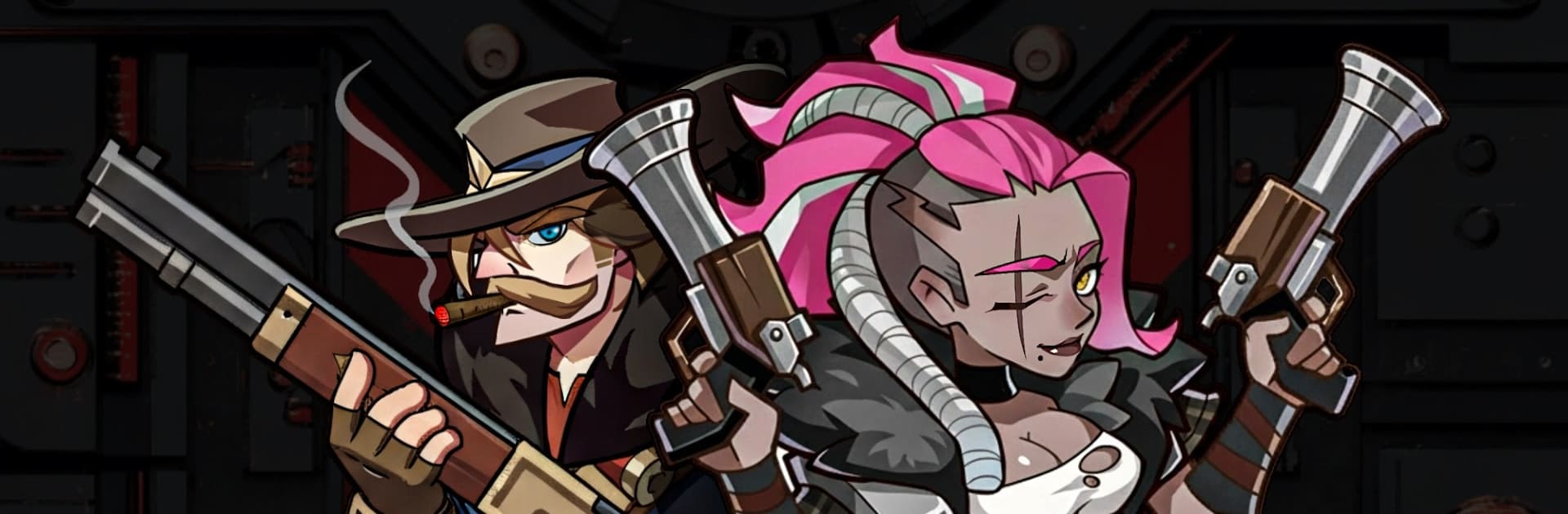
Metal Legends: Run & Gun is a side-scrolling blast-fest built for anyone who misses that old-school arcade rush but wants modern depth. It’s a fast shooter with a Role Playing backbone—collect heroes, power up skills, and fine-tune your squad before tearing through swarms of enemies and larger-than-life bosses. Prefer a bigger display? It also plays smoothly on PC with BlueStacks.

Game Features

  • Run-and-gun feel, modern polish: Dash through 2D stages, hop between platforms, and spray bullets while weaving through enemy fire—tight, punchy, and satisfyingly chaotic.
  • Hero roster and squad building: Recruit distinct heroes, mix their roles, and craft a lineup that fits your playstyle—glass-cannon blasters, tanky front-liners, and everything in between.
  • Bullet evolution and wild attack modes: Tinker with skills to morph your shots—wider spreads, homing bursts, rapid volleys, or screen-melting beams—then chain them for outrageous combos.
  • Big bosses with real bite: Face towering machines and ferocious elites that telegraph patterns, forcing you to read attacks, react fast, and exploit weak spots.
  • Quick sessions, full control: One-handed controls make short runs snappy, but the systems are deep enough to keep you experimenting for hours when you’ve got time.
  • Progress that actually matters: Upgrade heroes, boost fire rate and damage, and unlock synergies that turn solid builds into absolute shredders.
  • Gear and customization that sticks: Swap weapons, enhance abilities, and tailor perks so each run feels personal—your squad, your chaos.

BlueStacks gives you more room to focus on the game and less time adjusting around mobile limitations.


Game Features

Enhancements

  • Macros
  • Rerolling
  • Eco Mode
  • Multi Instance Sync
  • Enhancements
Macros

Macros

Focus more on the fun part of the game, skip the tedious aspects. Master Metal Legends: Run & Gun with Macros. Record yourself completing the monotonous tasks you wish to automate and replay them later with just one keypress.
Rerolling

Rerolling

Speed up the rerolling process in Metal Legends: Run & Gun. Perform multiple summons and keep looking for the best Heroes. Use Multi-Instance sync to replicate the rerolling mechanism in all instances.
Eco Mode

Eco Mode

Farm in-game resources with ease in Metal Legends: Run & Gun. Enable the Eco Mode when running the game in multiple instances. And lower your PC's resource consumption.
Multi Instance Sync

Multi Instance Sync

With the Multi-instance Sync, you can do even more in Metal Legends: Run & Gun. Sync the action of the main instance and repeat them in real time for all other instances. Sync and sit back, let the game progress unfold.
Read More

How to Download and Play Metal Legends: Run & Gun on PC or Mac

  • Download and install BlueStacks on your PC or Mac

  • Complete Google sign-in to access the Play Store, or do it later

  • Look for Metal Legends: Run & Gun in the search bar at the top right corner

  • Click to install Metal Legends: Run & Gun from the search results

  • Complete Google sign-in (if you skipped step 2) to install Metal Legends: Run & Gun

  • Click the Metal Legends: Run & Gun icon on the home screen to start playing

video
Watch Video

Minimum System Requirements

With BlueStacks 5, you can get started on a PC that fulfills the following requirements.

  • Operating System

    Microsoft Windows 7 or above, macOS 11 (Big Sur) or above

  • Processor

    Intel, AMD or Apple Silicon Processor

  • RAM

    at least 4GB

  • HDD

    10GB Free Disk Space

Note:

* You must be an Administrator on your PC. Up to date graphics drivers from Microsoft or the chipset vendor.

Metal Legends: Run & Gun - FAQs

  • How to play Metal Legends: Run & Gun on Windows PC & Mac?

    Play Metal Legends: Run & Gun on your PC or Mac by following these simple steps.

    • Click on 'Play Metal Legends: Run & Gun on PC’ to download BlueStacks
    • Install it and log-in to Google Play Store
    • Launch and play the game.
  • Why is BlueStacks the fastest and safest platform to play games on PC?

    BlueStacks respects your privacy and is always safe and secure to use. It does not carry any malware, spyware, or any sort of additional software that could harm your PC.

    It is engineered to optimize speed and performance for a seamless gaming experience.

  • What are Metal Legends: Run & Gun PC requirements?

    Minimum requirement to run Metal Legends: Run & Gun on your PC

    • OS: Microsoft Windows 7 or above MacOS 11 (Big Sur) or above
    • Processor: Intel, AMD or Apple Silicon Processor
    • RAM: Your PC must have at least 4GB of RAM. (Note that having 4GB or more disk space is not a substitute for RAM)
    • HDD: 10GB Free Disk Space.
    • You must be an Administrator on your PC.