프라시아 전기
프라시아 전기

프라시아 전기

Role Playing

| NEXON Company

Play on PC with BlueStacks or from our cloud

  • Overview
  • Game Features
  • How to Play

Page Modified On: September 02, 2025

Play 프라시아 전기 on PC or Mac

프라시아 전기 brings the Role Playing genre to life, and throws up exciting challenges for gamers. Developed by NEXON Company, this Android game is best experienced on BlueStacks, the World’s #1 app player for PC and Mac users.

About the Game

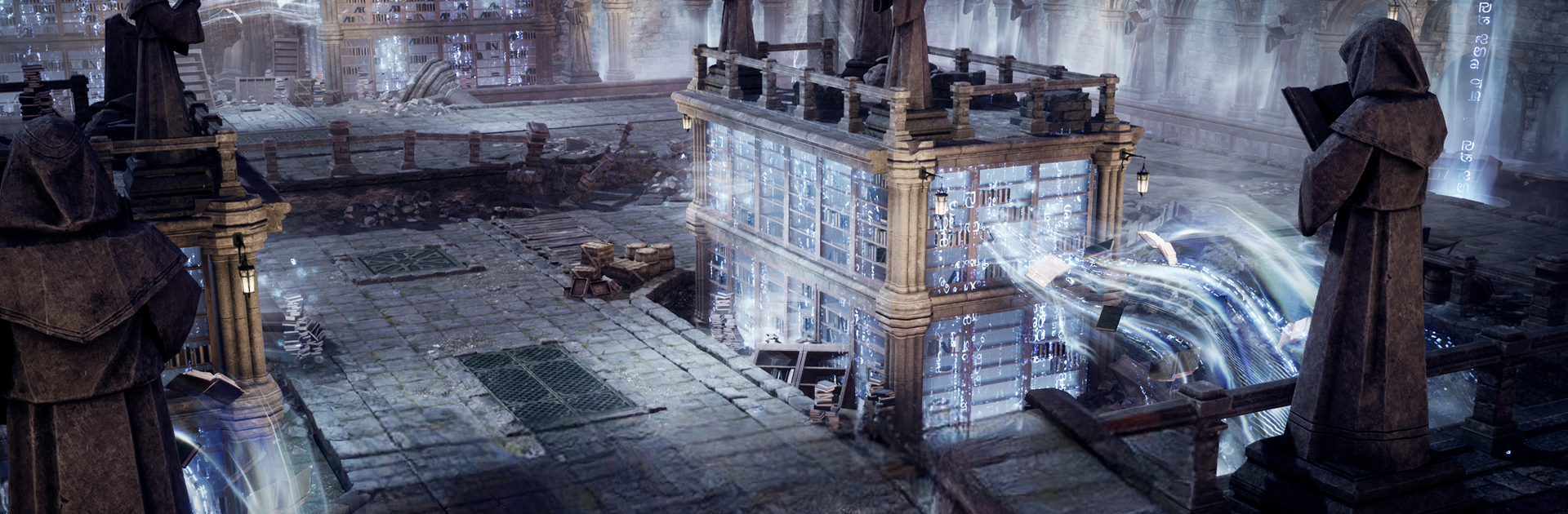
프라시아 전기 from NEXON Company is a massive Role-playing world where the map flows as one, with no loading screens cutting up your adventure. Your choices matter here—battles, alliances, even small actions can ripple across the entire server. Prefer playing on a bigger display? You can run it on PC with BlueStacks for more screen space and smoother controls.

Game Features

  • Seamless World: Roam a single, connected world in real time. Travel feels natural, and the high-fidelity visuals make every region pop.
  • Actions That Echo: Decisions don’t stay local. What your group does can shift the balance for everyone, creating unexpected, story-worthy moments.
  • Associations, Not Just Guilds: Build an association that grows through construction, gathering, research, crafting, and management. Specialize your base and lean on helpful followers to handle routine tasks.
  • Universe League: Team up with up to four associations and compete across the Textor continent. Earn points through field clashes and base battles to climb the rankings and claim honors.
  • Base Wars Your Way: Fight for more than 20 bases and develop them into strongholds. Prefer strategy over brawling? Run supplies, prep siege gear, or pick modes designed to minimize conflict pressure.
  • Three-Stance Classes: Switch stances mid-fight to swap weapons and roles on the fly. Play as the bruiser, the support, or the tactician—whenever the moment calls for it.
  • Factions With Benefits: Each region’s faction has its own story, gear, and follower support. Choose who you back and shape your personal main storyline.
  • Assist Mode, Always On: Busy day? The game keeps your character adventuring even when you’re offline, so progress continues at your pace.

Start your journey now. Download the game on BlueStacks, invite your friends, and march on a new adventure.


Game Features

Enhancements

  • Macros
  • Rerolling
  • Eco Mode
  • Multi Instance Sync
  • Enhancements
Macros

Macros

Focus more on the fun part of the game, skip the tedious aspects. Master 프라시아 전기 with Macros. Record yourself completing the monotonous tasks you wish to automate and replay them later with just one keypress.
Rerolling

Rerolling

Speed up the rerolling process in 프라시아 전기. Perform multiple summons and keep looking for the best Heroes. Use Multi-Instance sync to replicate the rerolling mechanism in all instances.
Eco Mode

Eco Mode

Farm in-game resources with ease in 프라시아 전기. Enable the Eco Mode when running the game in multiple instances. And lower your PC's resource consumption.
Multi Instance Sync

Multi Instance Sync

With the Multi-instance Sync, you can do even more in 프라시아 전기. Sync the action of the main instance and repeat them in real time for all other instances. Sync and sit back, let the game progress unfold.
Read More

How to Download and Play 프라시아 전기 on PC or Mac

  • Download and install BlueStacks on your PC or Mac

  • Complete Google sign-in to access the Play Store, or do it later

  • Look for 프라시아 전기 in the search bar at the top right corner

  • Click to install 프라시아 전기 from the search results

  • Complete Google sign-in (if you skipped step 2) to install 프라시아 전기

  • Click the 프라시아 전기 icon on the home screen to start playing

video
Watch Video

Minimum System Requirements

With BlueStacks 5, you can get started on a PC that fulfills the following requirements.

  • Operating System

    Microsoft Windows 7 or above, macOS 11 (Big Sur) or above

  • Processor

    Intel, AMD or Apple Silicon Processor

  • RAM

    at least 4GB

  • HDD

    10GB Free Disk Space

Note:

* You must be an Administrator on your PC. Up to date graphics drivers from Microsoft or the chipset vendor.

프라시아 전기 - FAQs

  • How to play 프라시아 전기 on Windows PC & Mac?

    Play 프라시아 전기 on your PC or Mac by following these simple steps.

    • Click on 'Play 프라시아 전기 on PC’ to download BlueStacks
    • Install it and log-in to Google Play Store
    • Launch and play the game.
  • Why is BlueStacks the fastest and safest platform to play games on PC?

    BlueStacks respects your privacy and is always safe and secure to use. It does not carry any malware, spyware, or any sort of additional software that could harm your PC.

    It is engineered to optimize speed and performance for a seamless gaming experience.

  • What are 프라시아 전기 PC requirements?

    Minimum requirement to run 프라시아 전기 on your PC

    • OS: Microsoft Windows 7 or above MacOS 11 (Big Sur) or above
    • Processor: Intel, AMD or Apple Silicon Processor
    • RAM: Your PC must have at least 4GB of RAM. (Note that having 4GB or more disk space is not a substitute for RAM)
    • HDD: 10GB Free Disk Space.
    • You must be an Administrator on your PC.