Robot Game Transformation Game

Robot Game Transformation Game

Role Playing

| Briks Gamez

Play on PC with BlueStacks or from our cloud

  • Overview
  • Game Features
  • How to Play

Page Modified On: October 23, 2026

Play Robot Game Transformation Game on PC or Mac

Robot Game Transformation Game brings the Role Playing genre to life, and throws up exciting challenges for gamers. Developed by Briks Gamez, this Android game is best experienced on BlueStacks, the World’s #1 app player for PC and Mac users.

About the Game

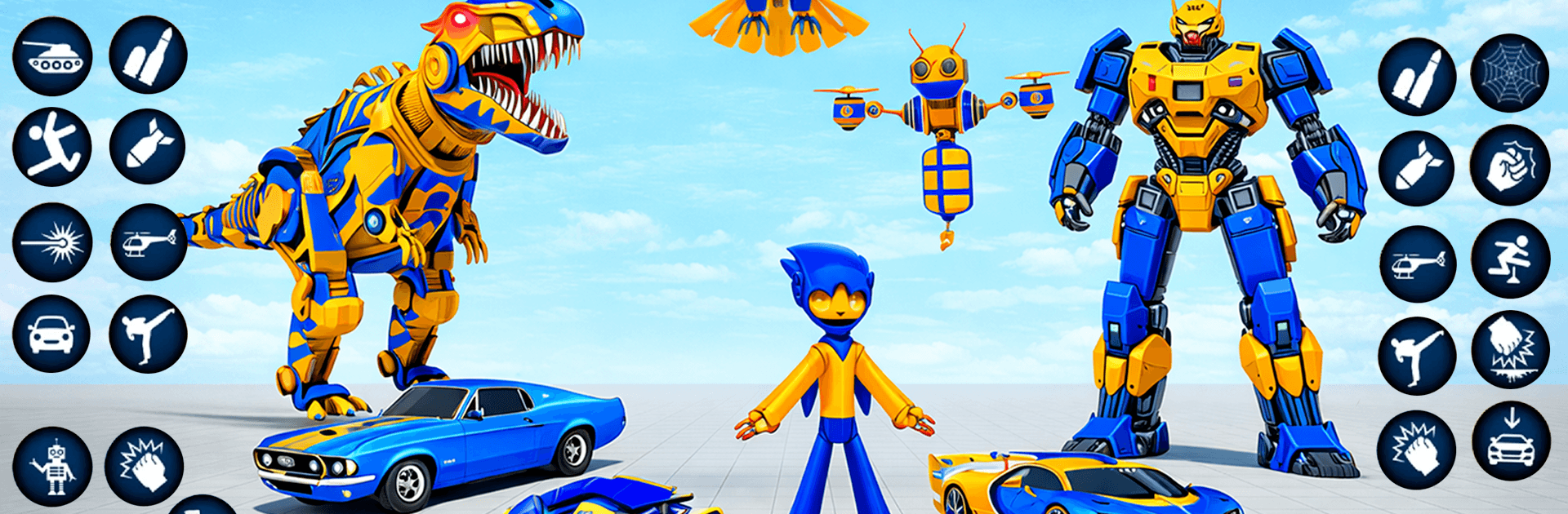
Robot Game Transformation Game drops you into a near-future city under siege and asks one simple question: how fast can you adapt? It blends high-speed pursuits, aerial dogfights, and up-close mech brawls into a flexible Role Playing experience where your loadout is whatever you choose to become. Expect rapid transformations, chunky explosions, and a sandbox that actually crumbles when the fighting heats up. Prefer a bigger display and keyboard controls? It runs smoothly on BlueStacks.

Game Features

  • Instant transformations: Switch between car, bike, tank, or aircraft on the fly to chase, flank, or rain fire from above without missing a beat.
  • Breakable open city: New City Mode turns the metropolis into a fully breakable playground—smash obstacles, punch through facades, and carve your own routes mid-battle.
  • New tank vehicle: Roll in with heavy armor and thundering shots when you need a frontline bruiser that shrugs off incoming fire.
  • Fresh robots with unique skills: Try new mechs built for different roles, each packing signature abilities that change how you approach a fight.
  • Enhanced abilities and strategy: Tweaked powers and smarter tools reward timing, positioning, and smart target selection.
  • Off-road exploration: Head beyond the streets for rugged terrain that opens sneaky ambush paths, big jumps, and fast getaways.
  • Expanded locations: Tear through a quiet village, weave past a ferris wheel district, climb mountain passes, and protect your own neighborhood.
  • Missions and arenas: Tackle structured missions for set-piece action, then jump into multiple battle arenas for quick, focused clashes.
  • Special attacks and combos: Unleash charged strikes, crowd-control slams, and aerial barrages to break tough enemy formations.
  • Smooth, responsive controls: Snappy handling makes transformations feel natural, so you can pivot strategies the second a fight changes.
  • Fewer interruptions: Ads have been reduced, keeping the action front and center while you fight to save the city.

Start playing Robot Game Transformation Game on BlueStacks and get a smoother, more comfortable PC or Mac setup.

Game Features

Enhancements

  • Macros
  • Rerolling
  • Eco Mode
  • Multi Instance Sync
  • Enhancements
Macros

Macros

Focus more on the fun part of the game, skip the tedious aspects. Master Robot Game Transformation Game with Macros. Record yourself completing the monotonous tasks you wish to automate and replay them later with just one keypress.
Rerolling

Rerolling

Speed up the rerolling process in Robot Game Transformation Game. Perform multiple summons and keep looking for the best Heroes. Use Multi-Instance sync to replicate the rerolling mechanism in all instances.
Eco Mode

Eco Mode

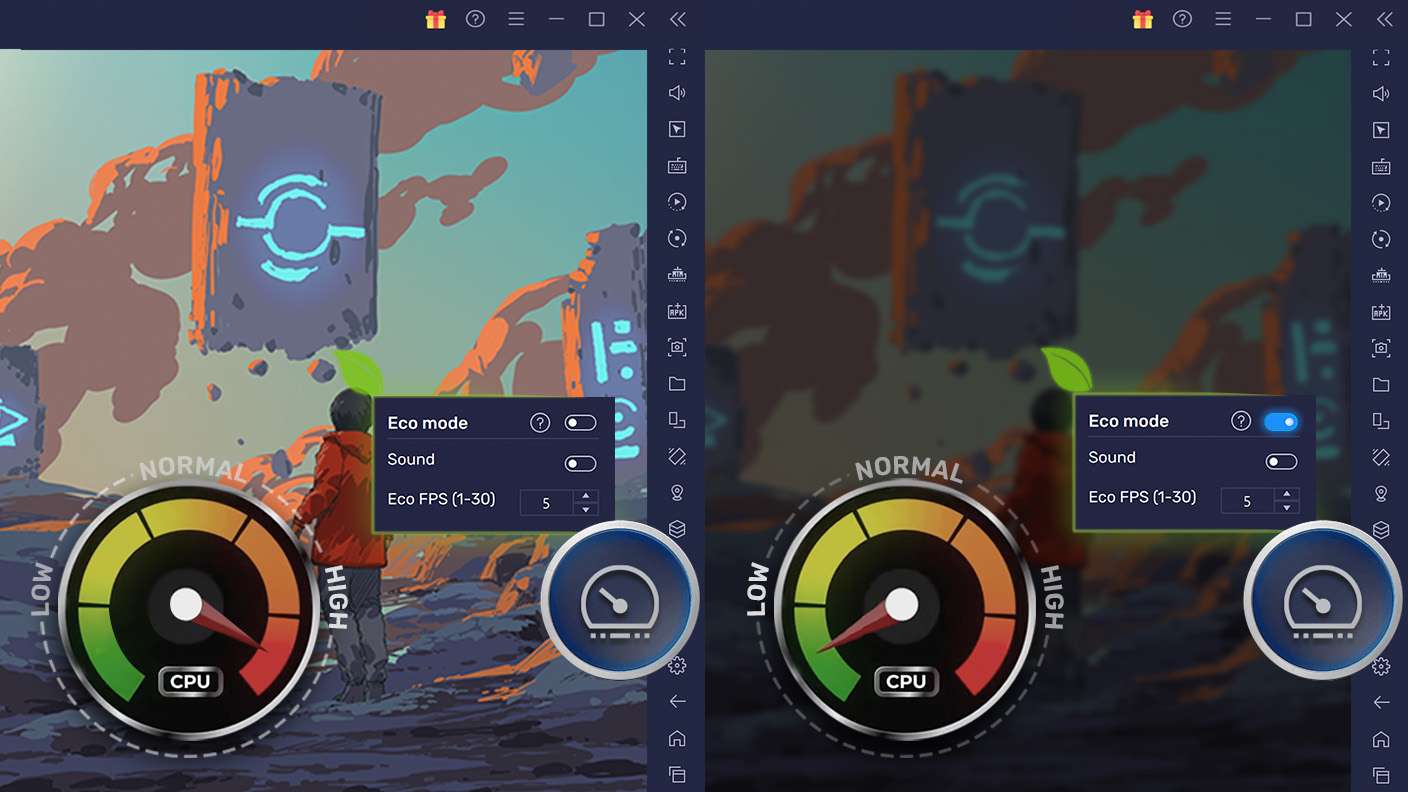
Farm in-game resources with ease in Robot Game Transformation Game. Enable the Eco Mode when running the game in multiple instances. And lower your PC's resource consumption.
Multi Instance Sync

Multi Instance Sync

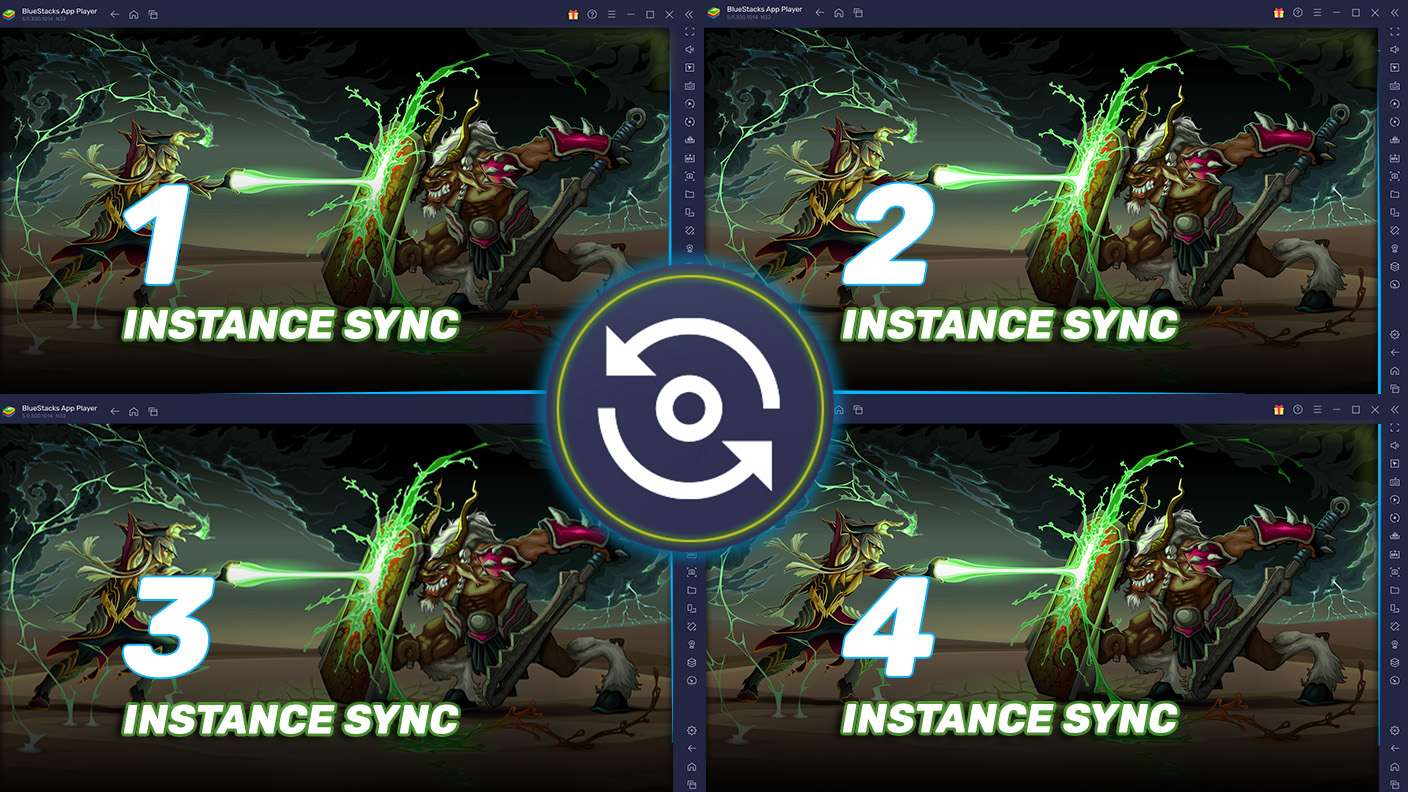
With the Multi-instance Sync, you can do even more in Robot Game Transformation Game. Sync the action of the main instance and repeat them in real time for all other instances. Sync and sit back, let the game progress unfold.
Read More

How to Download and Play Robot Game Transformation Game on PC or Mac

  • Download and install BlueStacks on your PC or Mac

  • Complete Google sign-in to access the Play Store, or do it later

  • Look for Robot Game Transformation Game in the search bar at the top right corner

  • Click to install Robot Game Transformation Game from the search results

  • Complete Google sign-in (if you skipped step 2) to install Robot Game Transformation Game

  • Click the Robot Game Transformation Game icon on the home screen to start playing

video
Watch Video

Minimum System Requirements

With BlueStacks 5, you can get started on a PC that fulfills the following requirements.

  • Operating System

    Microsoft Windows 7 or above, macOS 11 (Big Sur) or above

  • Processor

    Intel, AMD or Apple Silicon Processor

  • RAM

    at least 4GB

  • HDD

    10GB Free Disk Space

Note:

* You must be an Administrator on your PC. Up to date graphics drivers from Microsoft or the chipset vendor.

Robot Game Transformation Game - FAQs

  • How to play Robot Game Transformation Game on Windows PC & Mac?

    Play Robot Game Transformation Game on your PC or Mac by following these simple steps.

    • Click on 'Play Robot Game Transformation Game on PC’ to download BlueStacks
    • Install it and log-in to Google Play Store
    • Launch and play the game.
  • Why is BlueStacks the fastest and safest platform to play games on PC?

    BlueStacks respects your privacy and is always safe and secure to use. It does not carry any malware, spyware, or any sort of additional software that could harm your PC.

    It is engineered to optimize speed and performance for a seamless gaming experience.

  • What are Robot Game Transformation Game PC requirements?

    Minimum requirement to run Robot Game Transformation Game on your PC

    • OS: Microsoft Windows 7 or above MacOS 11 (Big Sur) or above
    • Processor: Intel, AMD or Apple Silicon Processor
    • RAM: Your PC must have at least 4GB of RAM. (Note that having 4GB or more disk space is not a substitute for RAM)
    • HDD: 10GB Free Disk Space.
    • You must be an Administrator on your PC.