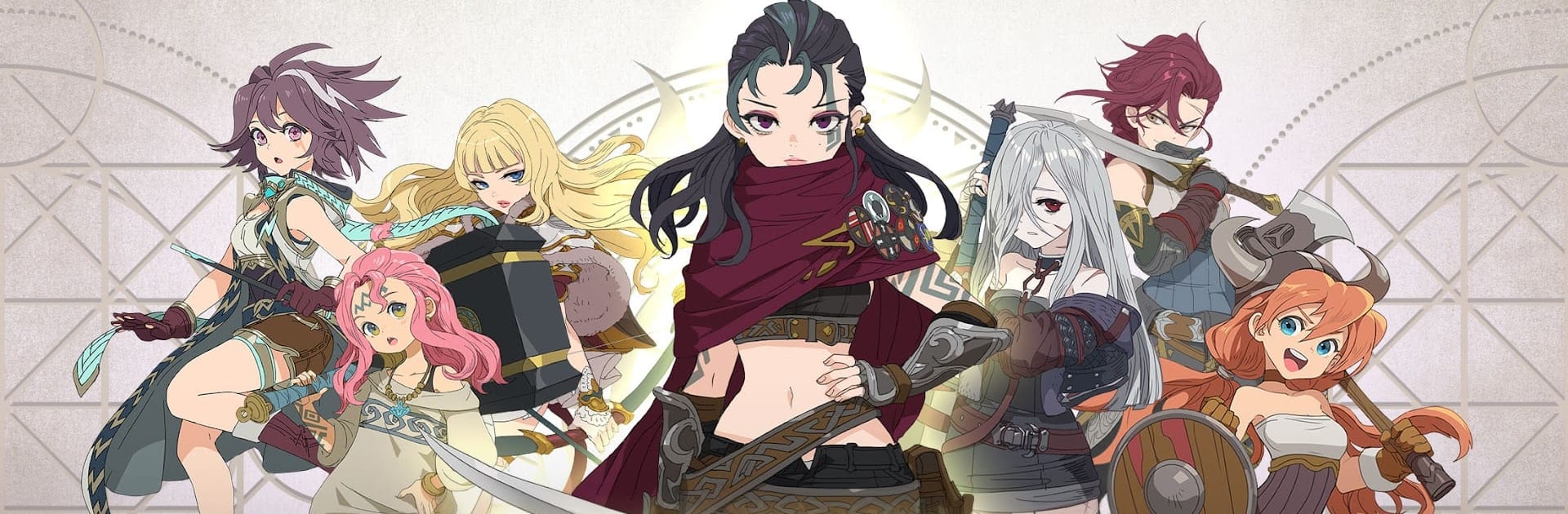


Explore a whole new adventure with TEN VALKYRIE, a Role Playing game created by DAERI SOFT Inc. Experience great gameplay with BlueStacks, the most popular gaming platform to play Android games on your PC or Mac.
About the Game
TEN VALKYRIE is a Role Playing adventure from DAERI SOFT Inc that lets you take things at your own pace—no pressure, no leaderboards breathing down your neck. It’s a fresh spin on Norse myth, where Odin’s ominous dream, Loki’s uprising, and the courage of a single Valkyrie set the stage for Freyja and her trainees to rebuild what was lost. Want to stretch out on a bigger screen? It plays nicely on BlueStacks, too.
Game Features
- Story-Rich Norse Saga: Follow Freyja and a new generation of Valkyries as they train, bond, and challenge fate across a world shaped by Ragnarok, Odin’s search for answers, and Loki’s turmoil.
- Play at Your Own Pace: A competition-free design means you can grind, explore, and experiment whenever you want—no timers pushing you around.
- Striking Art and Combat: Crisp illustrations, stylish animations, and expressive combat bring each Valkyrie’s personality to life, from dramatic clashes to wardrobe flair.
- Build-Your-Own Skill Kit: Mix and match unique abilities for every Valkyrie. Trigger the Chain Skill system with allies to stack big combos and smart synergies.
- Rebirth for Endless Progress: Use the Rebirth System to reincarnate Valkyries and keep growing. Chase Mythic Relics, Totems, and high-tier Unique Gear to push your squad further.
- Exclusive Weapons, Real Impact: Equip character-specific arms that unlock powerful effects and new ways to play.
- A Village Worth Visiting: The Valkyrie Village, steeped in mythic vibes, acts as a cozy hub for upgrades, planning, and chill moments between battles.
- Plenty to Tackle, Anytime: Clear Chapter Boss Battles to crack open new stages. Run Daily Dungeons for key resources. Jump into the Juice Battle for sweet Gold payouts. Hunt down targets in Wanted Hunt and collect your bounty.
Ready to top the leaderboard? We bet you do. Let precise controls and sharp visuals optimized on BlueStacks lead you to victory.