TriwarM Global
TriwarM Global

TriwarM Global

Role Playing

| UNIONGAMES

Play on PC with BlueStacks or from our cloud

  • Overview
  • Game Features
  • How to Play

Page Modified On: January 06, 2026

Play TriwarM Global on PC or Mac

Explore a whole new adventure with TriwarM Global, a Role Playing game created by UNIONGAMES. Experience great gameplay with BlueStacks, the most popular gaming platform to play Android games on your PC or Mac.

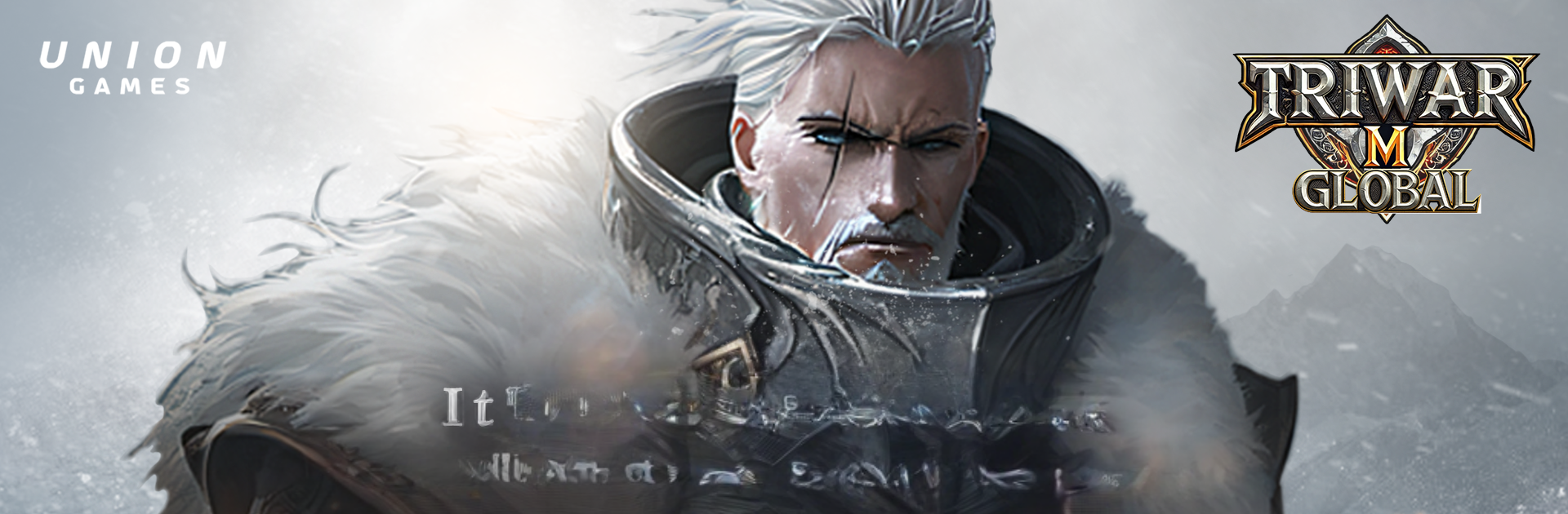
TriwarM Global is a big war MMO with that old-school PC vibe, where three factions are always clashing for control. Desert Halakan, tundra Geullasion, and forest Lindel all have their own style, and the game keeps throwing reasons to fight. There are scheduled faction war matches every four hours, field bosses that pop on timers, and plenty of rotating events. It feels like the focus is on the warfront first, character growth second. Players trade gear through a player-run marketplace, elect faction leaders who set the tone for each side, and throw guilds into siege battles to hold territory and even collect taxes. It is the kind of system that gets spicy politics going without needing heavy menus.

Combat is all about the weapon in hand. Swap weapons and the move set changes, so there is a nice rhythm between blocking hard, then dropping wide area hits for big crits. PvP is not punishing either. The game gives rewards just for showing up, so even if gear is lighter or someone is new, there is still steady progress and real reasons to queue. Solo folks get a Trial Dungeon pretty early for practice and loot, and later on there are field bosses that want a party and a plan, with faster gains if the group clicks.

Performance is a big deal here since the battles can get huge. The game is tuned to run on weaker phones, which also means those big sieges are surprisingly smooth on PC. Players running it with BlueStacks get crisp mouse control for targeting and easier hotkeys during chaotic fights, and it helps make those timed wars and raids feel organized instead of messy. There is an opening event handing out a Phoenix pet and other goodies, so new accounts have something to build around while learning the faction war routine.

Start your journey now. Download the game on BlueStacks, invite your friends, and march on a new adventure.


Game Features

Enhancements

  • Macros
  • Rerolling
  • Eco Mode
  • Multi Instance Sync
  • Enhancements
Macros

Macros

Focus more on the fun part of the game, skip the tedious aspects. Master TriwarM Global with Macros. Record yourself completing the monotonous tasks you wish to automate and replay them later with just one keypress.
Rerolling

Rerolling

Speed up the rerolling process in TriwarM Global. Perform multiple summons and keep looking for the best Heroes. Use Multi-Instance sync to replicate the rerolling mechanism in all instances.
Eco Mode

Eco Mode

Farm in-game resources with ease in TriwarM Global. Enable the Eco Mode when running the game in multiple instances. And lower your PC's resource consumption.
Multi Instance Sync

Multi Instance Sync

With the Multi-instance Sync, you can do even more in TriwarM Global. Sync the action of the main instance and repeat them in real time for all other instances. Sync and sit back, let the game progress unfold.
Read More

How to Download and Play TriwarM Global on PC or Mac

  • Download and install BlueStacks on your PC or Mac

  • Complete Google sign-in to access the Play Store, or do it later

  • Look for TriwarM Global in the search bar at the top right corner

  • Click to install TriwarM Global from the search results

  • Complete Google sign-in (if you skipped step 2) to install TriwarM Global

  • Click the TriwarM Global icon on the home screen to start playing

video
Watch Video

Minimum System Requirements

With BlueStacks 5, you can get started on a PC that fulfills the following requirements.

  • Operating System

    Microsoft Windows 7 or above, macOS 11 (Big Sur) or above

  • Processor

    Intel, AMD or Apple Silicon Processor

  • RAM

    at least 4GB

  • HDD

    10GB Free Disk Space

Note:

* You must be an Administrator on your PC. Up to date graphics drivers from Microsoft or the chipset vendor.

TriwarM Global - FAQs

  • How to play TriwarM Global on Windows PC & Mac?

    Play TriwarM Global on your PC or Mac by following these simple steps.

    • Click on 'Play TriwarM Global on PC’ to download BlueStacks
    • Install it and log-in to Google Play Store
    • Launch and play the game.
  • Why is BlueStacks the fastest and safest platform to play games on PC?

    BlueStacks respects your privacy and is always safe and secure to use. It does not carry any malware, spyware, or any sort of additional software that could harm your PC.

    It is engineered to optimize speed and performance for a seamless gaming experience.

  • What are TriwarM Global PC requirements?

    Minimum requirement to run TriwarM Global on your PC

    • OS: Microsoft Windows 7 or above MacOS 11 (Big Sur) or above
    • Processor: Intel, AMD or Apple Silicon Processor
    • RAM: Your PC must have at least 4GB of RAM. (Note that having 4GB or more disk space is not a substitute for RAM)
    • HDD: 10GB Free Disk Space.
    • You must be an Administrator on your PC.