Voidle
Voidle

Voidle

Role Playing

| Cyan Penguin Studio Ltd.

Play on PC with BlueStacks or from our cloud

  • Overview
  • Game Features
  • How to Play

Page Modified On: June 29, 2026

Play Voidle on PC or Mac

Explore a whole new adventure with Voidle, a Role Playing game created by Cyan Penguin Studio Ltd.. Experience great gameplay with BlueStacks, the most popular gaming platform to play Android games on your PC or Mac.

About the Game

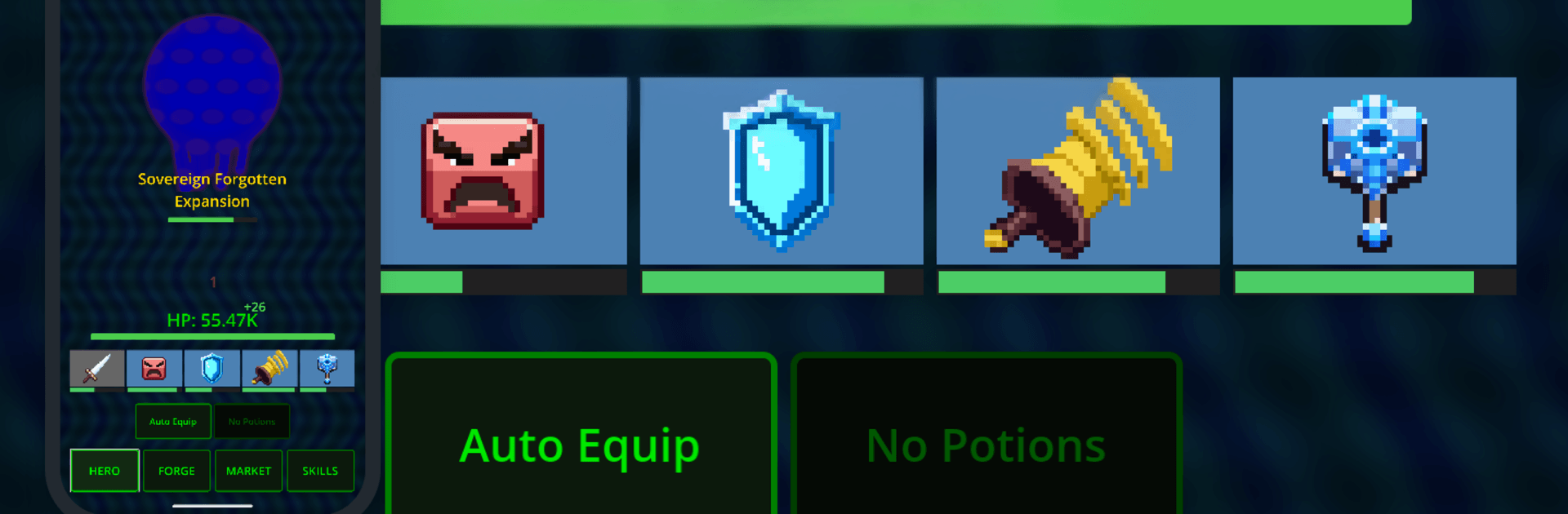
Voidle is a crunchy, hands-off Role Playing experience where the numbers get wild and your build choices matter more than twitch reflexes. Fights auto-run while you obsess over a sprawling skill web, experiment with gear that comes with risky trade-offs, and fine-tune potions for the perfect push. It’s relaxing on the surface and surprisingly deep once you start plotting routes and deciding what you’re willing to sacrifice for power.

Game Features

  • Massive skill web: Chart your path across a graph with over a thousand nodes. You’ll never fill it all, so your route defines your build’s personality.
  • Hands-off combat, real strategy: Clear waves of enemies, face bosses at the end of each depth, and snag milestone artifacts that persist through resets.
  • Four distinct classes: Warden soaks damage, Stalker lands brutal crits, Occultist stacks poison and burn, and Revenant thrives on what it kills. Each class starts at a different spot on the graph.
  • Smart prestige: Reset to bank permanent skill points from new ground covered. Overflow points supercharge core stats, letting power keep climbing.
  • The Forge, your playground: Enchant gear or potions, corrupt items for huge gains with meaningful penalties, and brew adjustable potions—then push a special brew past its normal limit.
  • Ridiculous gear slots: Equip weapons, armor, amulets, and… a whole bunch of rings—for fingers and toes. Mutations even unlock extra slots. Rarities scale hard with depth.
  • True idle progress: The world keeps grinding while you’re away. Loot piles up, bosses might fall, and long buffs tick down just like you’d expect.
  • Quality-of-life built in: Auto-equip, auto-salvage, and auto-sell keep inventory tidy. Track everything with live graphs, target builds with 11 essence types, and shop refreshes arrive on a steady cadence.
  • Sensible stat caps: Speed and Crit have soft and hard limits, so stacking has diminishing returns—and meaningful decisions never stop.
  • Play where it clicks: One-handed on your phone works great, and if you prefer a keyboard and mouse, running it on BlueStacks feels right at home.

Start playing Voidle on BlueStacks and get a smoother, more comfortable PC or Mac setup.

Game Features

Enhancements

  • Macros
  • Rerolling
  • Eco Mode
  • Multi Instance Sync
  • Enhancements
Macros

Macros

Focus more on the fun part of the game, skip the tedious aspects. Master Voidle with Macros. Record yourself completing the monotonous tasks you wish to automate and replay them later with just one keypress.
Rerolling

Rerolling

Speed up the rerolling process in Voidle. Perform multiple summons and keep looking for the best Heroes. Use Multi-Instance sync to replicate the rerolling mechanism in all instances.
Eco Mode

Eco Mode

Farm in-game resources with ease in Voidle. Enable the Eco Mode when running the game in multiple instances. And lower your PC's resource consumption.
Multi Instance Sync

Multi Instance Sync

With the Multi-instance Sync, you can do even more in Voidle. Sync the action of the main instance and repeat them in real time for all other instances. Sync and sit back, let the game progress unfold.
Read More

How to Download and Play Voidle on PC or Mac

  • Download and install BlueStacks on your PC or Mac

  • Complete Google sign-in to access the Play Store, or do it later

  • Look for Voidle in the search bar at the top right corner

  • Click to install Voidle from the search results

  • Complete Google sign-in (if you skipped step 2) to install Voidle

  • Click the Voidle icon on the home screen to start playing

video
Watch Video

Minimum System Requirements

With BlueStacks 5, you can get started on a PC that fulfills the following requirements.

  • Operating System

    Microsoft Windows 7 or above, macOS 11 (Big Sur) or above

  • Processor

    Intel, AMD or Apple Silicon Processor

  • RAM

    at least 4GB

  • HDD

    10GB Free Disk Space

Note:

* You must be an Administrator on your PC. Up to date graphics drivers from Microsoft or the chipset vendor.

Voidle - FAQs

  • How to play Voidle on Windows PC & Mac?

    Play Voidle on your PC or Mac by following these simple steps.

    • Click on 'Play Voidle on PC’ to download BlueStacks
    • Install it and log-in to Google Play Store
    • Launch and play the game.
  • Why is BlueStacks the fastest and safest platform to play games on PC?

    BlueStacks respects your privacy and is always safe and secure to use. It does not carry any malware, spyware, or any sort of additional software that could harm your PC.

    It is engineered to optimize speed and performance for a seamless gaming experience.

  • What are Voidle PC requirements?

    Minimum requirement to run Voidle on your PC

    • OS: Microsoft Windows 7 or above MacOS 11 (Big Sur) or above
    • Processor: Intel, AMD or Apple Silicon Processor
    • RAM: Your PC must have at least 4GB of RAM. (Note that having 4GB or more disk space is not a substitute for RAM)
    • HDD: 10GB Free Disk Space.
    • You must be an Administrator on your PC.