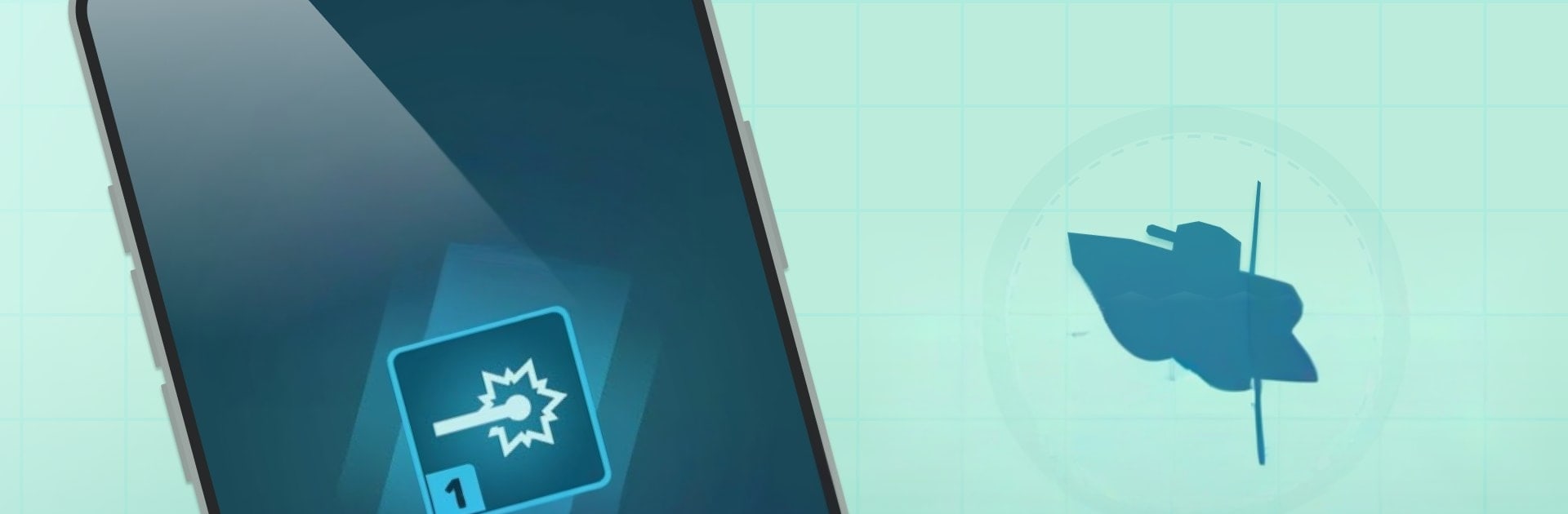
Battleship Defender: Idle Game

Battleship Defender: Idle Game

Simulation

| CASUAL AZUR GAMES

Play on PC with BlueStacks or from our cloud

  • Overview
  • Game Features
  • How to Play

Page Modified On: August 24, 2026

Play Battleship Defender: Idle Game on PC or Mac

Battleship Defender: Idle Game brings the Simulation genre to life, and throws up exciting challenges for gamers. Developed by CASUAL AZUR GAMES, this Android game is best experienced on BlueStacks, the World’s #1 app player for PC and Mac users.

About the Game

Battleship Defender: Idle Game is a breezy, sea-soaked take on building an unstoppable warship and holding back endless enemy waves. It blends the chill satisfaction of an idle defense with the planning and tinkering you’d expect from a Simulation, so you can fine-tune your strategy, then watch it pay off. Prefer a bigger screen? It runs smoothly on BlueStacks without changing the laid-back, tap-and-upgrade flow.

Game Features

  • Command the hull: Construct a hardened battleship base piece by piece, slot in turrets and modules, and tune your layout to blunt every incoming assault.
  • Idle progress, online or offline: Keep earning resources whether you’re playing or away, then return to cash in and push your defenses further.
  • Persistent shipyard upgrades: Invest in long-term improvements that stick across sessions, unlocking new tech paths and meaningful power spikes.
  • Card collection and loadouts: Gather and upgrade cards to open fresh weapons, abilities, and modifiers, then craft loadouts that fit the next wave set.
  • Pace the battle: Choose how fast waves arrive, speed things up when you’re confident, or slow down to micromanage tricky encounters.
  • Active boosts and abilities: Trigger powerful enhancements at clutch moments to turn a shaky defense into a clean win.
  • Clean, intuitive controls: Navigate builds, upgrades, and battlefield tweaks with a straightforward interface that stays out of your way.
  • Resource strategy that matters: Balance quick upgrades with smart, permanent investments so each run feels stronger than the last.
  • Competitive challenges: Jump into tournaments to test your setup against other commanders and see how your build stacks up.

Get ready for a buttery smooth, high-performance gaming action only on BlueStacks.

Game Features

Enhancements

  • Macros
  • Multi Instance
  • Multi Instance Sync
  • Script
  • Enhancements
Macros

Macros

Automate the predictable in Battleship Defender: Idle Game and transform your gameplay with Macros. Get access to inventive Macros in the BlueStacks Macro Community
Multi Instance

Multi Instance

Play Battleship Defender: Idle Game on one window. And chat with your friend on the other. Press CTRL + Shift + 8 to open the Multi-Instance Manager. And start creating fresh instances or clone an existing one.
Multi Instance Sync

Multi Instance Sync

Play Battleship Defender: Idle Game with the power of Multi-Instance Sync. Replicate what you are doing on the main instance on all other instances. Level up faster, play more.
Script

Script

Script your way to gaming glory in Battleship Defender: Idle Game with BlueStacks Script. Write and run a set of commands to automate repeated tasks. Trigger the command by assigning it to any key.
Read More

How to Download and Play Battleship Defender: Idle Game on PC or Mac

  • Download and install BlueStacks on your PC or Mac

  • Complete Google sign-in to access the Play Store, or do it later

  • Look for Battleship Defender: Idle Game in the search bar at the top right corner

  • Click to install Battleship Defender: Idle Game from the search results

  • Complete Google sign-in (if you skipped step 2) to install Battleship Defender: Idle Game

  • Click the Battleship Defender: Idle Game icon on the home screen to start playing

video
Watch Video

Minimum System Requirements

With BlueStacks 5, you can get started on a PC that fulfills the following requirements.

  • Operating System

    Microsoft Windows 7 or above, macOS 11 (Big Sur) or above

  • Processor

    Intel, AMD or Apple Silicon Processor

  • RAM

    at least 4GB

  • HDD

    10GB Free Disk Space

Note:

* You must be an Administrator on your PC. Up to date graphics drivers from Microsoft or the chipset vendor.

Battleship Defender: Idle Game - FAQs

  • How to play Battleship Defender: Idle Game on Windows PC & Mac?

    Play Battleship Defender: Idle Game on your PC or Mac by following these simple steps.

    • Click on 'Play Battleship Defender: Idle Game on PC’ to download BlueStacks
    • Install it and log-in to Google Play Store
    • Launch and play the game.
  • Why is BlueStacks the fastest and safest platform to play games on PC?

    BlueStacks respects your privacy and is always safe and secure to use. It does not carry any malware, spyware, or any sort of additional software that could harm your PC.

    It is engineered to optimize speed and performance for a seamless gaming experience.

  • What are Battleship Defender: Idle Game PC requirements?

    Minimum requirement to run Battleship Defender: Idle Game on your PC

    • OS: Microsoft Windows 7 or above MacOS 11 (Big Sur) or above
    • Processor: Intel, AMD or Apple Silicon Processor
    • RAM: Your PC must have at least 4GB of RAM. (Note that having 4GB or more disk space is not a substitute for RAM)
    • HDD: 10GB Free Disk Space.
    • You must be an Administrator on your PC.