Car Parking Multiplayer

Car Parking Multiplayer

Simulation

| olzhass

Play on PC with BlueStacks or from our cloud

  • Overview
  • Tips & Tricks
  • Game Features
  • How to Play

Page Modified On: August 05, 2026

Play Car Parking Multiplayer on PC or Mac

Car Parking Multiplayer by olzhass has plenty to keep you busy. BlueStacks lets you play it on PC or Mac with more screen space, better control, and fewer mobile limits.

About the Game

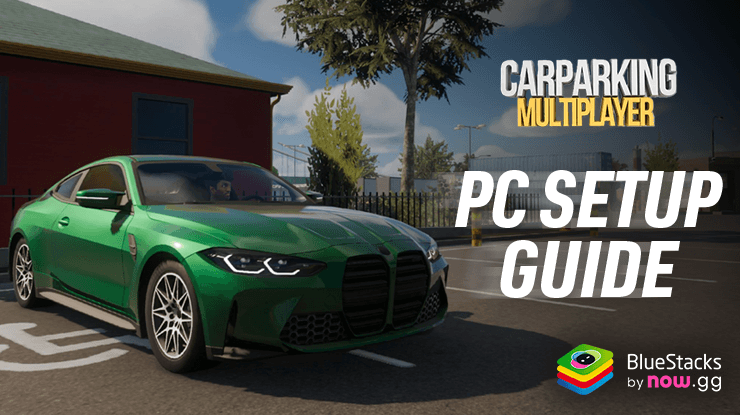
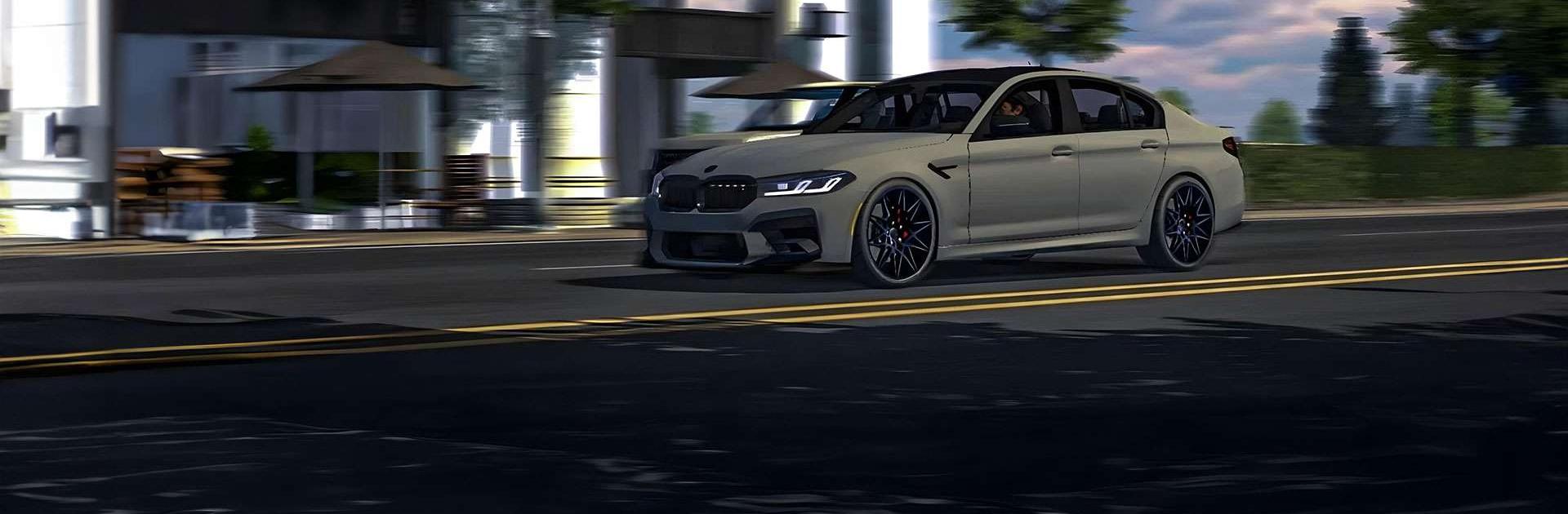
Car Parking Multiplayer is a Sandbox-style driving and parking Simulation where the world outside your car matters just as much as what’s under the hood. Cruise a lively open world, hop out on foot, meet other players, and take on legit parking challenges that actually test your skills. Prefer a bigger screen and keyboard? It runs smoothly on BlueStacks, too.

Game Features

  • Open-world multiplayer: Roam a shared map, refuel at real gas stations, hit car services, and jump into spontaneous races with people online.
  • Free walking: Step out of your ride, explore on foot, and check out buildings with fully modeled interiors—because sometimes you just want to look around.
  • Police mode: Flip on the lights and patrol or try to stay one step ahead—either way, it adds a fun twist to your usual drive.
  • Realistic vehicle lineup: Roll with 100 cars featuring detailed interiors, from tough pickups and tow trucks to sleek sports and timeless classics.
  • Deep customization: Tweak suspension height and wheel angle, swap engines, add turbos, pick gearboxes and exhausts, then top it off with dynamic vinyls and new body parts.
  • Authentic driving tests: Tackle 82 parking and driving challenges that feel grounded in real-world rules and scenarios.
  • Social tools that matter: Use voice chat, manage a friend list, and even trade cars with other players—yes, actual car exchanges.
  • Lived-in world details: Highly detailed environments, 16 player skins to express your style, and functional spots like gas stations and service areas that support how you play.

Get ready for a buttery smooth, high-performance gaming action only on BlueStacks.

Game Features

Enhancements

  • Macros
  • Multi Instance
  • Multi Instance Sync
  • Script
  • Enhancements
Macros

Macros

Automate the predictable in Car Parking Multiplayer and transform your gameplay with Macros. Get access to inventive Macros in the BlueStacks Macro Community
Multi Instance

Multi Instance

Play Car Parking Multiplayer on one window. And chat with your friend on the other. Press CTRL + Shift + 8 to open the Multi-Instance Manager. And start creating fresh instances or clone an existing one.
Multi Instance Sync

Multi Instance Sync

Play Car Parking Multiplayer with the power of Multi-Instance Sync. Replicate what you are doing on the main instance on all other instances. Level up faster, play more.
Script

Script

Script your way to gaming glory in Car Parking Multiplayer with BlueStacks Script. Write and run a set of commands to automate repeated tasks. Trigger the command by assigning it to any key.
Read More

How to Download and Play Car Parking Multiplayer on PC or Mac

  • Download and install BlueStacks on your PC or Mac

  • Complete Google sign-in to access the Play Store, or do it later

  • Look for Car Parking Multiplayer in the search bar at the top right corner

  • Click to install Car Parking Multiplayer from the search results

  • Complete Google sign-in (if you skipped step 2) to install Car Parking Multiplayer

  • Click the Car Parking Multiplayer icon on the home screen to start playing

video
Watch Video

Minimum System Requirements

With BlueStacks 5, you can get started on a PC that fulfills the following requirements.

  • Operating System

    Microsoft Windows 7 or above, macOS 11 (Big Sur) or above

  • Processor

    Intel, AMD or Apple Silicon Processor

  • RAM

    at least 4GB

  • HDD

    10GB Free Disk Space

Note:

* You must be an Administrator on your PC. Up to date graphics drivers from Microsoft or the chipset vendor.

Car Parking Multiplayer - FAQs

  • How to play Car Parking Multiplayer on Windows PC & Mac?

    Play Car Parking Multiplayer on your PC or Mac by following these simple steps.

    • Click on 'Play Car Parking Multiplayer on PC’ to download BlueStacks
    • Install it and log-in to Google Play Store
    • Launch and play the game.
  • Why is BlueStacks the fastest and safest platform to play games on PC?

    BlueStacks respects your privacy and is always safe and secure to use. It does not carry any malware, spyware, or any sort of additional software that could harm your PC.

    It is engineered to optimize speed and performance for a seamless gaming experience.

  • What are Car Parking Multiplayer PC requirements?

    Minimum requirement to run Car Parking Multiplayer on your PC

    • OS: Microsoft Windows 7 or above MacOS 11 (Big Sur) or above
    • Processor: Intel, AMD or Apple Silicon Processor
    • RAM: Your PC must have at least 4GB of RAM. (Note that having 4GB or more disk space is not a substitute for RAM)
    • HDD: 10GB Free Disk Space.
    • You must be an Administrator on your PC.