Container Opening 2 – Cars

Container Opening 2 – Cars

Simulation

| Protucte

Play on PC with BlueStacks or from our cloud

  • Overview
  • Game Features
  • How to Play

Page Modified On: August 11, 2026

Play Container Opening 2 – Cars on PC or Mac

Step into the World of Container Opening 2 – Cars, a thrilling Simulation game from the house of Protucte. Play this Android game on BlueStacks App Player and experience immersive gaming on PC or Mac.

About the Game

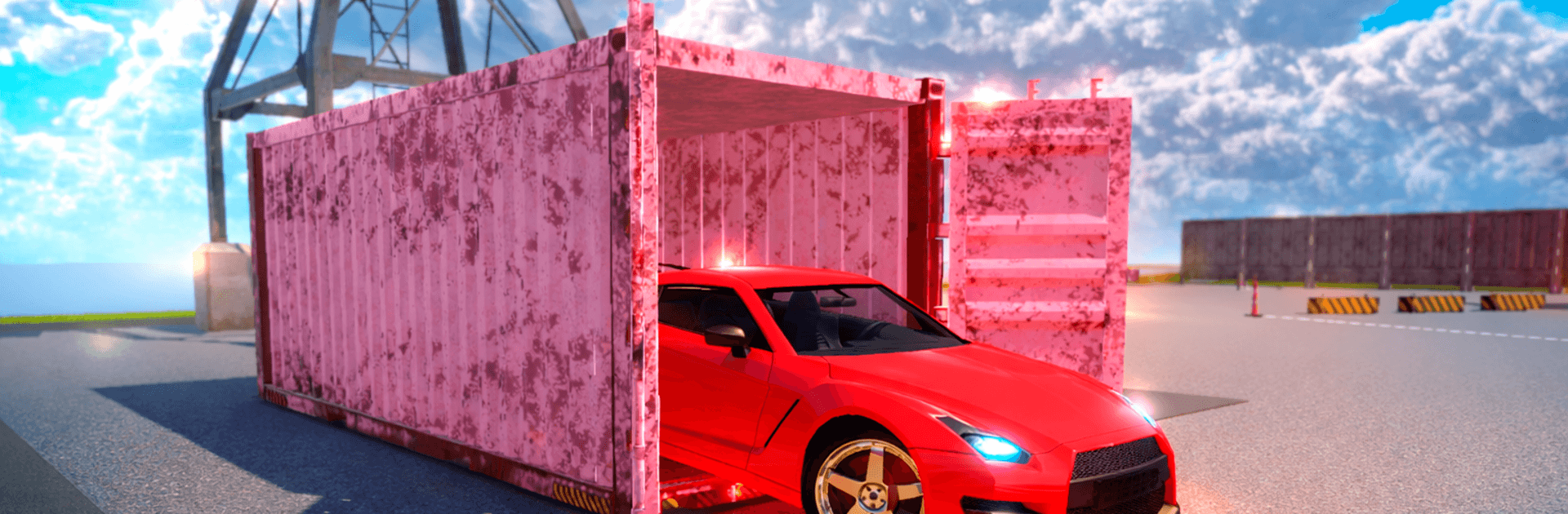
Container Opening 2 – Cars is a Simulation game all about that “what’s inside?” thrill. Crack open cargo containers, uncover surprise vehicles, and slowly turn a humble start into a brag-worthy garage. You’ll juggle collecting, trading, and smart timing as you chase the rarest rides and climb the rankings.

Game Features

  • Container surprises: Pop containers and reveal anything from everyday cruisers to absolute unicorns. Every open feels like a mini-lottery for your next favorite car.
  • Real trading, real deals: Use the marketplace to buy, sell, or swap cars with other players. License plates are their own collectible too—hunt clever combos and flip them for value.
  • Country-themed collections: Explore containers inspired by global car scenes—Dubai, USA, Germany, Italy, England, Japan, and Russia—each with its own style and vehicle pool.
  • Multiple ports and maps: Travel between themed ports with distinct visuals and drop tables. Target certain locations when you’re chasing a specific model or rarity.
  • Rarity chase: Build sets across common, rare, legendary, and exclusive tiers. Some cars only appear in certain ports, so planning your route pays off.
  • Leaderboard race: Track your progression, compare collections, and work your way into the top collector spots. It’s not just what you own—it’s how you curate it.
  • Garage you’ll be proud of: Expand storage, sort by rarity and country, and keep everything tidy so you can actually find that one special ride when it matters.
  • Optional PC play: Prefer a bigger screen and smooth controls? You can play on BlueStacks for crisp visuals while managing your collection.

Start playing Container Opening 2 – Cars on BlueStacks and get a smoother, more comfortable PC or Mac setup.


Game Features

Enhancements

  • Macros
  • Multi Instance
  • Multi Instance Sync
  • Script
  • Enhancements
Macros

Macros

Automate the predictable in Container Opening 2 – Cars and transform your gameplay with Macros. Get access to inventive Macros in the BlueStacks Macro Community
Multi Instance

Multi Instance

Play Container Opening 2 – Cars on one window. And chat with your friend on the other. Press CTRL + Shift + 8 to open the Multi-Instance Manager. And start creating fresh instances or clone an existing one.
Multi Instance Sync

Multi Instance Sync

Play Container Opening 2 – Cars with the power of Multi-Instance Sync. Replicate what you are doing on the main instance on all other instances. Level up faster, play more.
Script

Script

Script your way to gaming glory in Container Opening 2 – Cars with BlueStacks Script. Write and run a set of commands to automate repeated tasks. Trigger the command by assigning it to any key.
Read More

How to Download and Play Container Opening 2 – Cars on PC or Mac

  • Download and install BlueStacks on your PC or Mac

  • Complete Google sign-in to access the Play Store, or do it later

  • Look for Container Opening 2 – Cars in the search bar at the top right corner

  • Click to install Container Opening 2 – Cars from the search results

  • Complete Google sign-in (if you skipped step 2) to install Container Opening 2 – Cars

  • Click the Container Opening 2 – Cars icon on the home screen to start playing

video
Watch Video

Minimum System Requirements

With BlueStacks 5, you can get started on a PC that fulfills the following requirements.

  • Operating System

    Microsoft Windows 7 or above, macOS 11 (Big Sur) or above

  • Processor

    Intel, AMD or Apple Silicon Processor

  • RAM

    at least 4GB

  • HDD

    10GB Free Disk Space

Note:

* You must be an Administrator on your PC. Up to date graphics drivers from Microsoft or the chipset vendor.

Container Opening 2 – Cars - FAQs

  • How to play Container Opening 2 – Cars on Windows PC & Mac?

    Play Container Opening 2 – Cars on your PC or Mac by following these simple steps.

    • Click on 'Play Container Opening 2 – Cars on PC’ to download BlueStacks
    • Install it and log-in to Google Play Store
    • Launch and play the game.
  • Why is BlueStacks the fastest and safest platform to play games on PC?

    BlueStacks respects your privacy and is always safe and secure to use. It does not carry any malware, spyware, or any sort of additional software that could harm your PC.

    It is engineered to optimize speed and performance for a seamless gaming experience.

  • What are Container Opening 2 – Cars PC requirements?

    Minimum requirement to run Container Opening 2 – Cars on your PC

    • OS: Microsoft Windows 7 or above MacOS 11 (Big Sur) or above
    • Processor: Intel, AMD or Apple Silicon Processor
    • RAM: Your PC must have at least 4GB of RAM. (Note that having 4GB or more disk space is not a substitute for RAM)
    • HDD: 10GB Free Disk Space.
    • You must be an Administrator on your PC.